

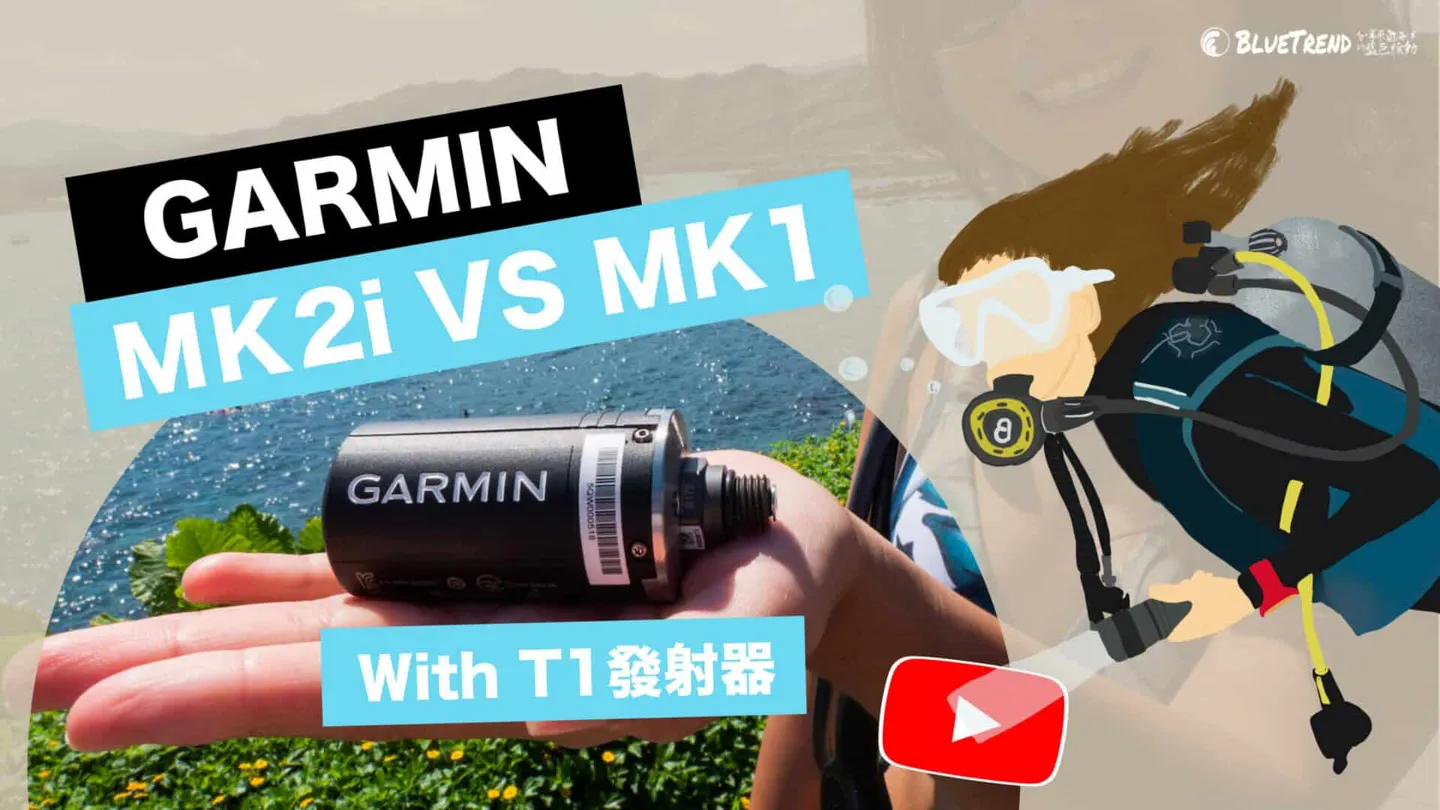


GARMIN released the all-new Descent Mk2 series dive computer at the end of 2020 (further reading: The World's Most Powerful Dive Computer Evolves — When Diving Is More Than Just a Sport: Garmin Descent Mk2 Series). Beyond a number of hardware upgrades, the features that captured everyone's attention are undoubtedly Garmin's proprietary SubWave sonar technology and the new ability to pair with the Descent T1 transmitter to monitor tank pressure. This time, we mounted the Descent T1 on a regulator and took it straight underwater to test it for you (click the video below to start watching)!
How to Install the Garmin Descent T1:
When you receive the Descent T1, remember to use a 10-dollar coin to unscrew the battery compartment and insert the battery. You'll probably wonder where the power button is — the Descent T1 has no power button. You need to attach it to your first stage regulator, then open your scuba tank to trigger the Descent T1 to power on. Once the tank valve is open, pair it with your Descent Mk2i by following these steps:
- Press and hold the middle-left button to enter the settings menu.
- Scroll down to "Sensors" and press the upper-right button to confirm.
- Select "Add" and press the upper-right button to confirm.
- Scroll down to "Transmitter" and press the upper-right button to confirm — the watch will begin searching.
- Once pairing is complete, the transmitter will be detected automatically for all future dives; you do not need to repeat this process.
Because one Descent Mk2i can simultaneously monitor up to 5 Descent T1 transmitters, you can also name your transmitter and those of up to 4 dive buddies for easy identification. One important note: only the Mk2i has the transmitter receiving function, so be sure to confirm the exact model with the shop before purchasing!
Now for a hard-won lesson from the Editor: the first time I got the Descent T1, I was thrilled and ready to jump in the water — only to discover when it came time to assemble everything that my first stage regulator's high-pressure port was too narrow, and the chunky Descent T1 couldn't be installed properly, so I had to give up. The second time I tried to dive, I specifically bought a high-pressure extension hose, only to be told I'd also need an additional "high-pressure port adapter" to make it work. So please be sure to ask the shop about compatibility before you buy, to avoid disappointment!

Some first stage regulators have port designs that allow the Descent T1 to be installed directly.
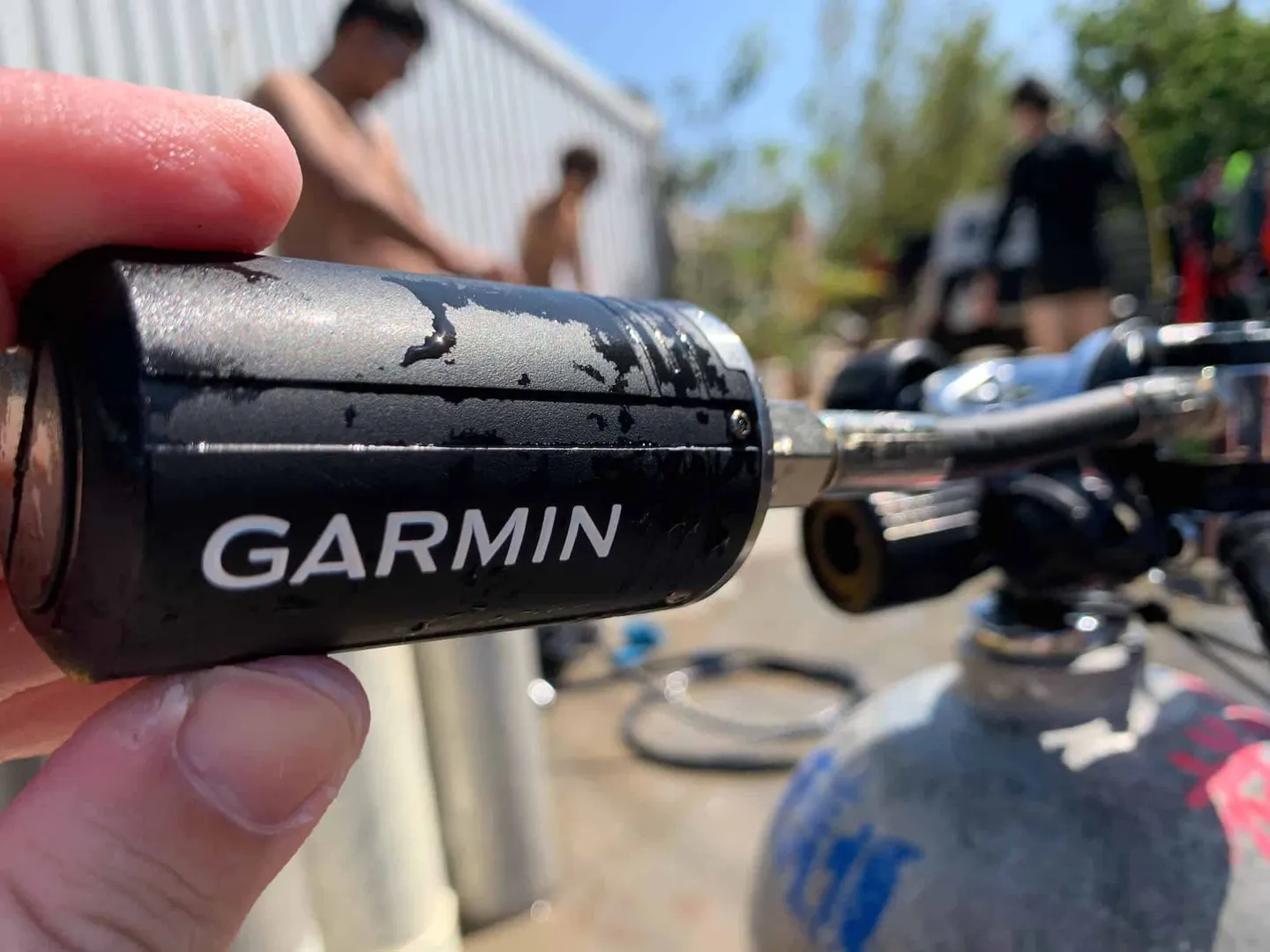
Some first stage regulators require a high-pressure extension hose for installation.
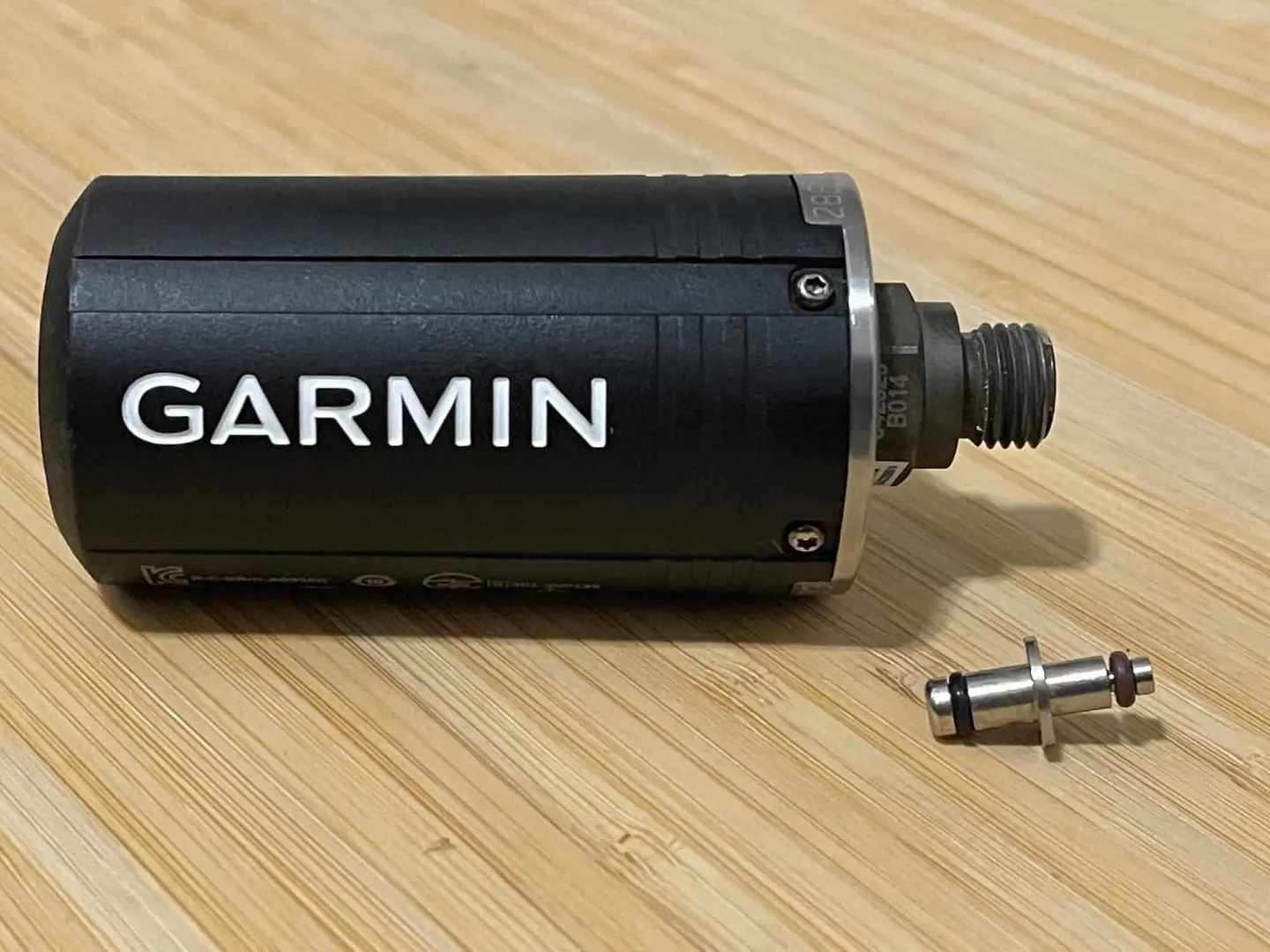
In that case, you'll need to additionally install a "high-pressure port adapter."
Descent Mk2 Series Underwater Interface Performance:
The biggest difference between the two generations is that the Descent Mk2 series display is 36% larger — a major benefit for divers who struggle with farsightedness. The overall interface offers more data fields, allowing you to see comprehensive information on a single screen. You can also customise the data fields to suit your preferences; for instance, if you find the heart rate reading less useful, you can simply swap it out for something else, making the experience much more personalised. The display resolution has also been upgraded from 240×240 pixels on the first generation to 280×280 pixels on the second, and the difference in image clarity is immediately noticeable. (Official Mk1 vs. Mk2 Series Comparison Chart)
Because the Descent T1's pressure (SPG) readings are now integrated, the layout of the interface has changed slightly compared to the first generation, but in terms of operational logic and readability, it should be fairly easy to pick up. Thanks to the Descent T1 tank pressure monitoring function, you can also go into the dive settings and adjust the gas consumption rate settings (Pressure SAC / Volume SAC / RMV).
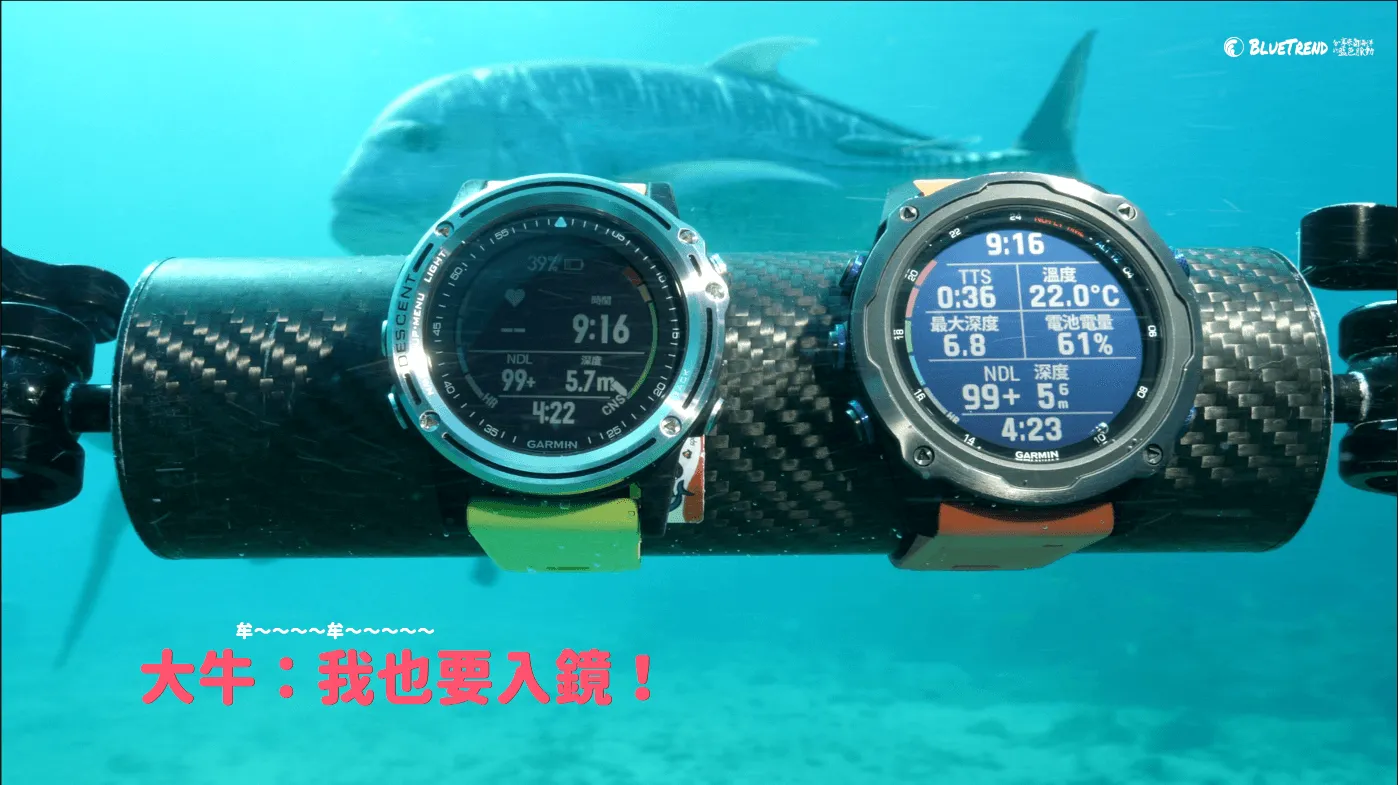
A 36% larger display makes information clearer and easier to read.
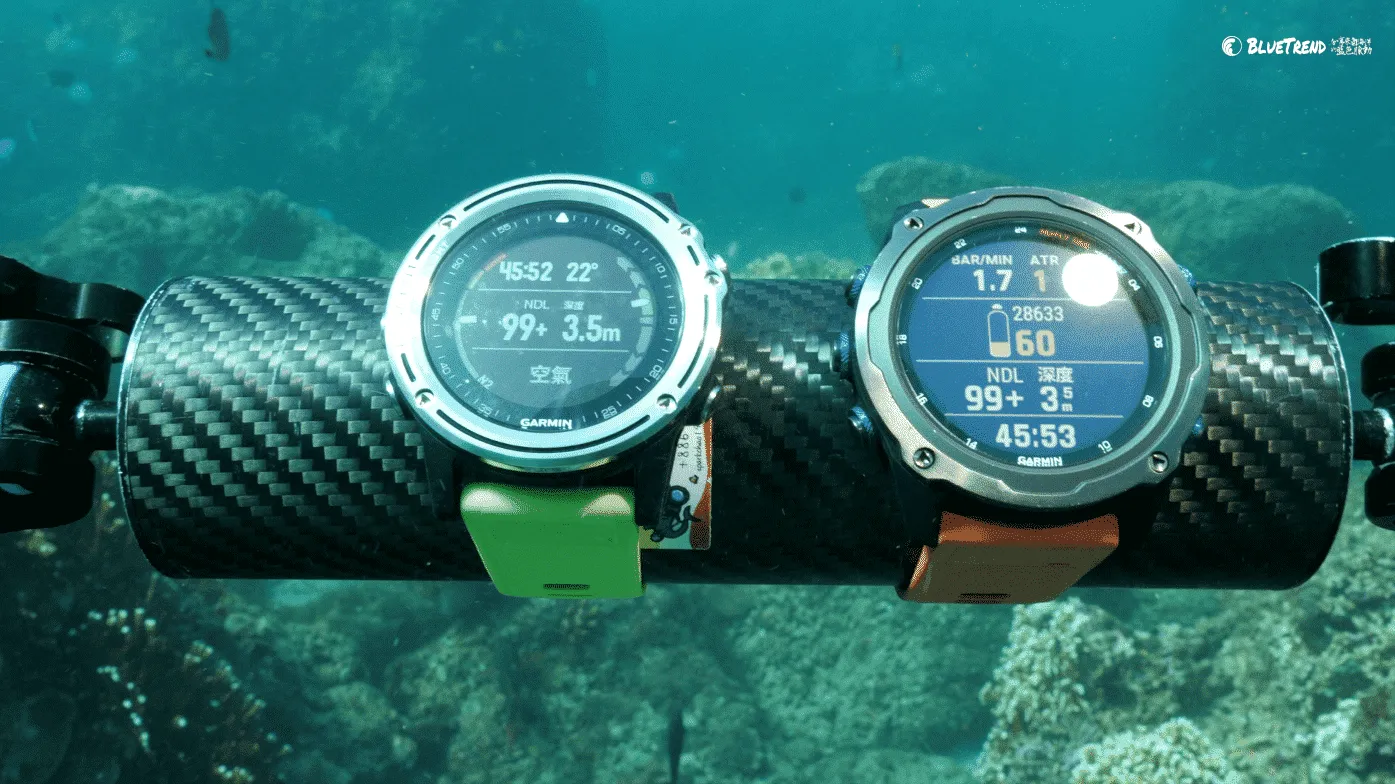
With the Descent Mk2i and Descent T1, you can monitor your tank pressure at any time and keep track of your gas consumption rate, making dive planning easier than ever.
Is the Descent Mk2i + Descent T1 Worth Buying?
The Editor's view is that for GARMIN, the Descent Mk2i is not a replacement for the Mk1 but rather the launch of an entirely new product line — and you can see that reflected in the feature segmentation and pricing. If you're already a Mk1 owner and don't have a pressing need for transmitter-based pressure monitoring, there may be no rush to upgrade. However, if you're currently considering getting into the Garmin Descent dive computer lineup, we highly recommend going straight for the Descent Mk2 — the larger display and thoughtful UI design are the kind of thing you simply can't go back from once you've experienced them. As for whether to go all-in on the Descent Mk2i + Descent T1, that depends on the depth of your wallet and your laziness index — just kidding! It really comes down to your diving habits. For example, the Editor often dives with a camera, shooting marine life, so having tank pressure monitoring on the dive computer is extremely convenient — no need to keep reaching over with my right hand to check the pressure gauge (SPG), freeing me to keep my focus on the camera screen. Your money doesn't disappear; it just transforms into the shape of something you love!



![[What's This Gear?] Simple, But Far From Basic — The GARMIN Descent G1 Solar GPS Dive Computer, First Look at DRT SHOW 2022!](/_astro/DSC00360_Z4v0e2.webp)