




Is your dive shop top-notch? BlueTrend is here to give you free exposure! A brand-new chapter in 2024 — dive shops, take note!
-
Free website listing — get your dive shop on the map at no cost
-
Info links direct visitors straight to your dive shop's webpage
-
No borders, no limits — global listings all in one place
-
Sites organized by region for easy, at-a-glance browsing
Step 1: Create an Account
First things first — you'll need to register an account! >> Registration Link
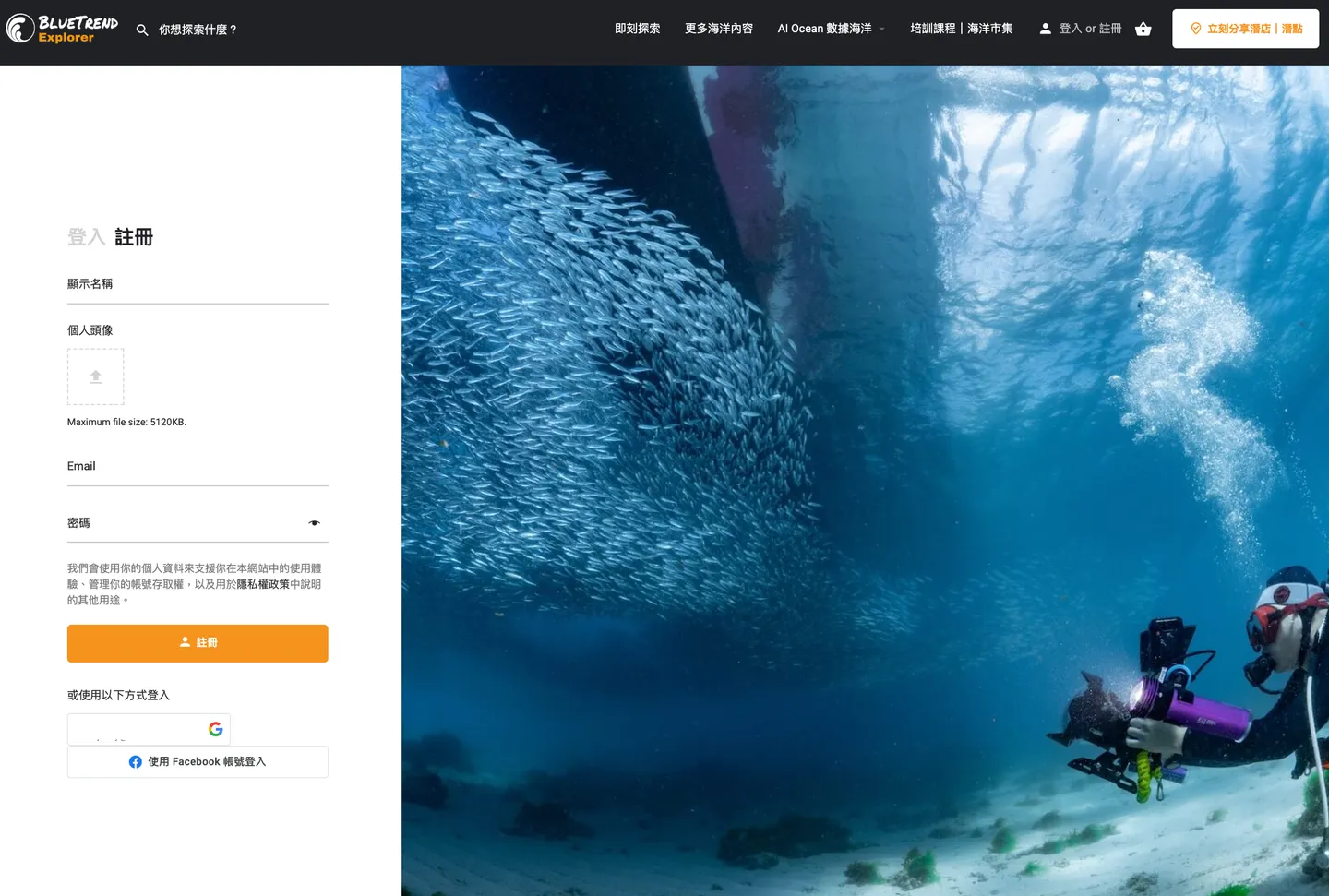
You can also sign up instantly with Google or Facebook
Step 2: Share Your Dive Shop or Dive Site
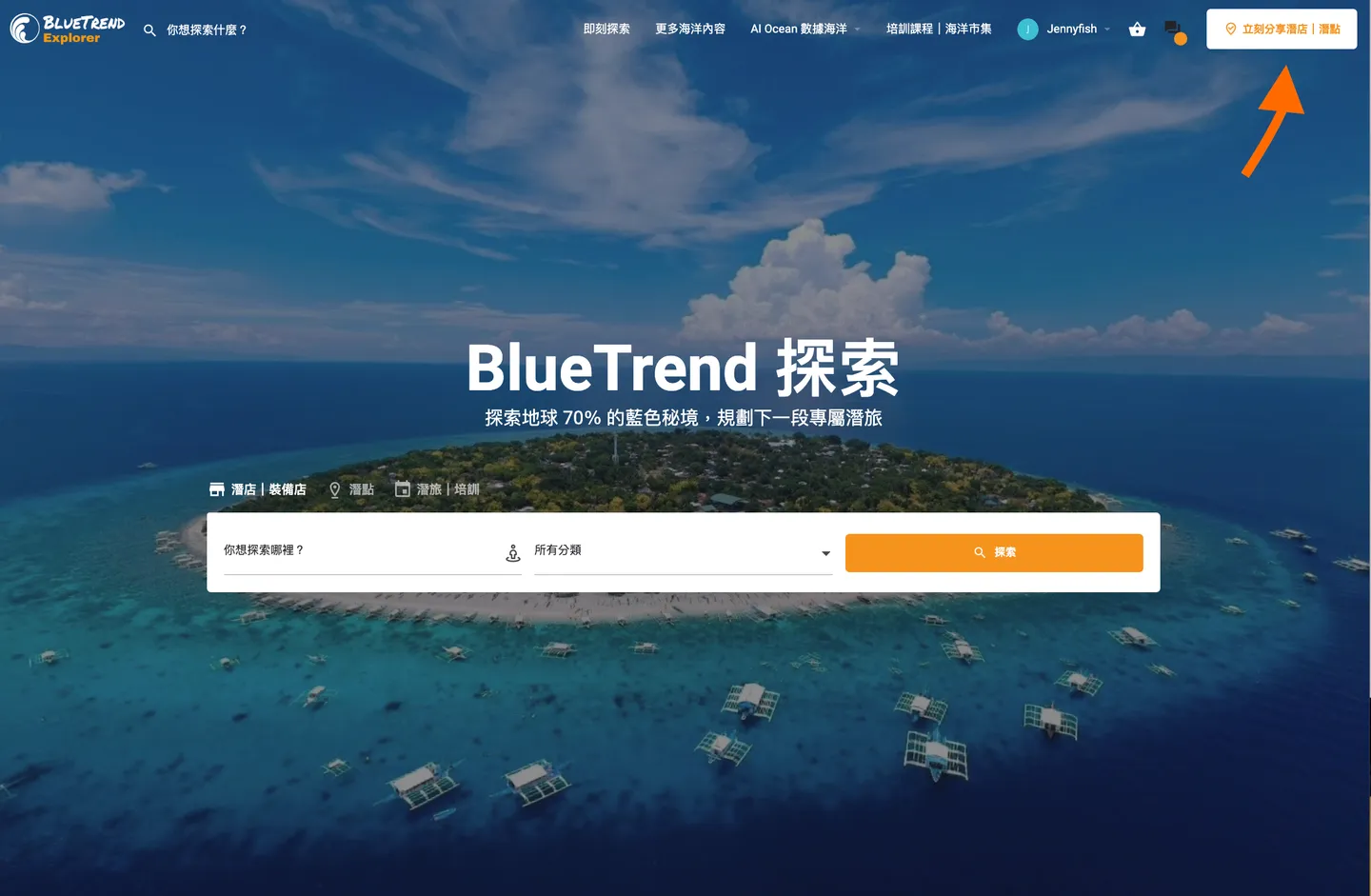
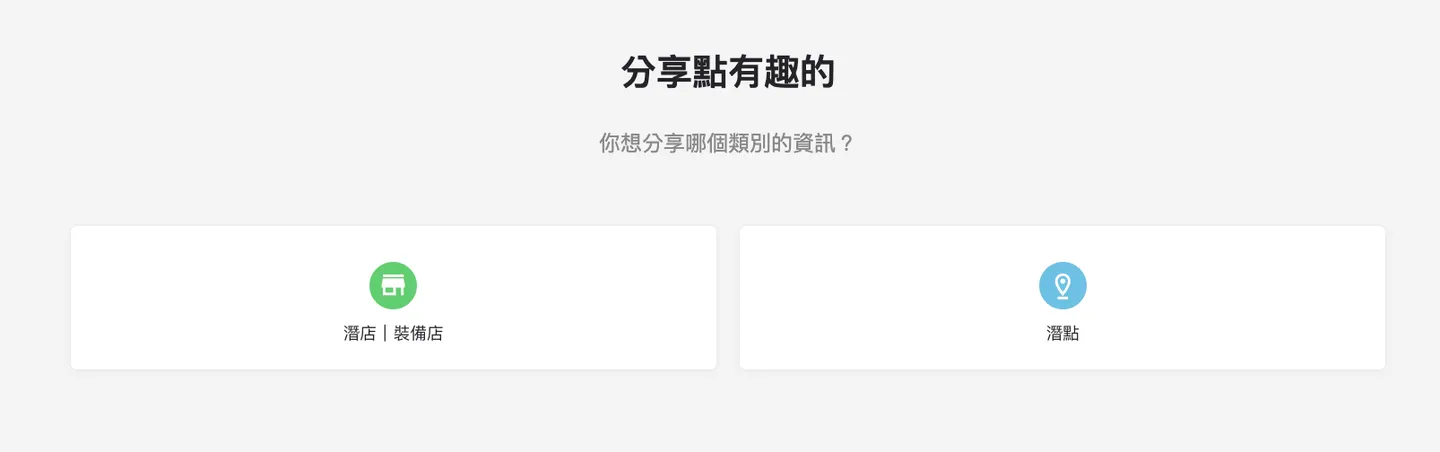
Once registered and logged in, click "Share a Dive Shop / Dive Site" in the top-right corner, then choose the type of listing you'd like to submit based on your needs.
Step 3: Fill In Your Details
Main Information
Follow the on-screen prompts and fill in the relevant information. A tip from the Editor: using bullet points will make your listing much easier to read!
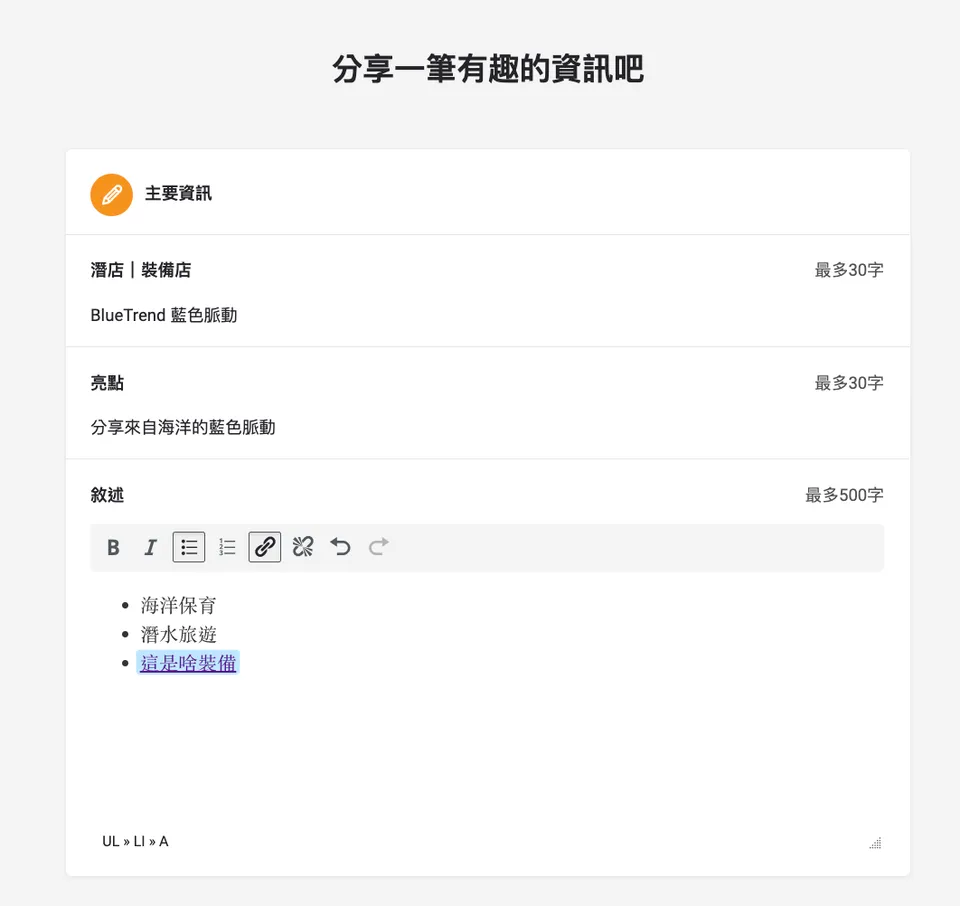
Don't forget — you can also add hyperlinks!
Services Offered
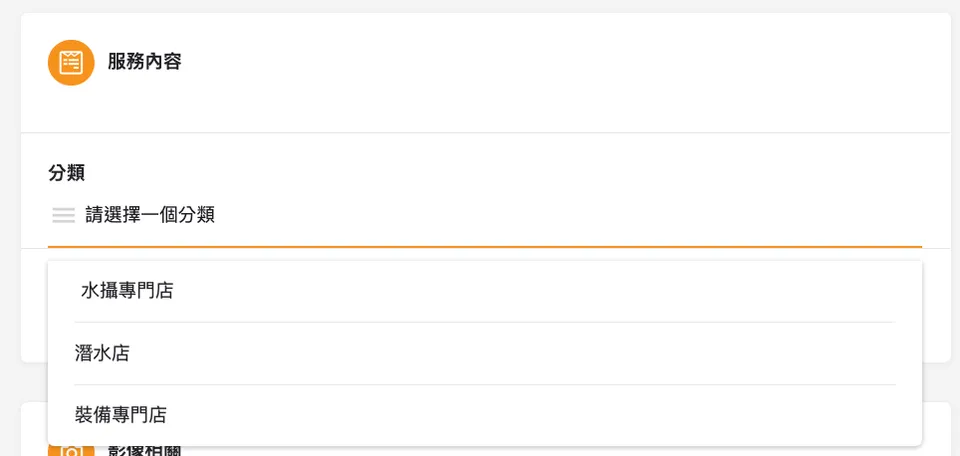
Select categories that match your shop's profile
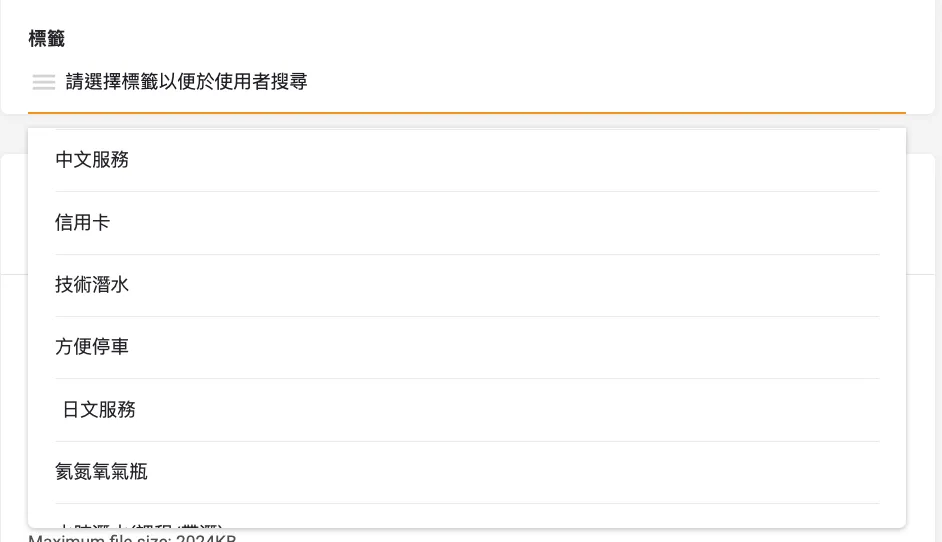
You can select as many tags as you like!
Images
When it comes to images, choose your most representative photos — and make sure each file is under 5mb to keep your page loading smoothly!
A tip from the Editor: uploading exactly 9 photos will give your listing the best-looking layout!
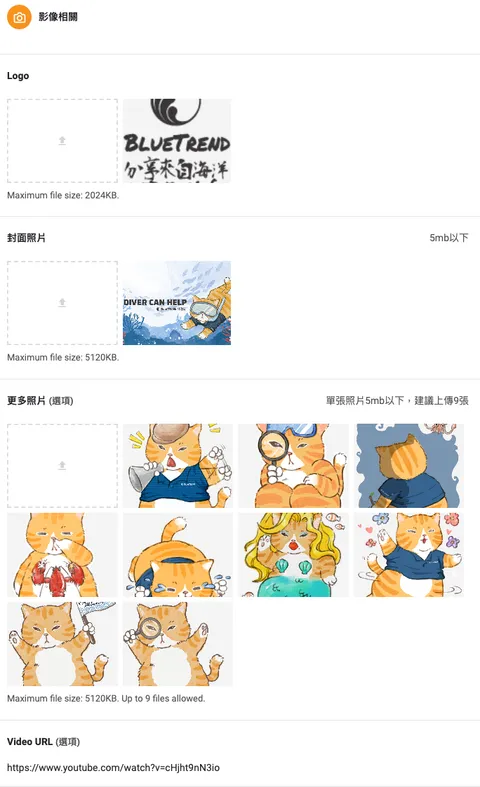
Paste a link into the Video URL field below to embed a video directly on your page
Contact Information & Social Media
Make sure your contact details are as clear and complete as possible so readers can find you quickly!
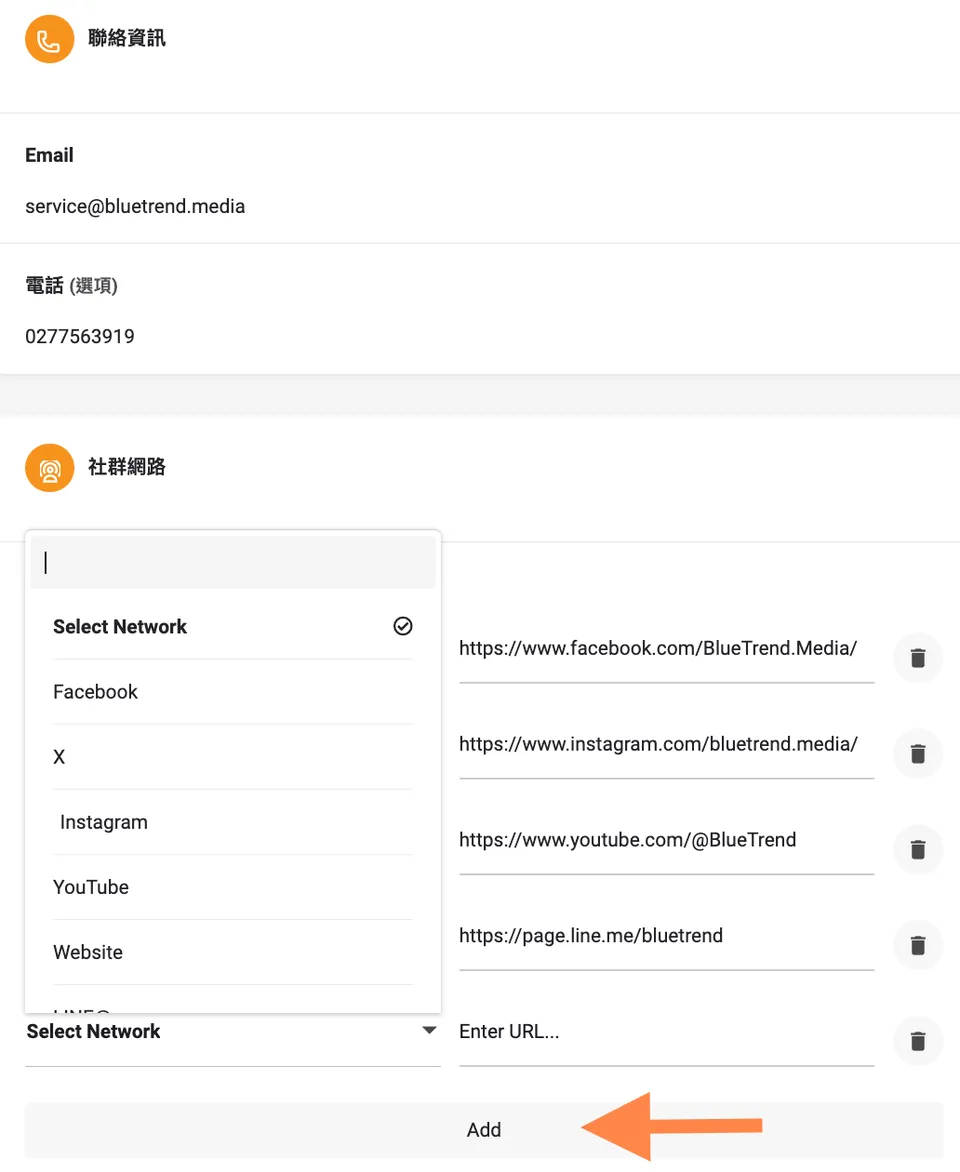
Click the arrow to add different social media platforms or websites
Business Hours
You can set different hours for each day of the week. When selecting your time zone, note that it is searched by the local capital city.
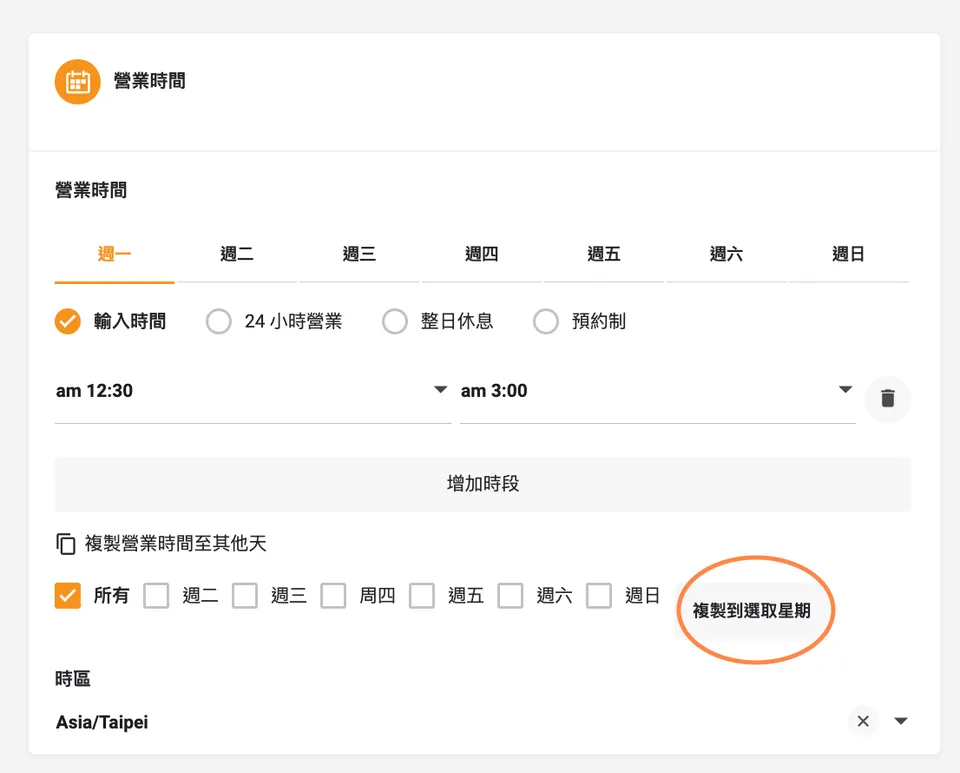
Click the highlighted button to copy the same hours to all other days at once
Location
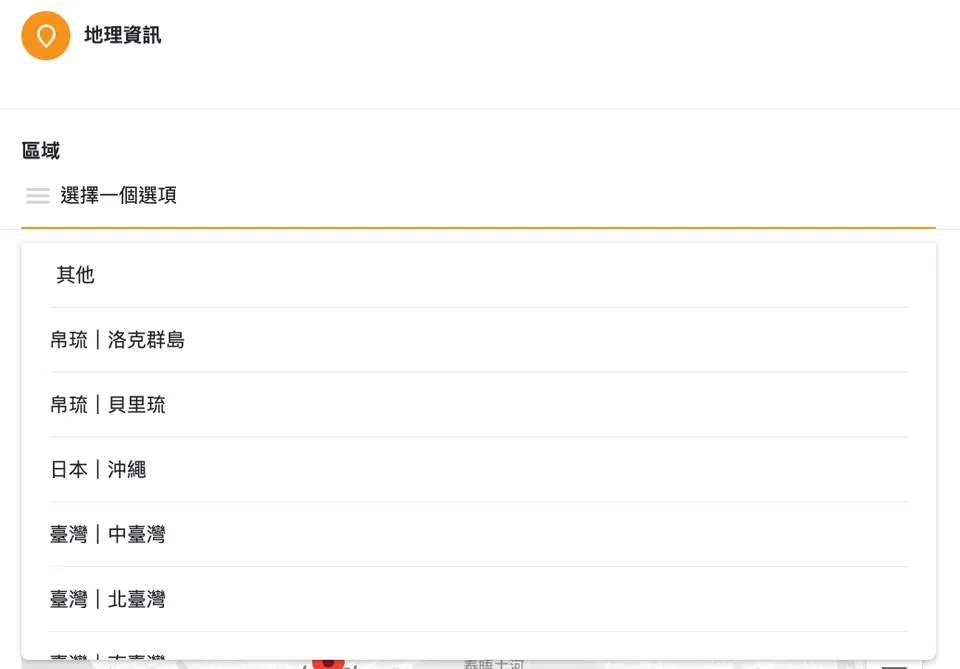
Next, enter your location. Only a selection of regions are currently available in the dropdown menu — if yours isn't listed, please choose "Other." Once enough listings accumulate in a given area, the Editor will add it as its own region.
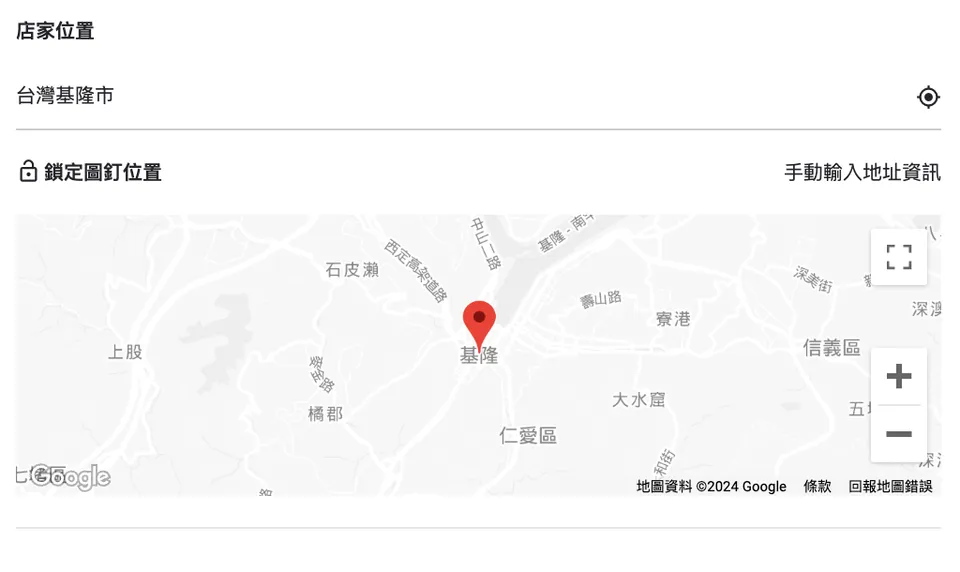
Enter your address and the map pin below will automatically jump to your location.
Other
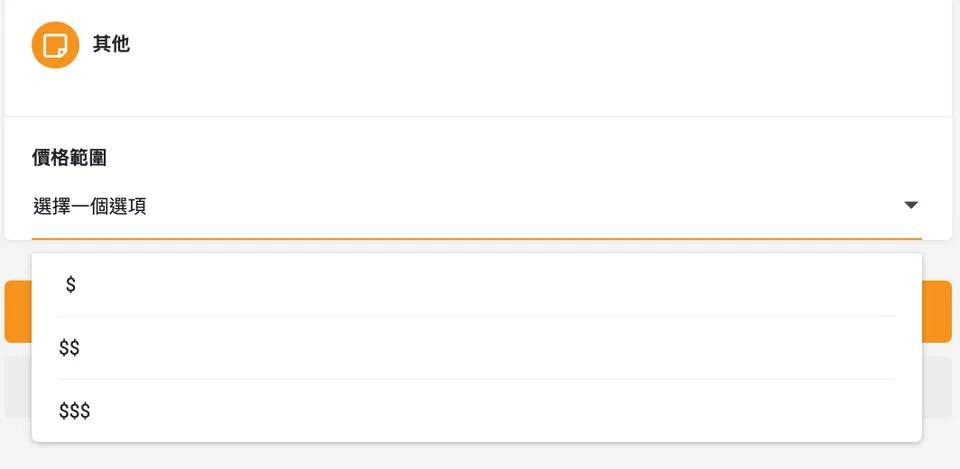
Select the price range that best reflects your shop — the higher the prices, the more $$ symbols you should choose.
Final Step: You're All Done!
Once you've filled in all the information above, your listing is complete — pretty easy, right?
But wait! Don't rush to submit just yet. Click the eye icon on the left to preview how your page will look once it's live, and double-check that nothing has been left out.

Once everything looks good, go ahead and submit!
Simple, isn't it? Go ahead and get your dive shop listed today! If you have any questions, feel free to send the Editor a message!
Further Reading:
