Contents(7)
- So the ATMOS Mission One Actually Has a Companion App!
- How Do I Download the App?
- How Do I Sync My Dive Computer Logs to the App?
- My Favorite Features in the App
- You Can Even Create Custom Dive Sites!
- You Can Store Your Certifications on Your Profile!
- Check Recent Water Temperatures at a Dive Site Using the Log Feed
Last year I got into both freediving and scuba diving, and I soon found myself agonizing over which dive computer to buy. After reading countless unboxing articles and watching video reviews from various brands, I finally chose the ATMOS Mission One — on the recommendation of my instructor and dive buddies. Beyond its excellent value for money, the fact that most of my dive buddies already use this watch meant that, as a diving newbie, I'd have people around to ask whenever I ran into any issues.
So the ATMOS Mission One Actually Has a Companion App!
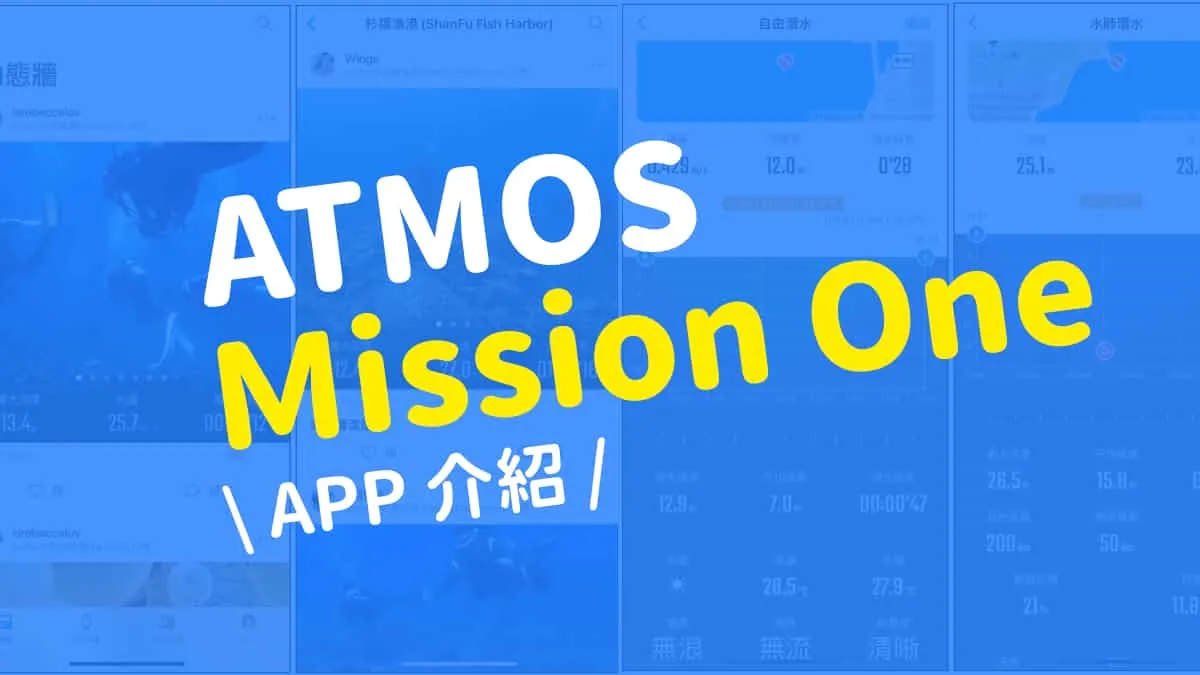
The overall experience of using the app that pairs with the Mission One is really quite good — the interface is clean and simple, and the operation is very user-friendly. Almost everything you find online focuses on unboxing the Mission One dive computer itself, with virtually no articles about the app. In the spirit of not keeping good things to myself, I decided to use my time at home during the pandemic to write an unboxing review of the app and share it with all the ocean lovers using the Mission One.


How Do I Download the App?
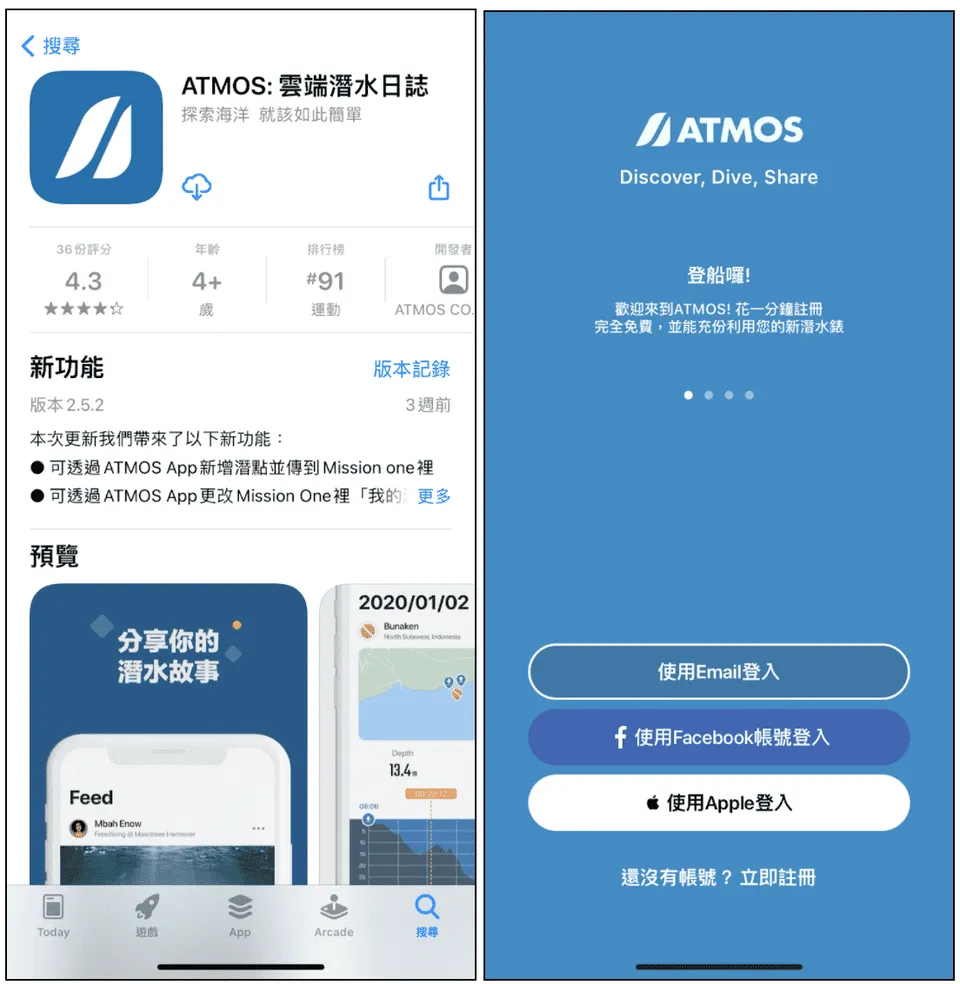
Search for "ATMOS" in the App Store or Play Store, select the logo with a dark navy background that looks like the letter "A," download it, and register an account to log in. When you first sign in, you'll notice that while the activity feed is full of dive logs shared by other ocean lovers, everything else — your devices, your dive log, and your profile — will be empty. That's when you'll want to sync your dive computer's logs to fill things in.
How Do I Sync My Dive Computer Logs to the App?
Go to your device settings, connect your Mission One to the phone app, and tap Sync. You'll see three options: sync dive logs, sync GPS data, and edit my list. My dive buddies told me that syncing GPS data speeds up the watch's location fix, and from my own experience, it really does make a difference — positioning typically completes within 2 minutes. As a side note, "edit my list" is used for creating custom dive sites. Once your logs are synced, you can view and edit them in the dive log section. Each log is categorized by freediving or scuba diving, along with the date, time, and depth, and tapping into each one shows a different detailed view.
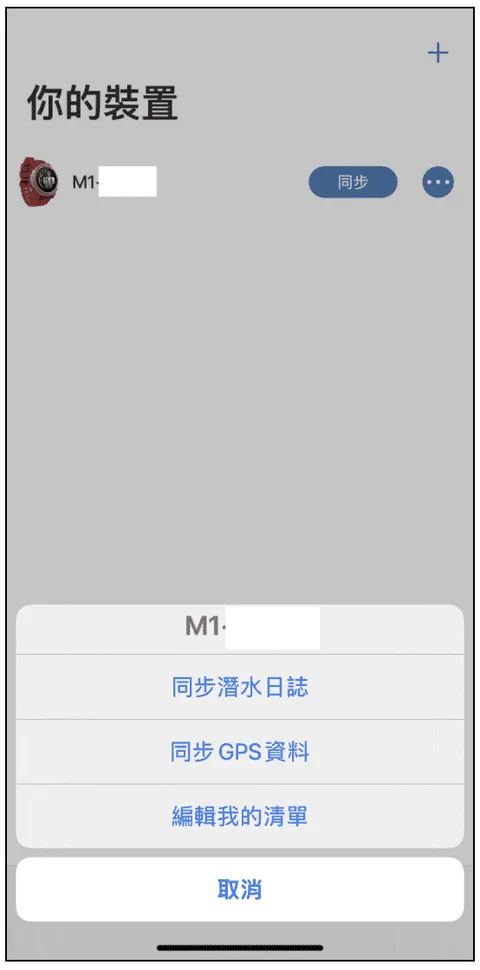
Sync interface
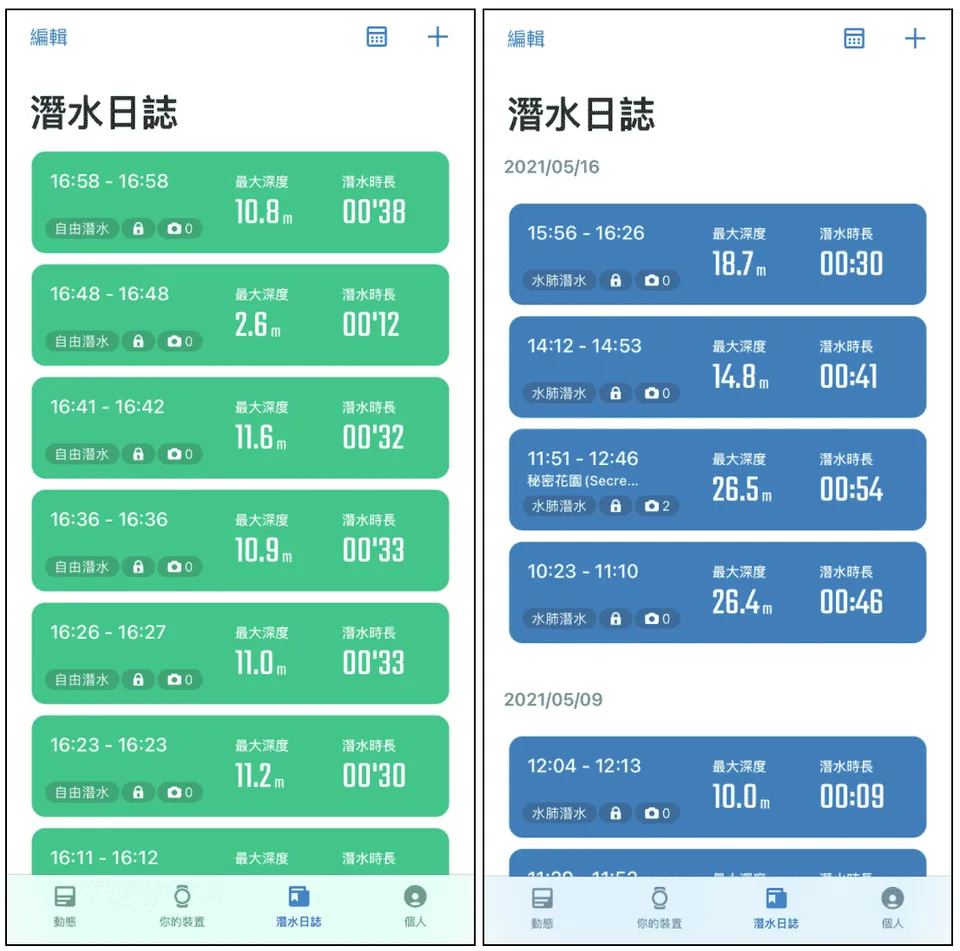
ATMOS APP cloud dive log interface showing freediving logs (green) and scuba logs (blue)
My Favorite Features in the App
As a newbie, I'm in the habit of writing a log after every dive, so I find this app incredibly convenient — I can tap directly into a log to edit it, and there's a depth profile graph I can review. Scrolling along the curve also shows my descent/ascent rate for freediving, and temperature for scuba. On the scuba side, there's one feature I especially recommend: the Surface Air Consumption (SAC) rate calculation. It faithfully records my incremental progress with every dive. I can also add notes to capture my thoughts after each dive, plus upload photos to share on the activity feed or Facebook to connect with fellow ocean lovers.
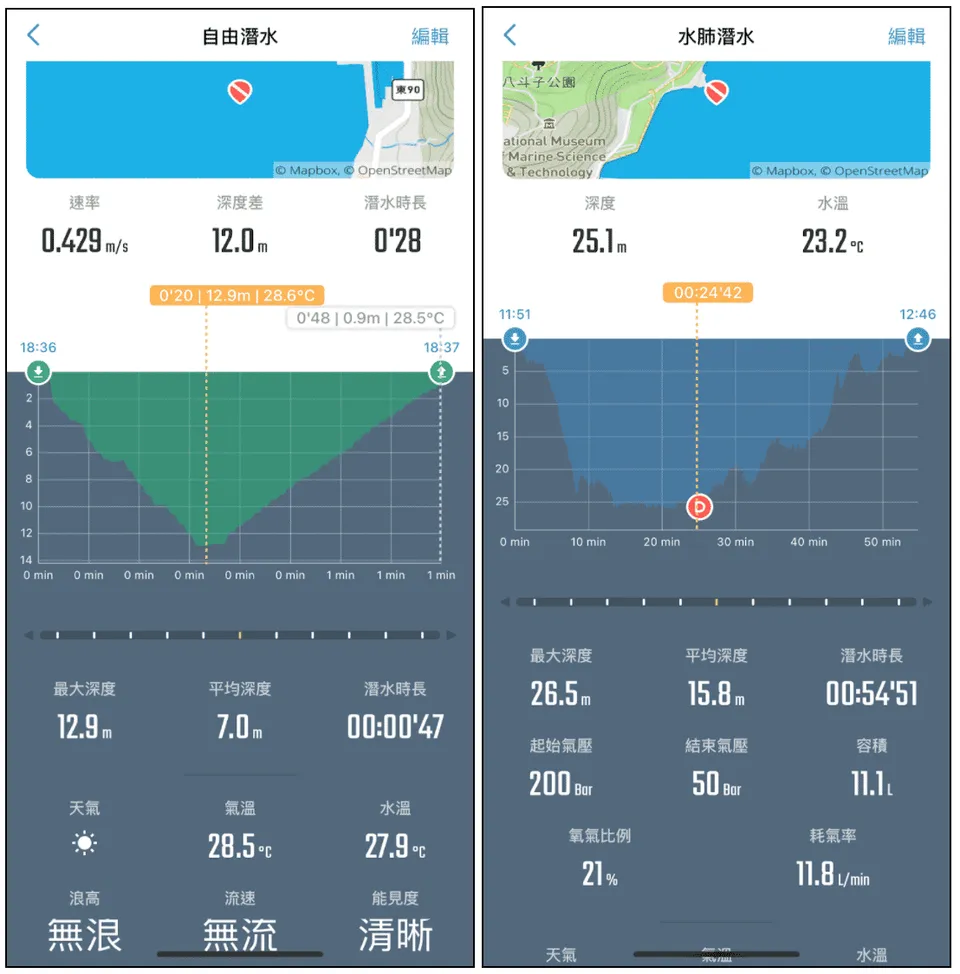
ATMOS APP cloud dive log editing interface
You Can Even Create Custom Dive Sites!
As for "edit my list," I personally think this is a really thoughtful feature. During the May Golden Week holiday this year when I went diving in Green Island, I noticed that the official site list didn't include the Cross dive site, so I decided to try creating it myself. The process is a little involved — I had to figure it out through some trial and error — but I eventually managed it with the help of a tutorial video provided on the ATMOS Facebook page. Here's the relevant link for any ocean lovers who'd like to give it a try.
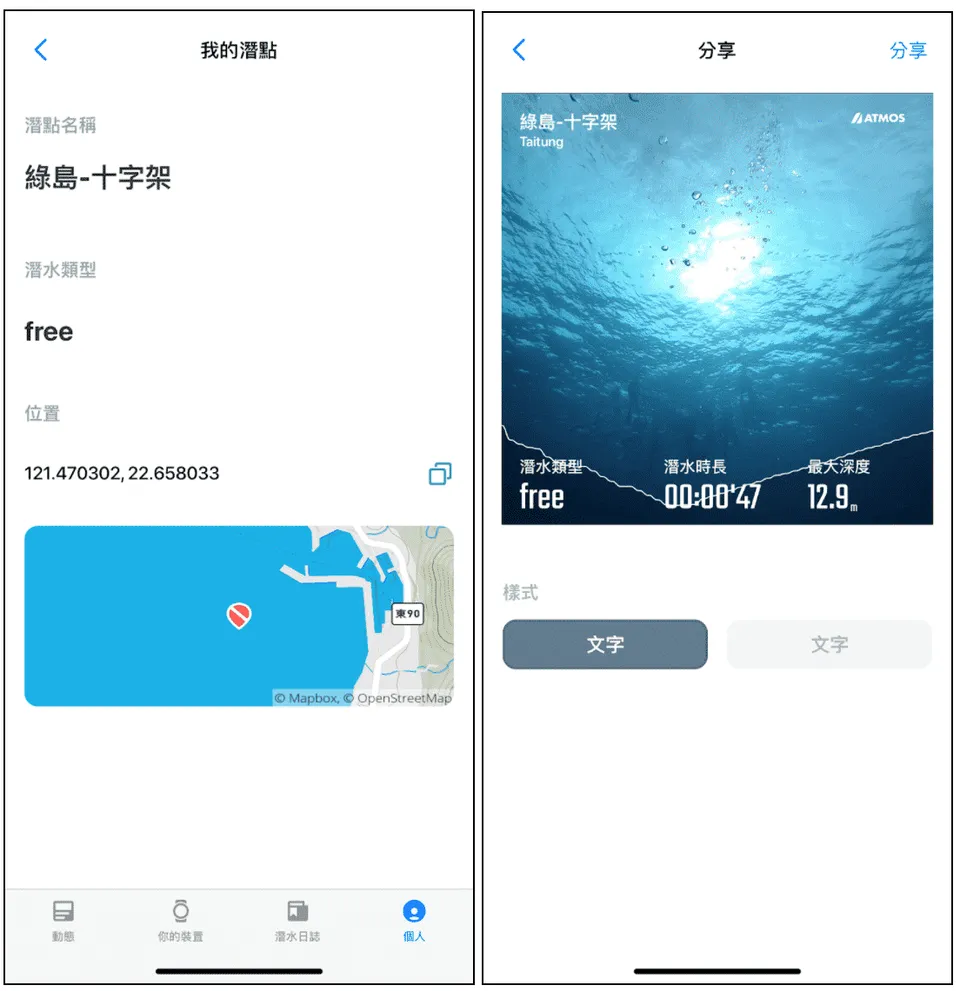
ATMOS APP cloud dive log — custom dive sites, usable in logs and sharing
You Can Store Your Certifications on Your Profile!
The profile page is also thoughtfully designed, summarizing your maximum depth, water temperature, and total number of dives. You can edit your basic information, name, and profile photo, and add a short bio. Best of all, you can add your certification level and a photo of your card — so even if you forget your physical card when you head out to dive, no worries: just pull up the app and show it to the dive shop. And I have to say, I had no idea there were so many certification agencies in the world. There are tons I'd never heard of, and a whole array of interesting specialty certifications, so you'll almost certainly find your own certification on the list.
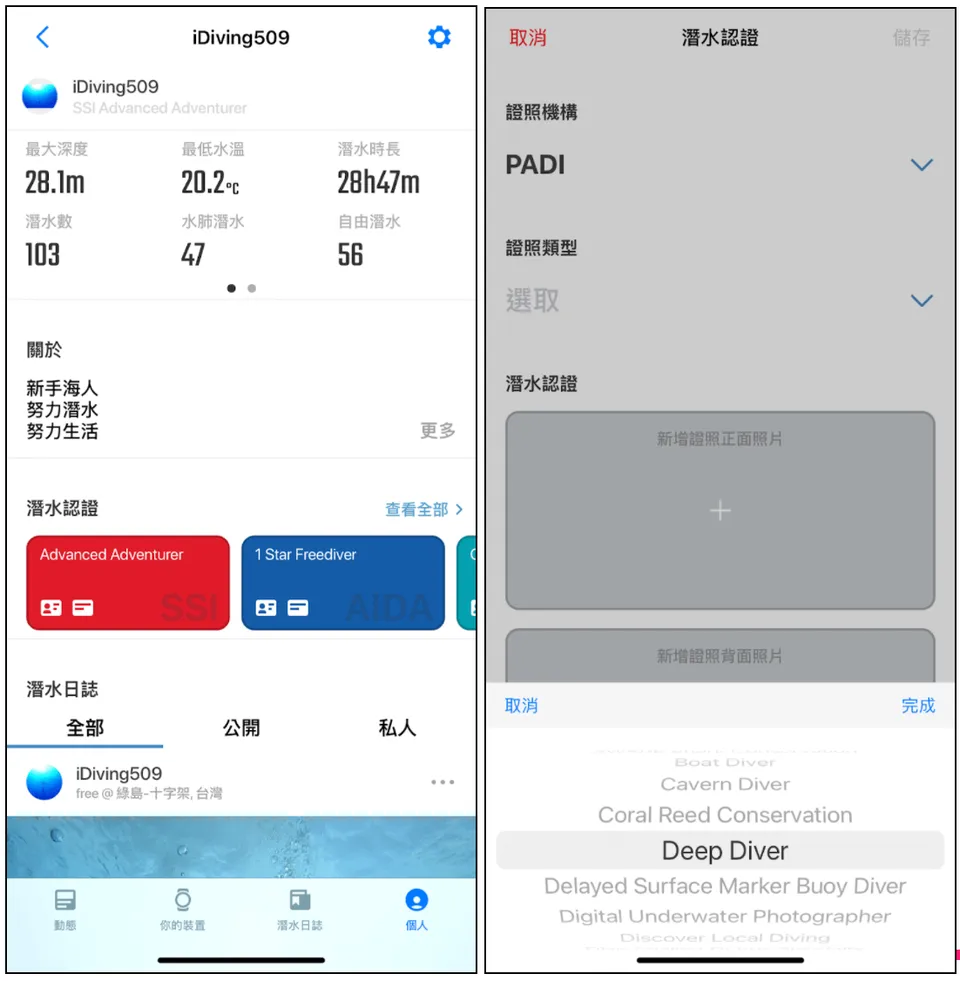
ATMOS APP cloud dive log — personal profile & adding certifications
Check Recent Water Temperatures at a Dive Site Using the Log Feed
The activity feed lets you browse posts shared by fellow ocean lovers. Every time I see the photos they've taken, I feel the urge to get into underwater photography. I can like and comment on great log posts, and also check which dive site each photo was taken at. One piece of information I find really useful is the water temperature display! Before heading out on your next dive trip, just tap the magnifying glass icon in the top-right corner of the activity feed, search for the dive site, and you can check the most recent water temperatures recorded there. If you've added photos to your own logs, they'll appear on the activity feed as well — you can choose whether to make them public or private, and you can share them to other social media platforms like Facebook, Instagram, or LINE.
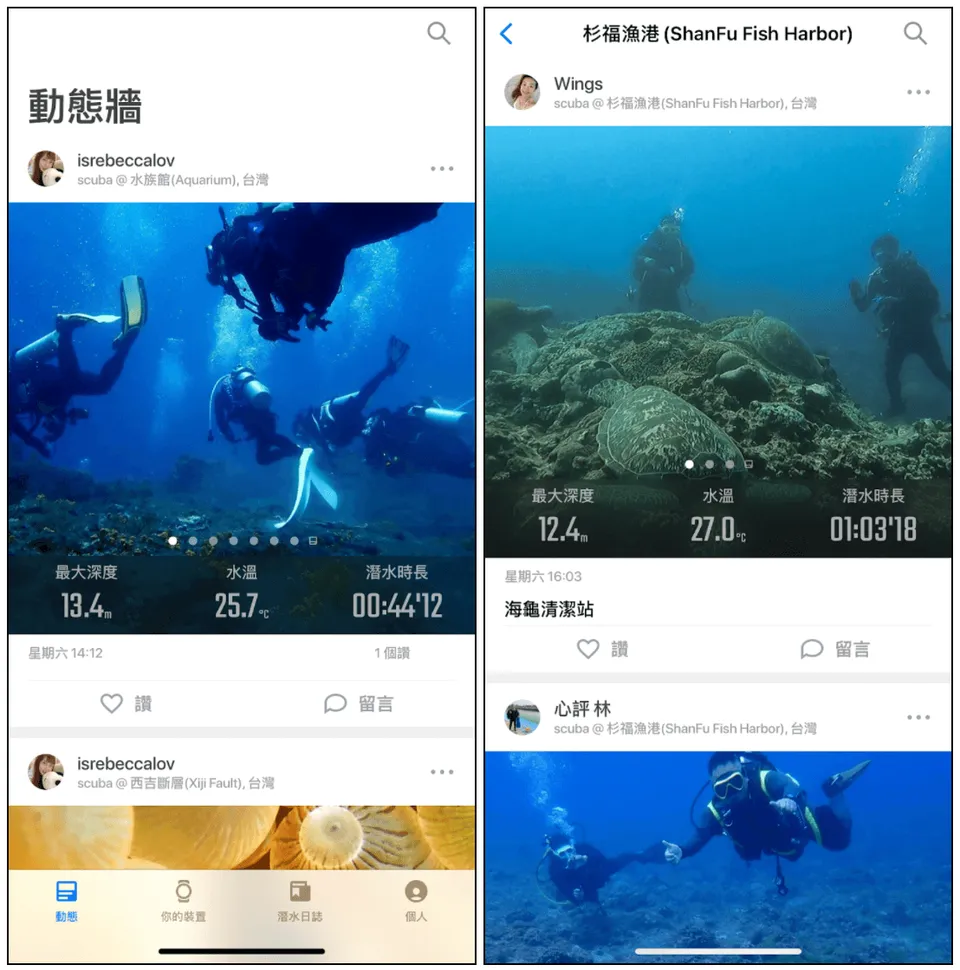
ATMOS APP cloud dive log — activity feed and dive site post search function
ATMOS APP cloud dive log — successfully shared to Instagram
Finally, let me echo the government's call to everyone: please stay home during the pandemic. I know every ocean lover is itching to get in the water and dearly misses the sea — but the ocean will always be there waiting. For now, stay home, organize your dive logs, flip through your photos, and satisfy that craving a little. Hang in there!
That's my experience as a diving newbie. If you have any other thoughts, feel free to discuss in the comments. And feel free to visit my website too: 好好喘口氣-厭世上班族的生活筆記 https://strugglingofficeworker.com/
Further reading: