Contents(6)
3/24 Update: ATMOS MISSION ONE Launch Event Livestream!
Before we dive into the article, let's do something unprecedented and lead with the conclusion:
The ATMOS MISSION ONE is without question the most anticipated dive computer of 2019. It's ideal for beginner divers and highly recommended for dive shops as a training device. Its thoughtful alert system — featuring both vibration and audible notifications — makes it an especially convenient choice for freedivers and underwater photographers shooting with large camera rigs. All of this proves that ATMOS is an outstanding team made up of divers: they've designed the user interface entirely around what divers actually need, and they've made the entire diving experience smoother and more effortless.
At an incredibly wallet-friendly price (retail NT$13,500, including vibration alerts, dive log upload, GPS dive site tagging, and an electronic compass), diving has never been more accessible!
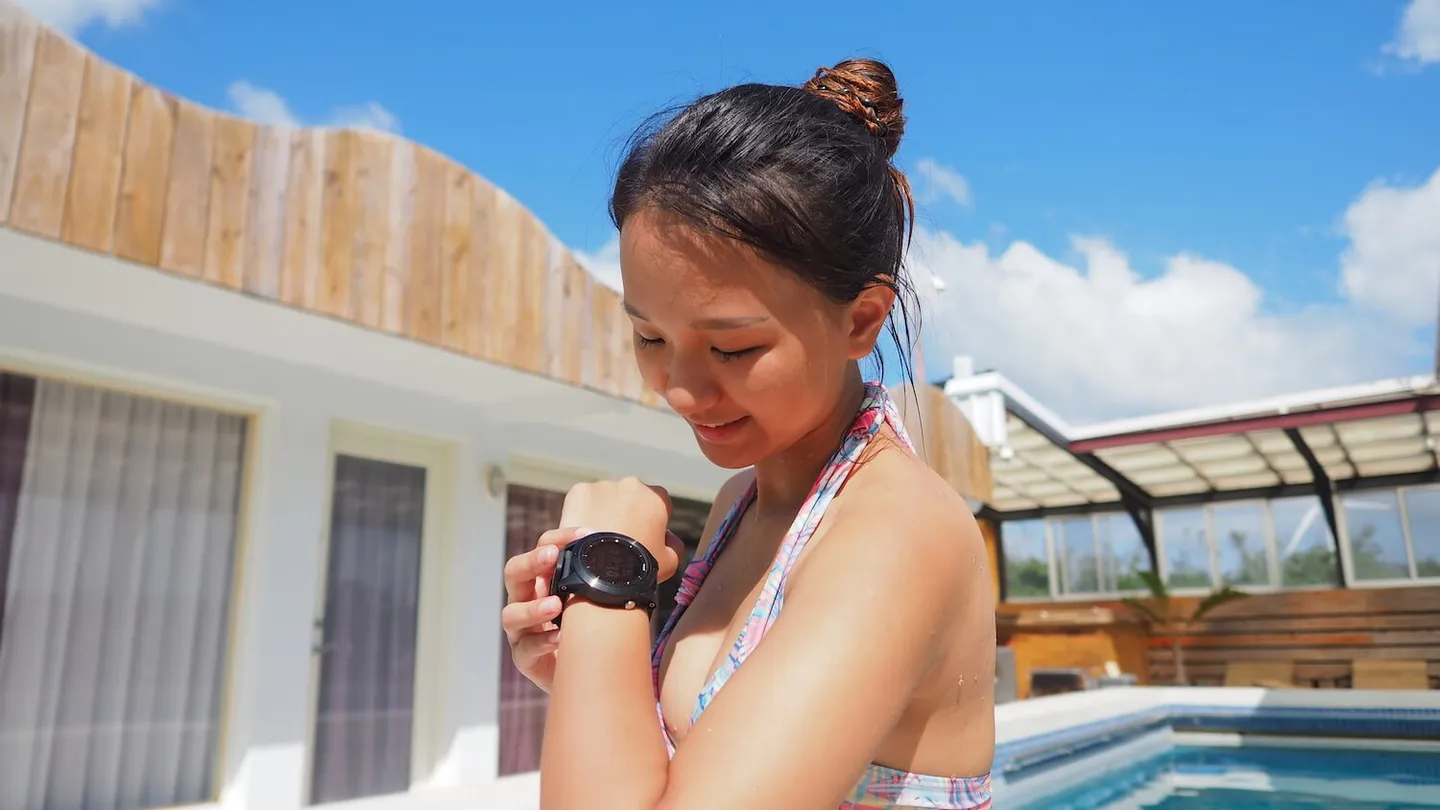
The ATMOS MISSION ONE's design follows the current trend in dive computers: small, compact, and minimalist.
Funnily enough, even after that conclusion, the Editor can't get away with slacking off. Let's go through an unboxing and look at the key highlights one by one!
Appearance:
The ATMOS MISSION ONE follows the current design trend in dive computers — small, compact, and minimalist. That means you'll never end up with an oversized watch face you can only justify wearing underwater, leaving it to collect dust the rest of the time. You can wear the MISSION ONE as an everyday watch in daily life. While it doesn't offer extras like heart rate monitoring or activity tracking the way the GARMIN DESCENT MK1 does, it covers all the bases you'd expect from a smart watch for everyday use.
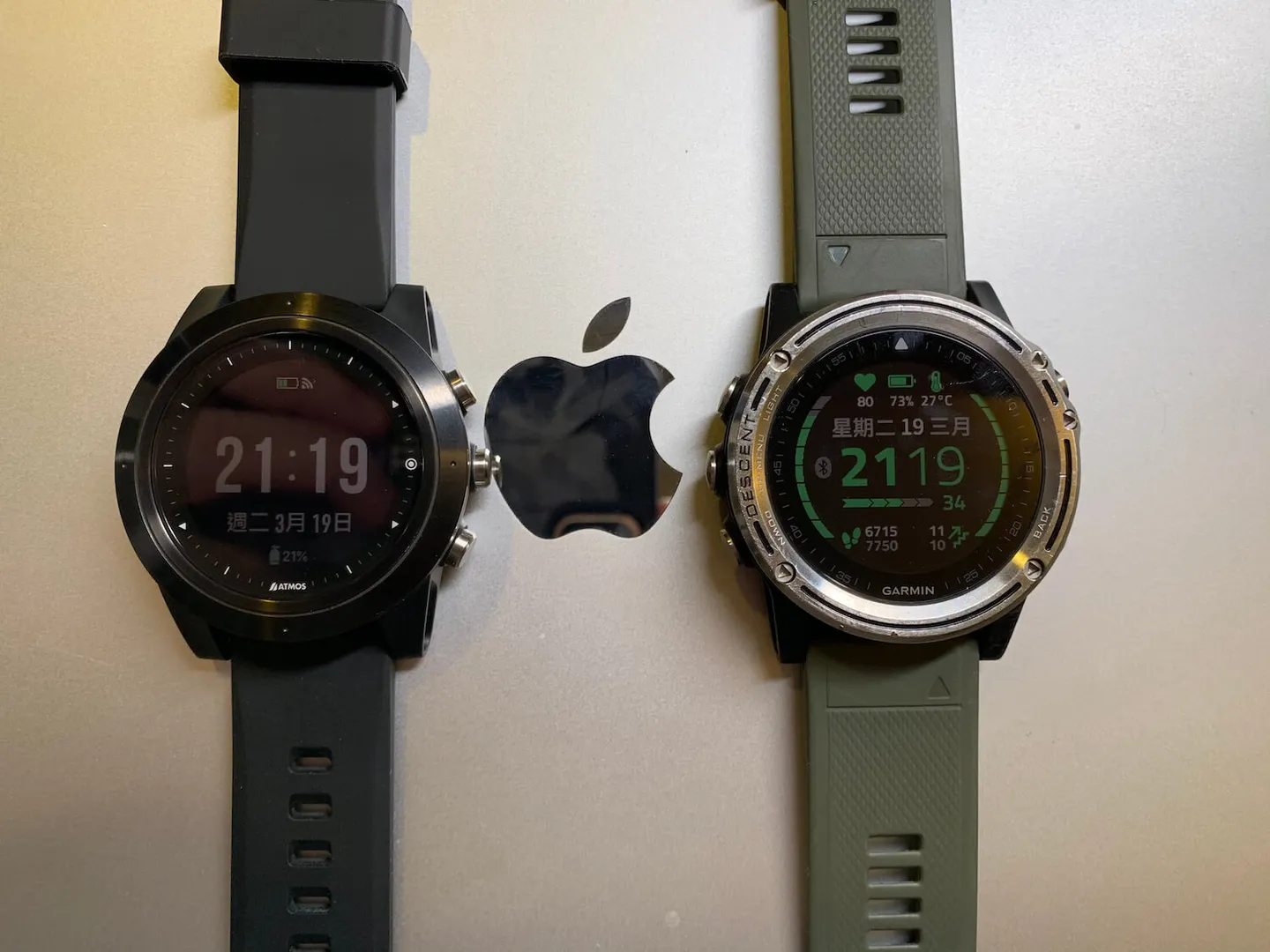
Let's compare the two: on the left is the ATMOS MISSION ONE, and on the right is the GARMIN DESCENT MK1.
For its 2019 launch, the ATMOS MISSION ONE is first available in a sleek matte black. The strap is compatible with any standard 24mm watch band on the market, making it easy to coordinate with everyday outfits. That said, the Editor may have overheard some unofficial whispers that exciting new colorways could be on the way — so stay tuned!
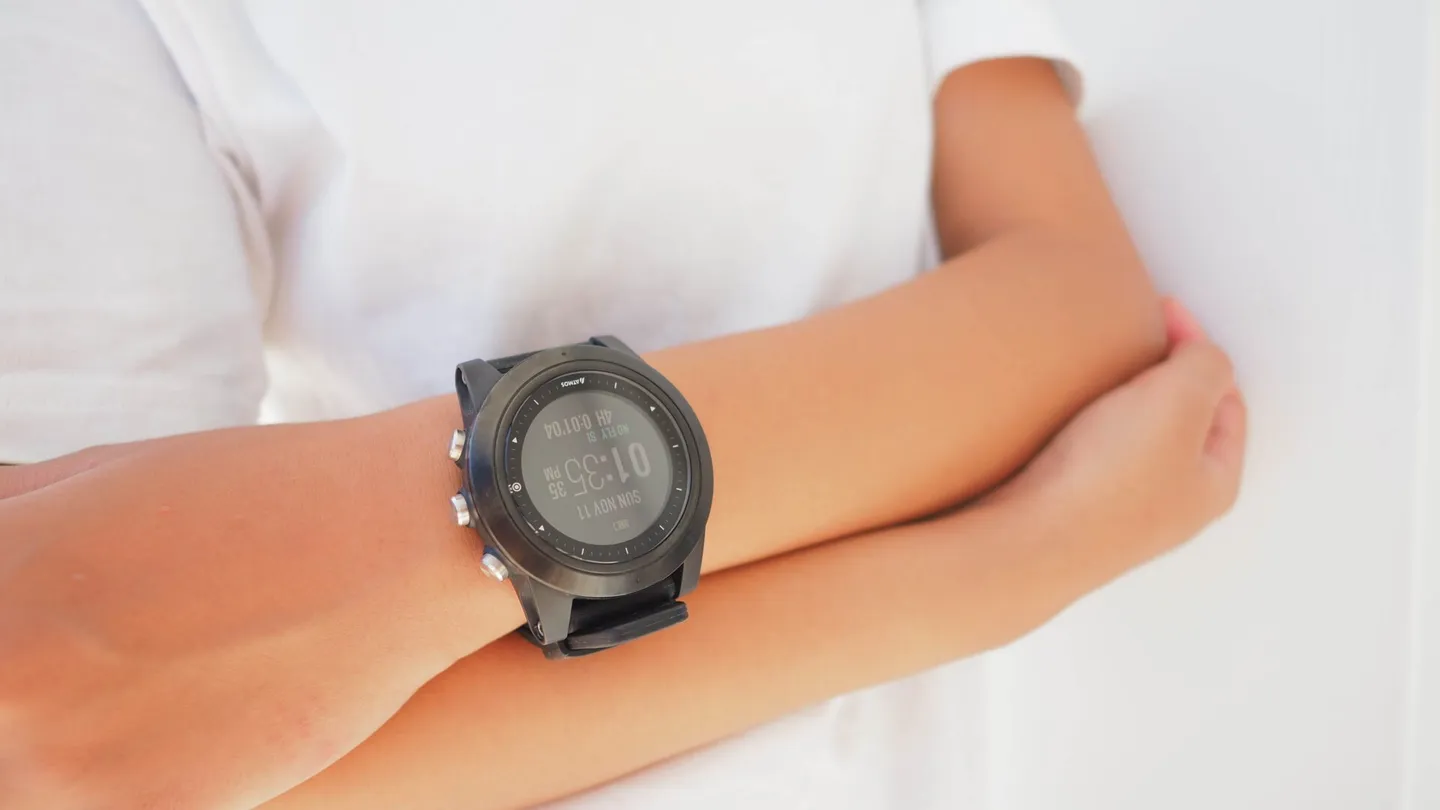
Even on a petite wrist, it doesn't look bulky at all.
When you receive the watch, the package includes a manual, warranty card, charging cable, and the watch itself. The ATMOS MISSION ONE uses a clip-style charger, which keeps it from slipping off during charging. On the back, you'll find the watch's serial number along with a 10ATM rating — every unit is pressure-tested to 10ATM before leaving the factory, so you can rest easy knowing it's watertight.
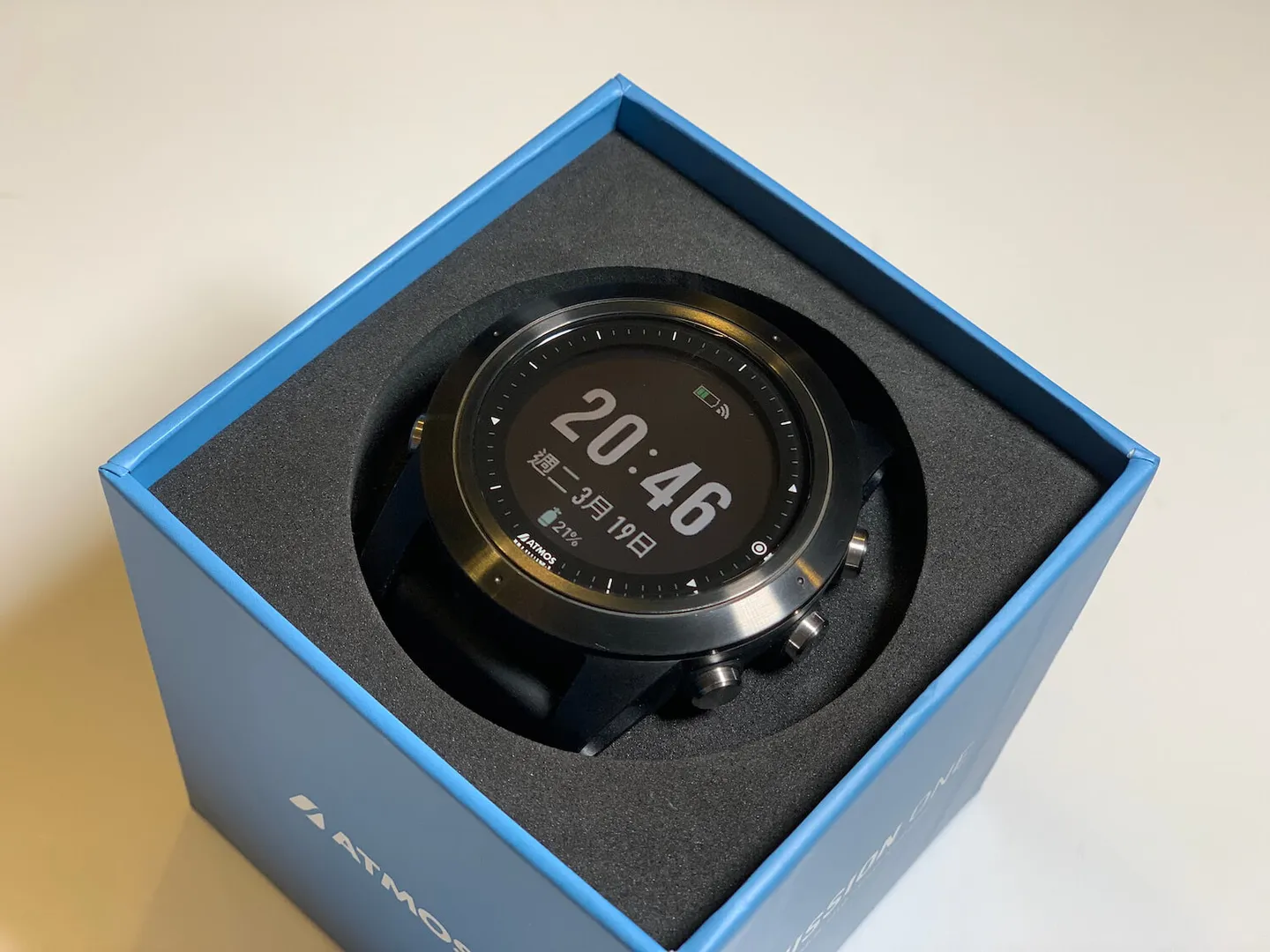
Getting a new watch — pure joy!
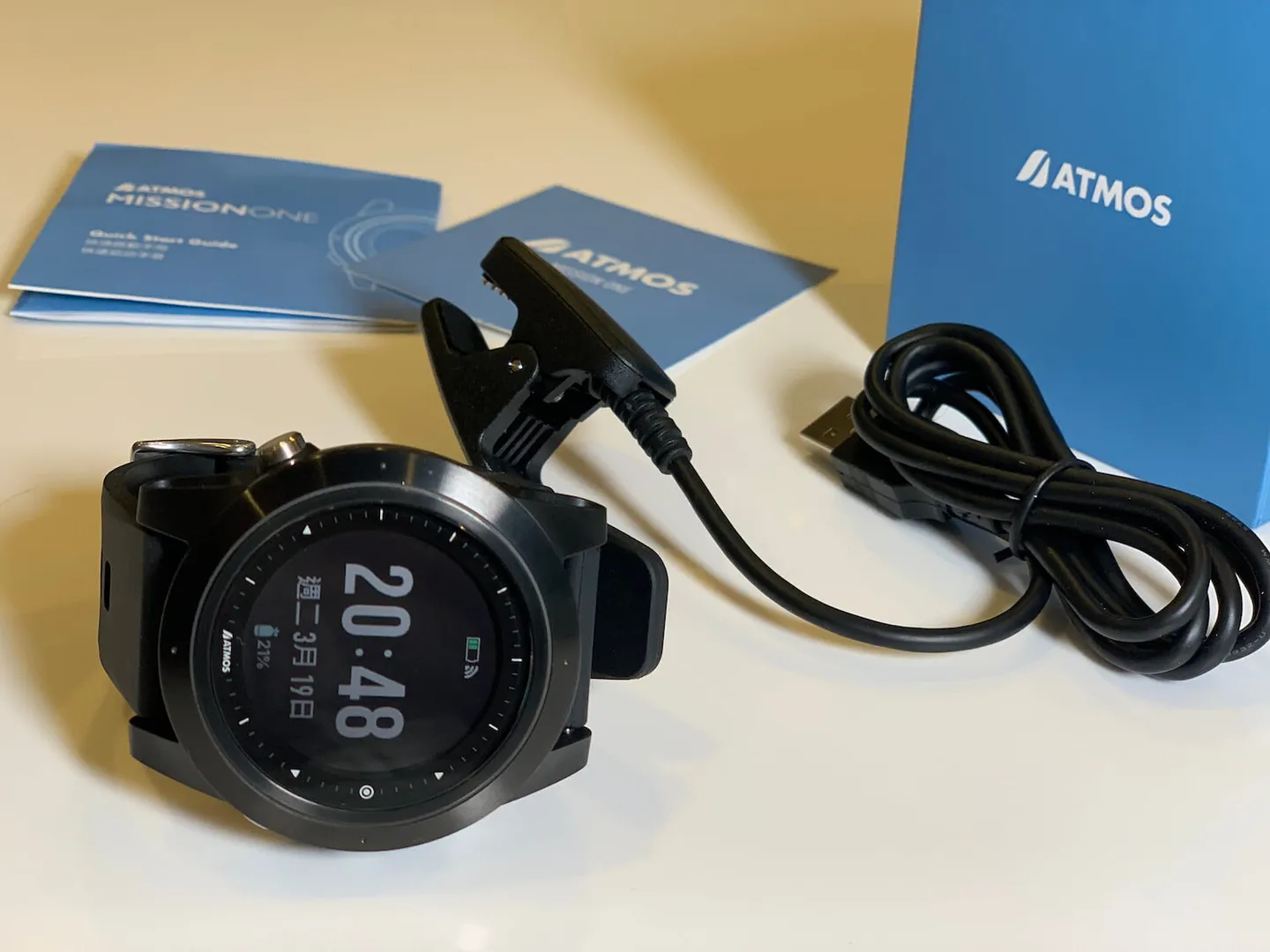
Everything included in the box.
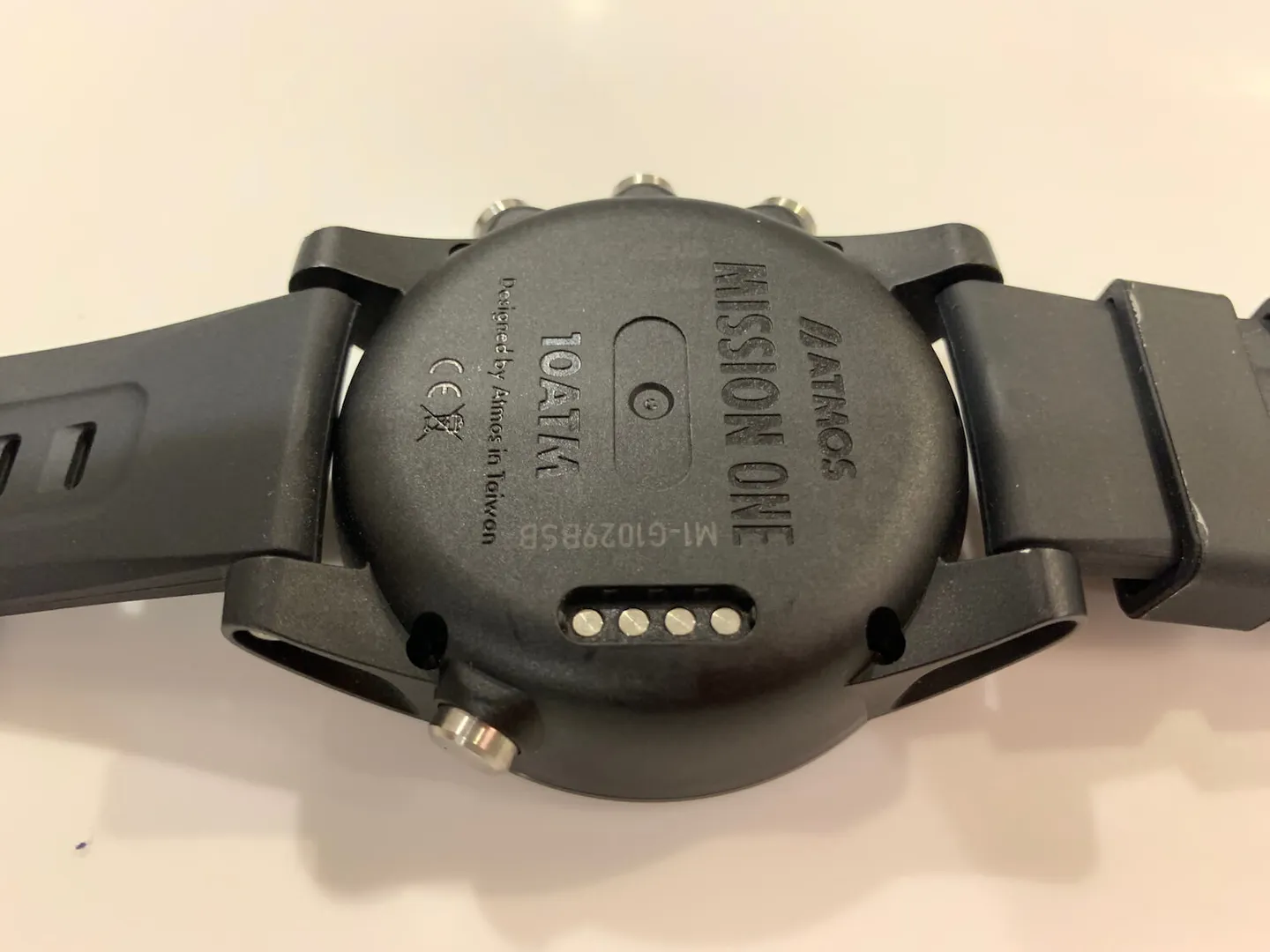
The clip-style charger on the back prevents it from falling off during charging. The 10ATM certification is also marked on the back.


Controls:
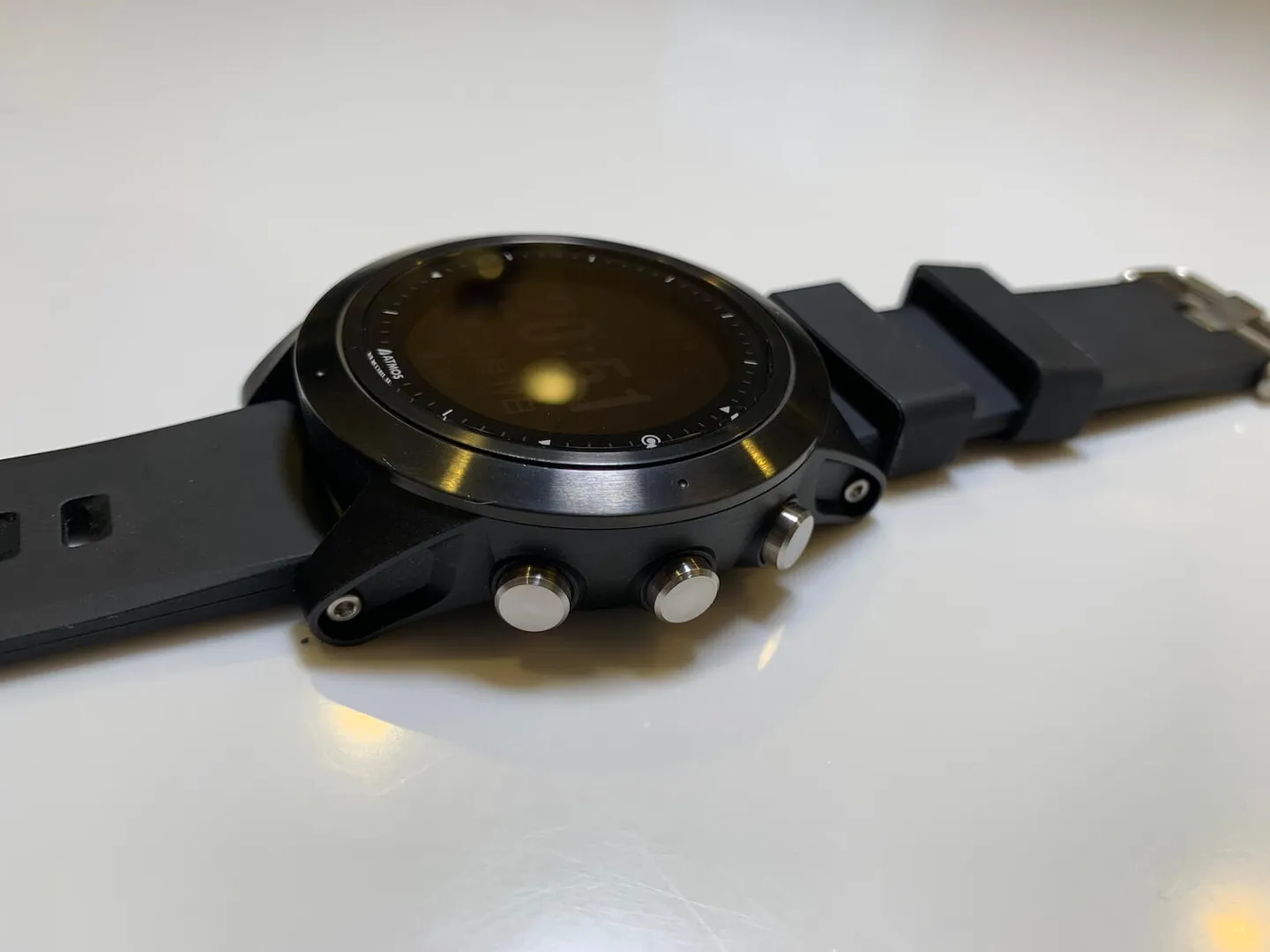
Three sleek buttons on the side.
There is one button on the left side of the watch and three buttons on the right, and the logic is easy to pick up. On the main screen: bottom-left is the backlight button (wrist-raise backlight mode is also supported); top-right switches to smartphone push notifications; middle-right enters the second layer for settings and dive modes; bottom-right toggles the lower information bar (temperature, surface interval, second time zone, and other useful data). Once you enter the second layer, bottom-left becomes the back button, while top-right and bottom-right function as up and down navigation. The whole system is very intuitive.
For more detailed operating instructions, refer to the official user manual linked at the bottom of this page!
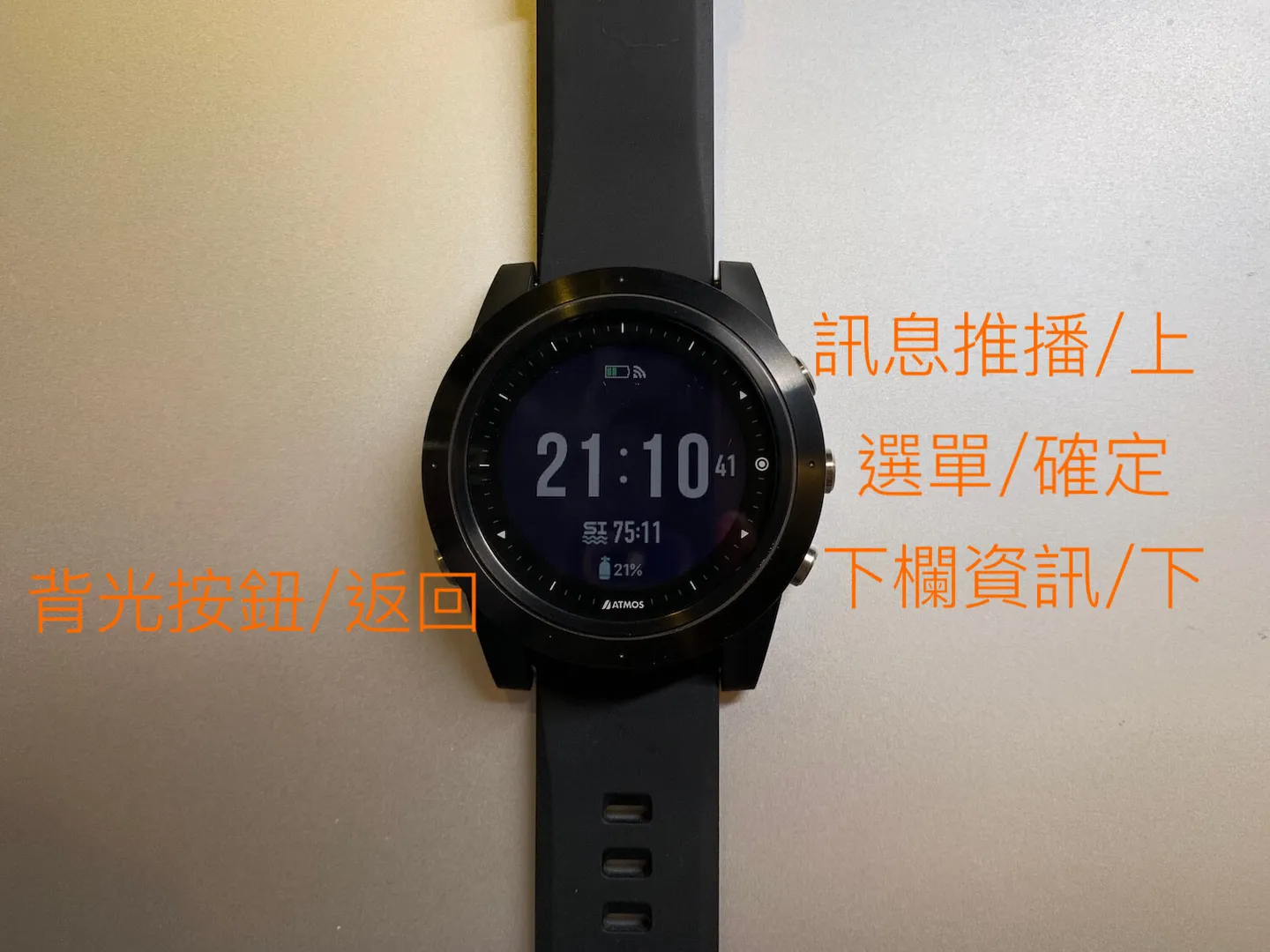
The button layout is clear and easy to use.
Settings:
As a dive computer, all the essential functions are covered: alert settings (depth alert, time alert, etc.), oxygen partial pressure settings commonly used in scuba diving, conservatism settings, dive-end timeout, compass calibration, switching between freediving and scuba diving modes, and browsing your dive log — all easily accessible via the buttons.
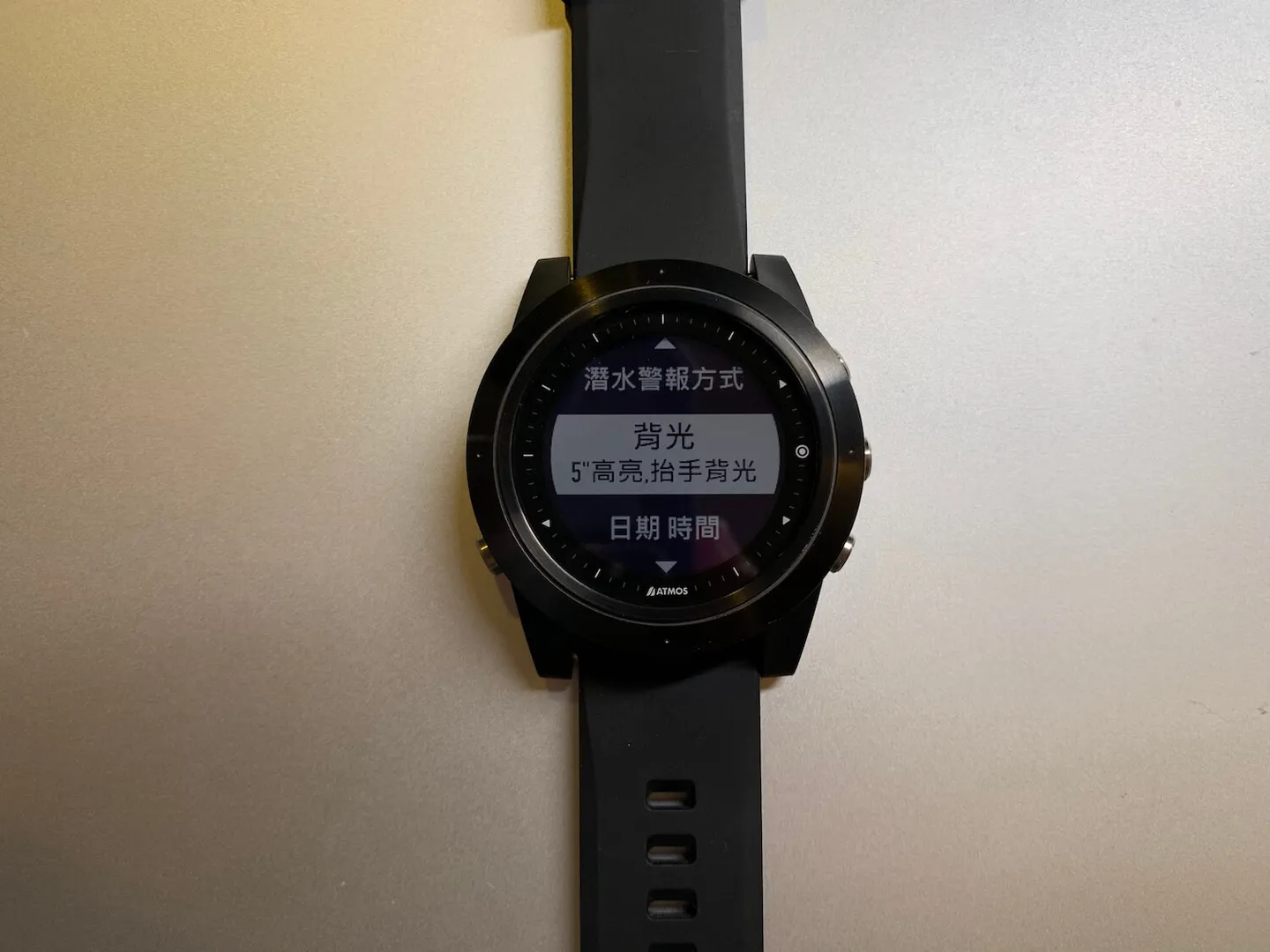
Backlight mode can be adjusted to suit your preferences.
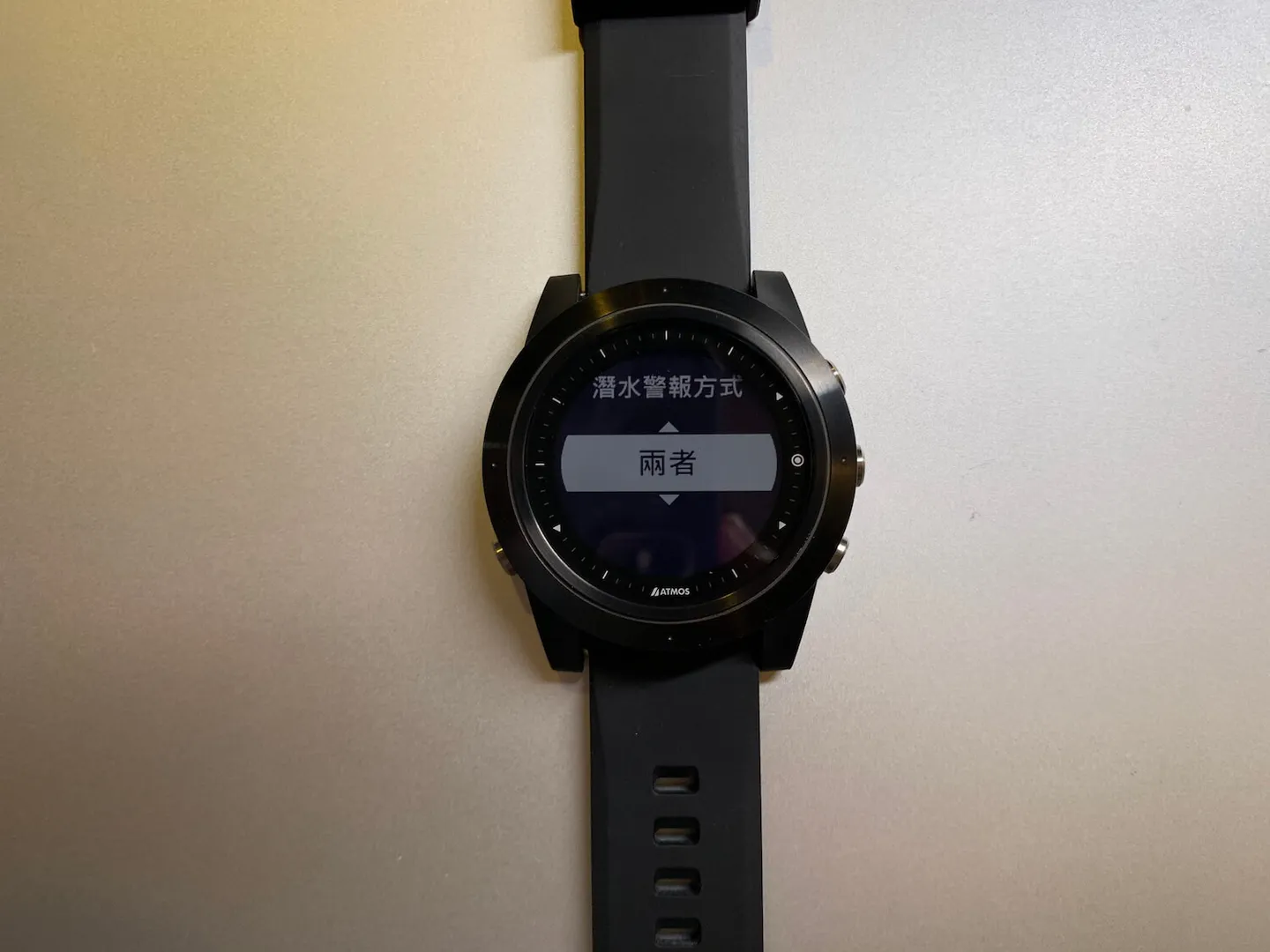
Alerts can be set to vibration, audible beep, or both.
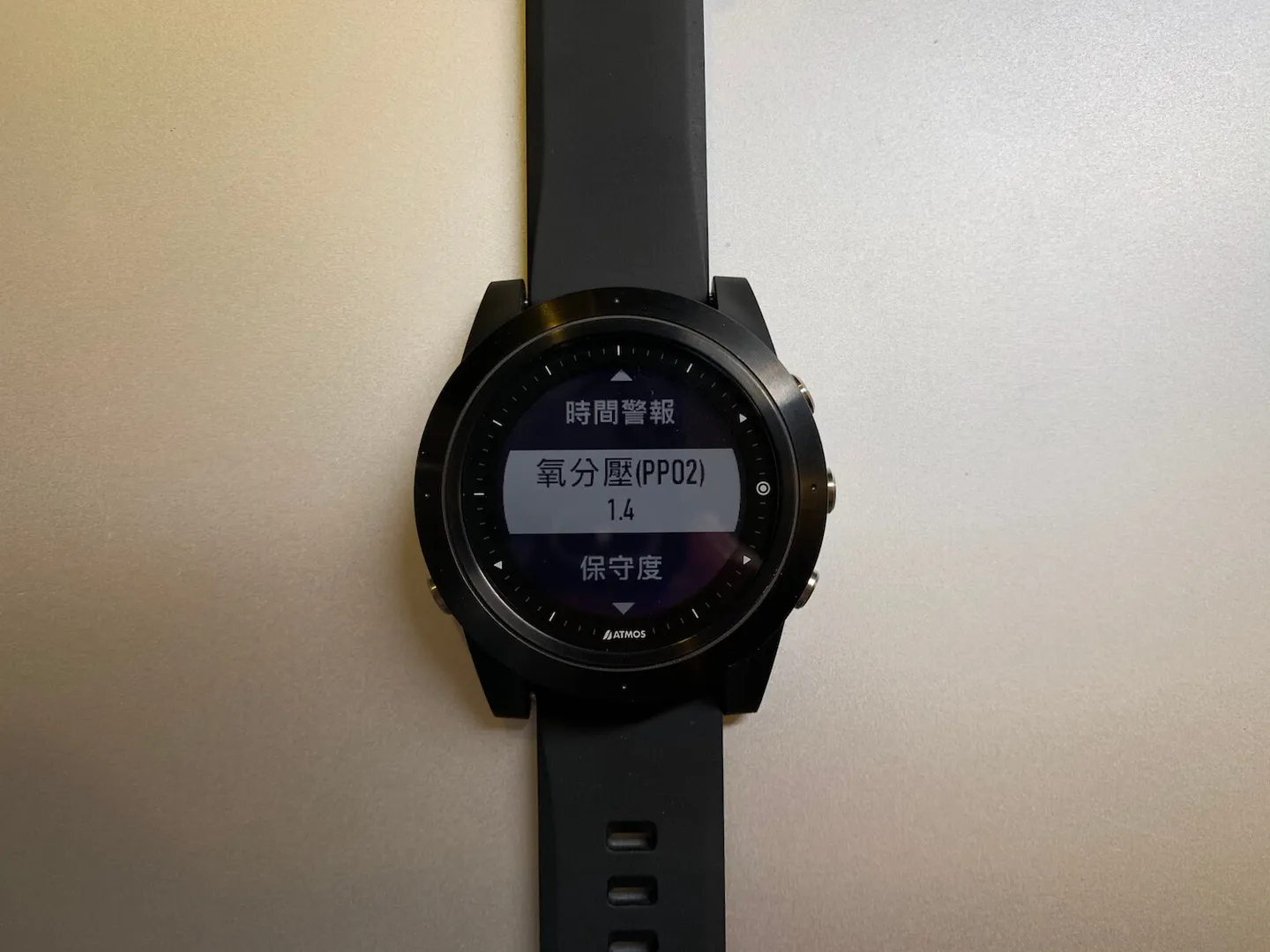
Oxygen partial pressure and conservatism settings commonly used for scuba diving are easily configurable.
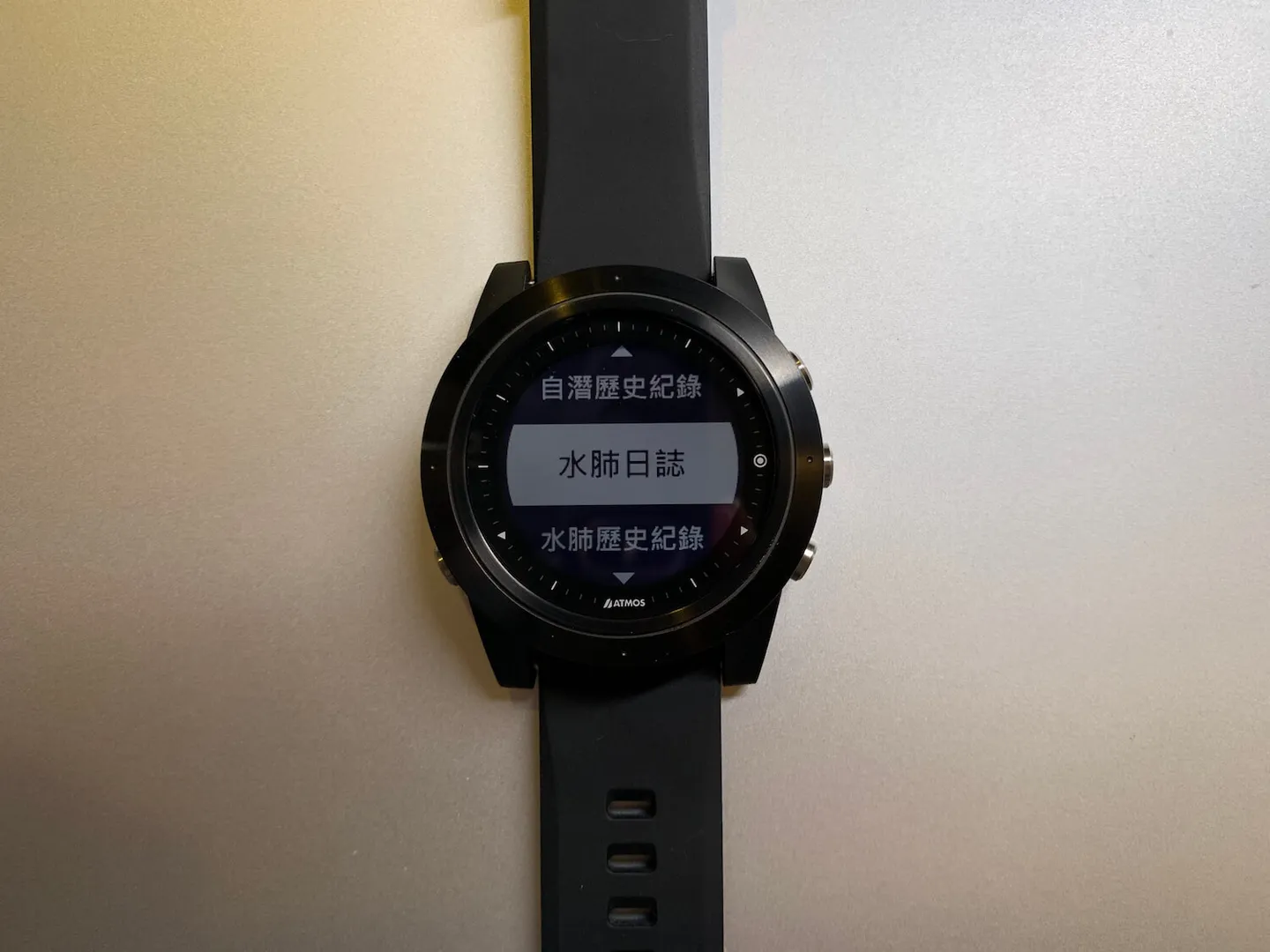
You can also review your dive log and dive history, with depth profile graphs supported.
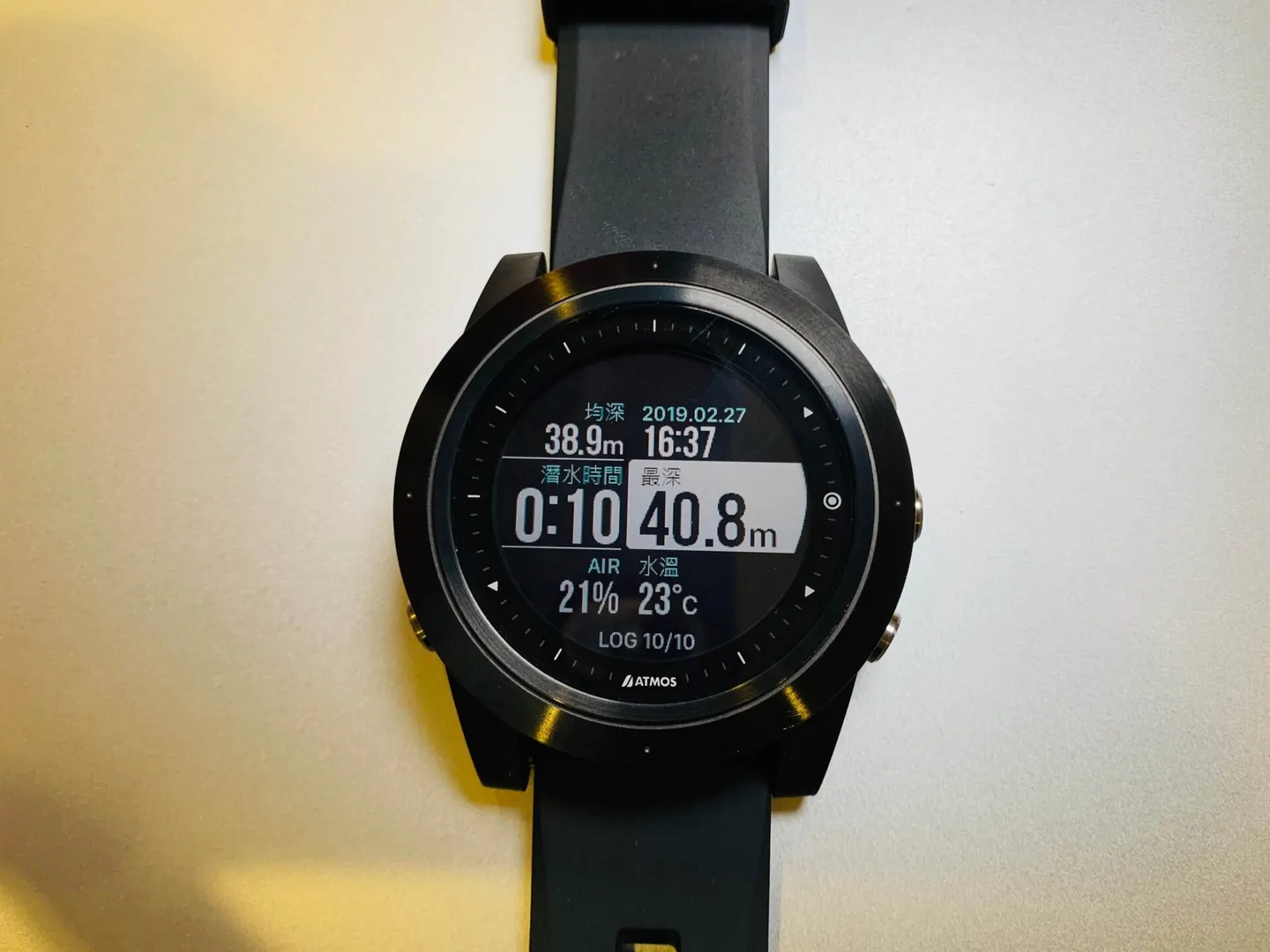
The dive log display has a clean, premium look.
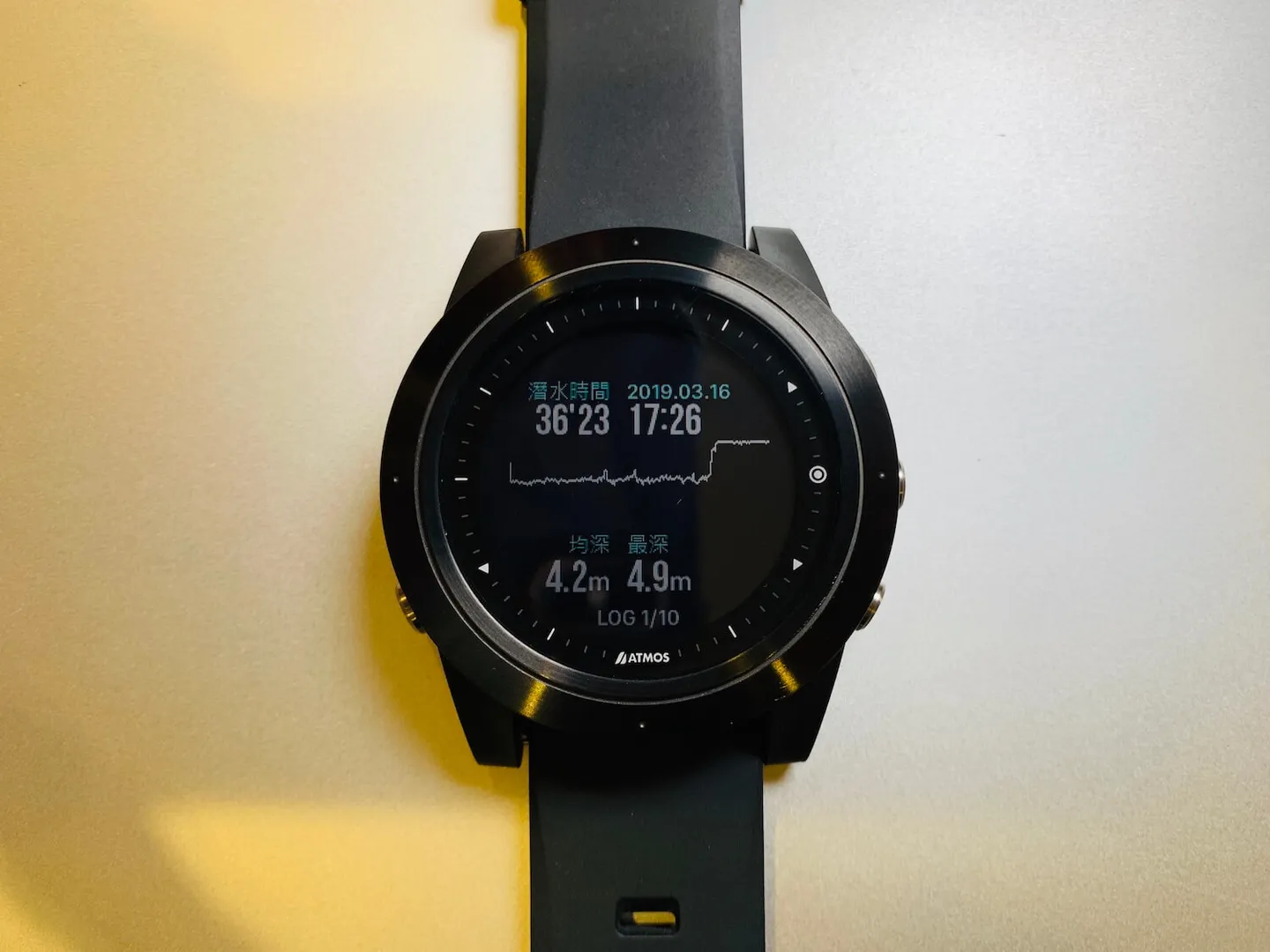
Going one level deeper into the log, you can view the depth profile graph.
Being a smart dive computer, it naturally connects to your smartphone. The watch syncs dive logs to your phone via Bluetooth, making it convenient to review your dives later — the Editor will write a dedicated post on how to use this feature soon!
Another great perk of the smartphone connection: you can check push notifications from your phone right on your wrist, so you'll never miss a thing.
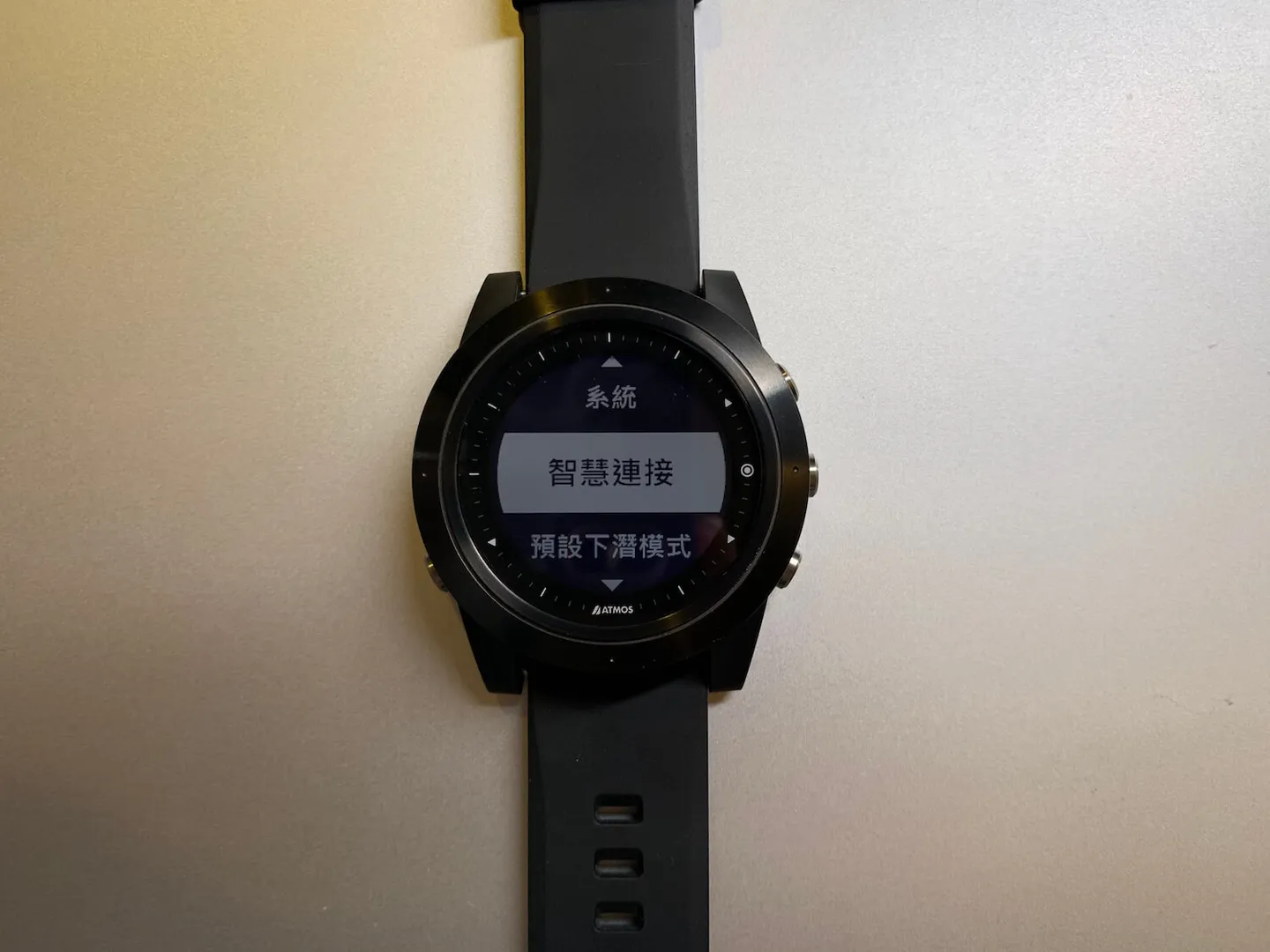
Pair the watch with your smartphone via Bluetooth.
Diving:
So why does the Editor so strongly recommend the ATMOS MISSION ONE? After hearing about the design and dive features above, some of you might not be fully convinced yet. Here's where we get to the really thoughtful touches that set this watch apart — after all, they do claim that exploring the ocean is just that simple.
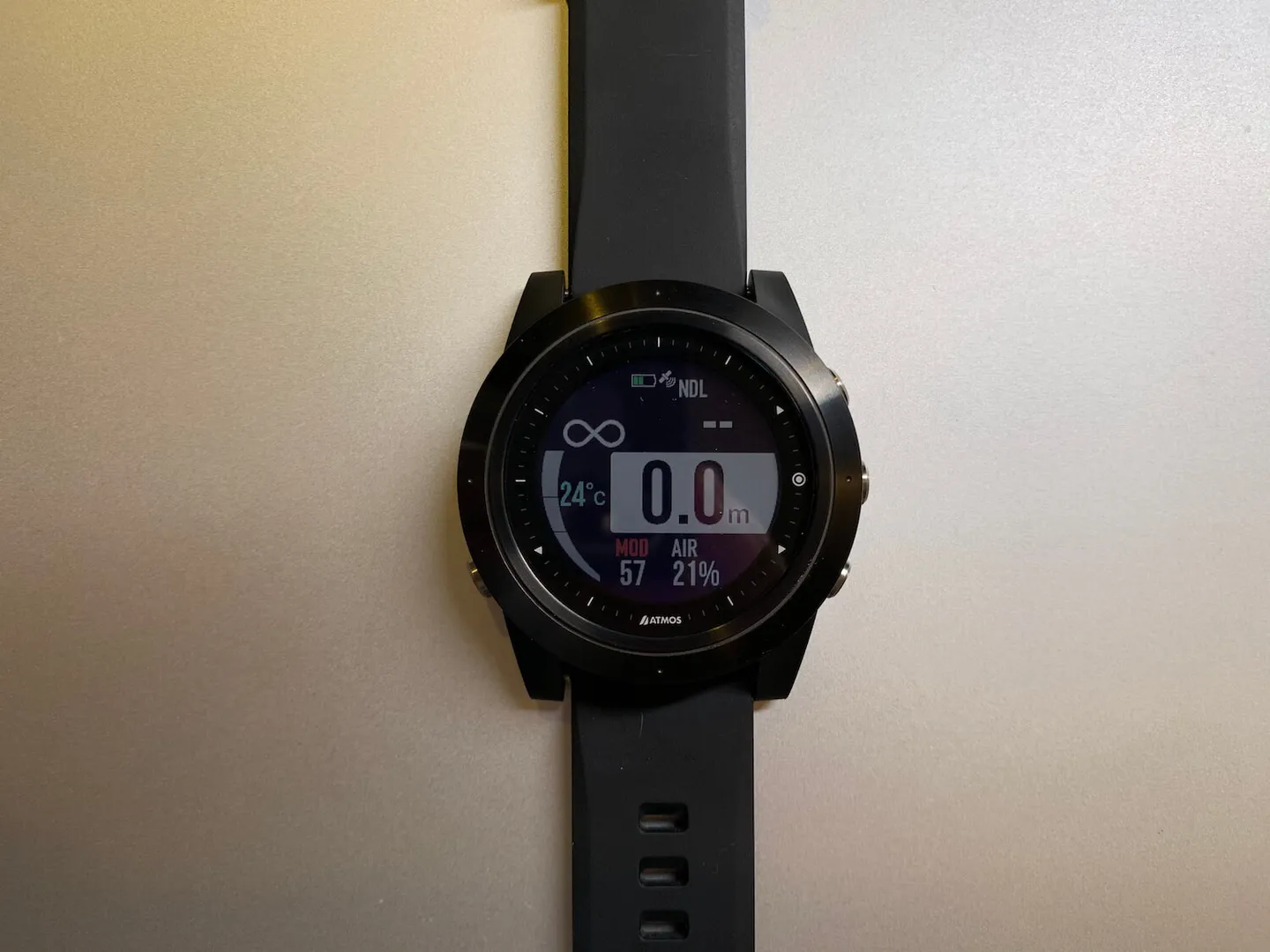
A clean, easy-to-read display.
The ATMOS MISSION ONE uses the Bühlmann ZHL-16c decompression model, with adjustable conservatism to suit each diver's habits. The display is highly readable, showing NDL, depth, gas settings, maximum operating depth and temperature, ascent rate, and bearing (the electronic compass should be calibrated before entering the water — the watch will prompt you to do so, as shown above). All the information you need for a dive is visible on a single screen without navigating through menus, making each dive simpler and more relaxed.
On top of that, this watch features vibration alerts — an incredibly practical feature for freedivers and underwater photographers handling large camera setups. In the current market, dive computers with vibration alert capability typically start at over NT$20,000. The fact that the ATMOS MISSION ONE offers this at its price point is genuinely generous!
During a dive, the ATMOS MISSION ONE uses a variety of prominent alerts to keep divers informed of their current situation: depth warnings, NDL warnings, safety stop prompts, and even guidance if you accidentally enter decompression territory — all handled thoughtfully and conveniently. Let's use a pressure gauge to simulate the various display screens.
Depth Alert:
If you exceed your set depth, an alert will trigger. The Editor recommends dive shops set this to 18 m — it makes it easy for dive guides to keep track during fun dives or Open Water Diver training, and encourages students to get into the habit of regularly checking their dive computer.
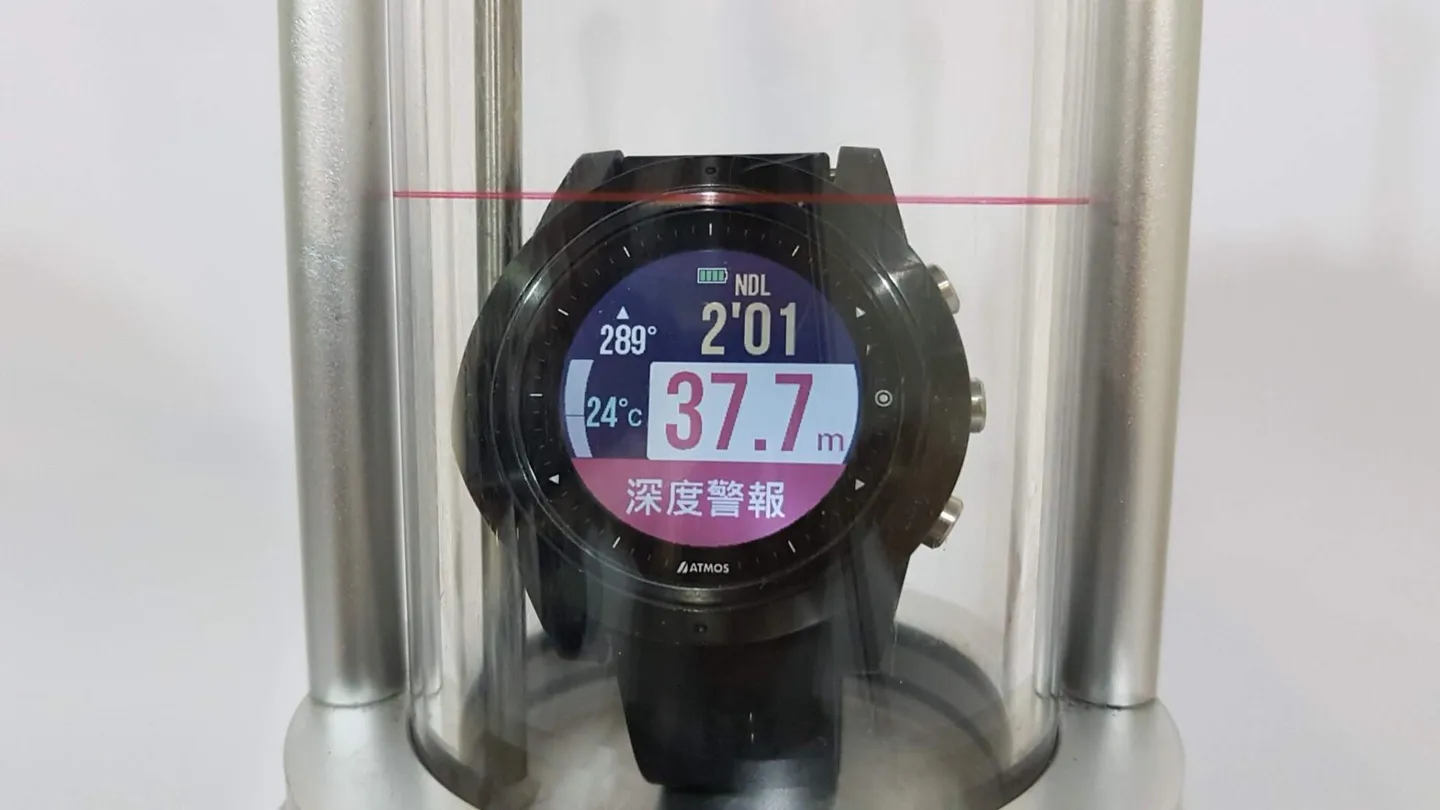
Depth Alert: triggers when you exceed your pre-set depth.
Time Alert:
Useful for keeping to a pre-agreed dive time.
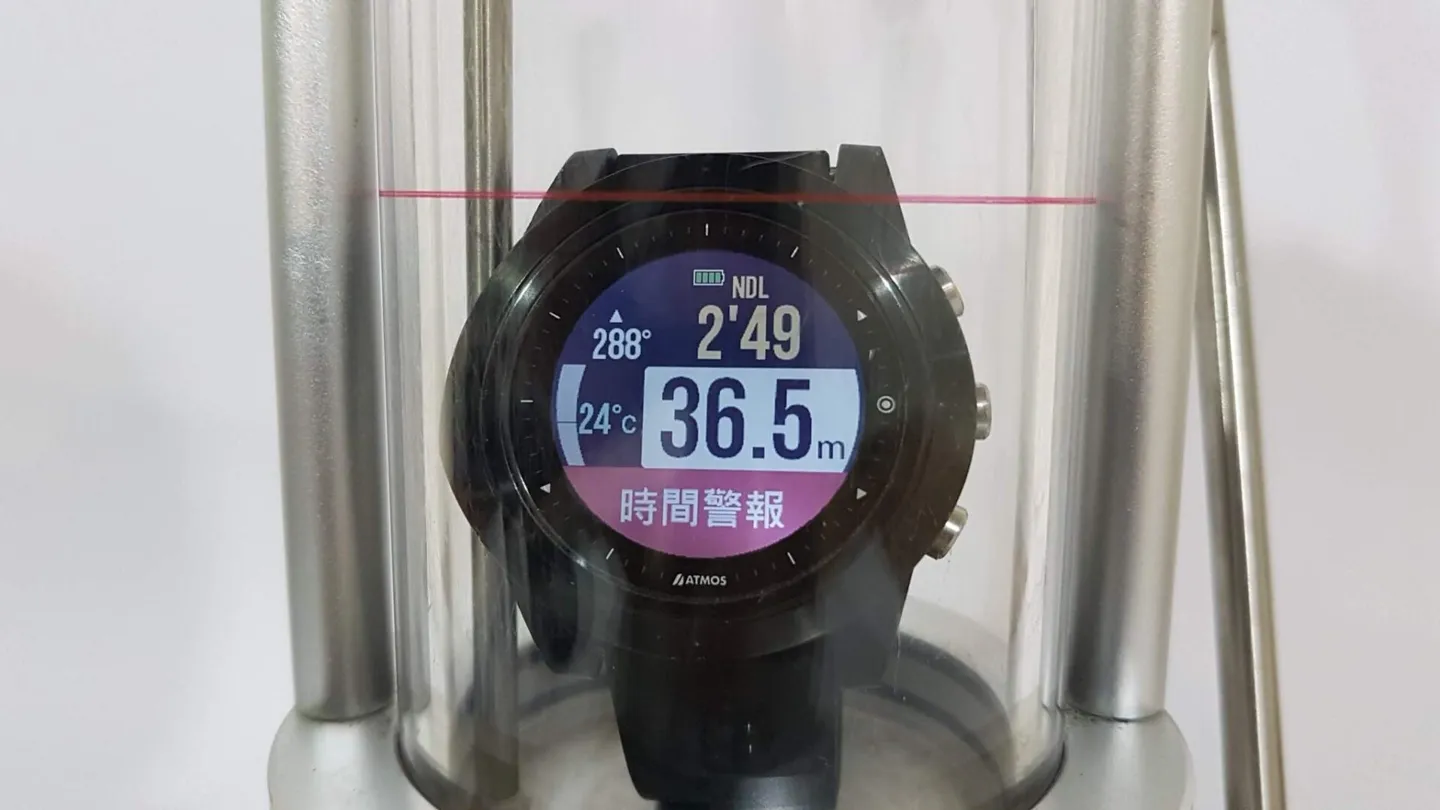
Time Alert: triggers when you exceed your pre-set dive time.
5-Metre Safety Stop:
In recreational diving, a 3-minute safety stop at 5 m isn't strictly required as long as you stay within no-decompression limits — but it's a common practice, especially when joining group trips abroad or following local dive guides. The ATMOS MISSION ONE has a particularly thoughtful feature here: once you've completed your 3-minute safety stop at 5 m, a green indicator stays permanently on the display to confirm you've done it. Given the Editor's notoriously goldfish-like memory, this is a lifesaver — no more wondering whether the safety stop was actually completed.
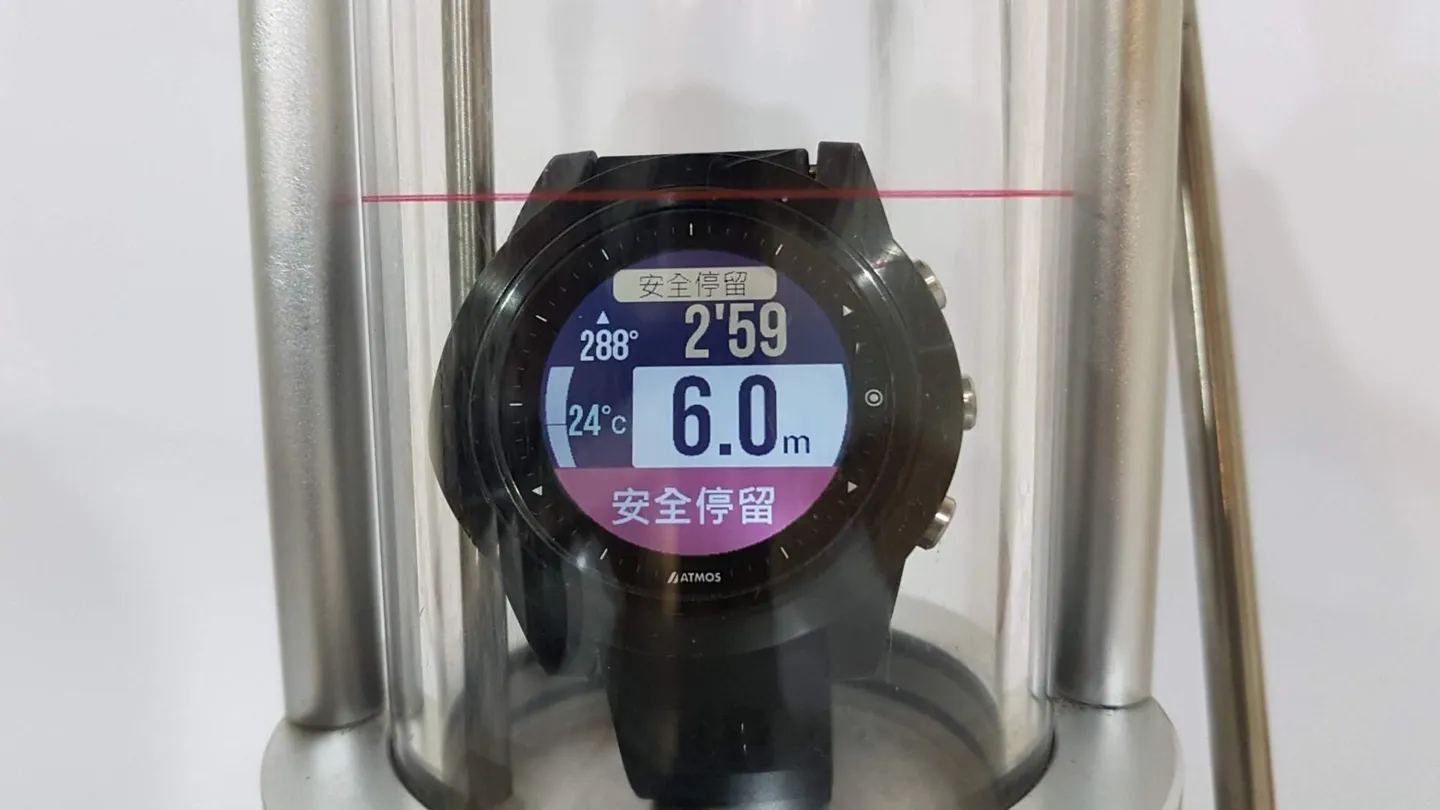
The safety stop activates when you reach 6 m depth.
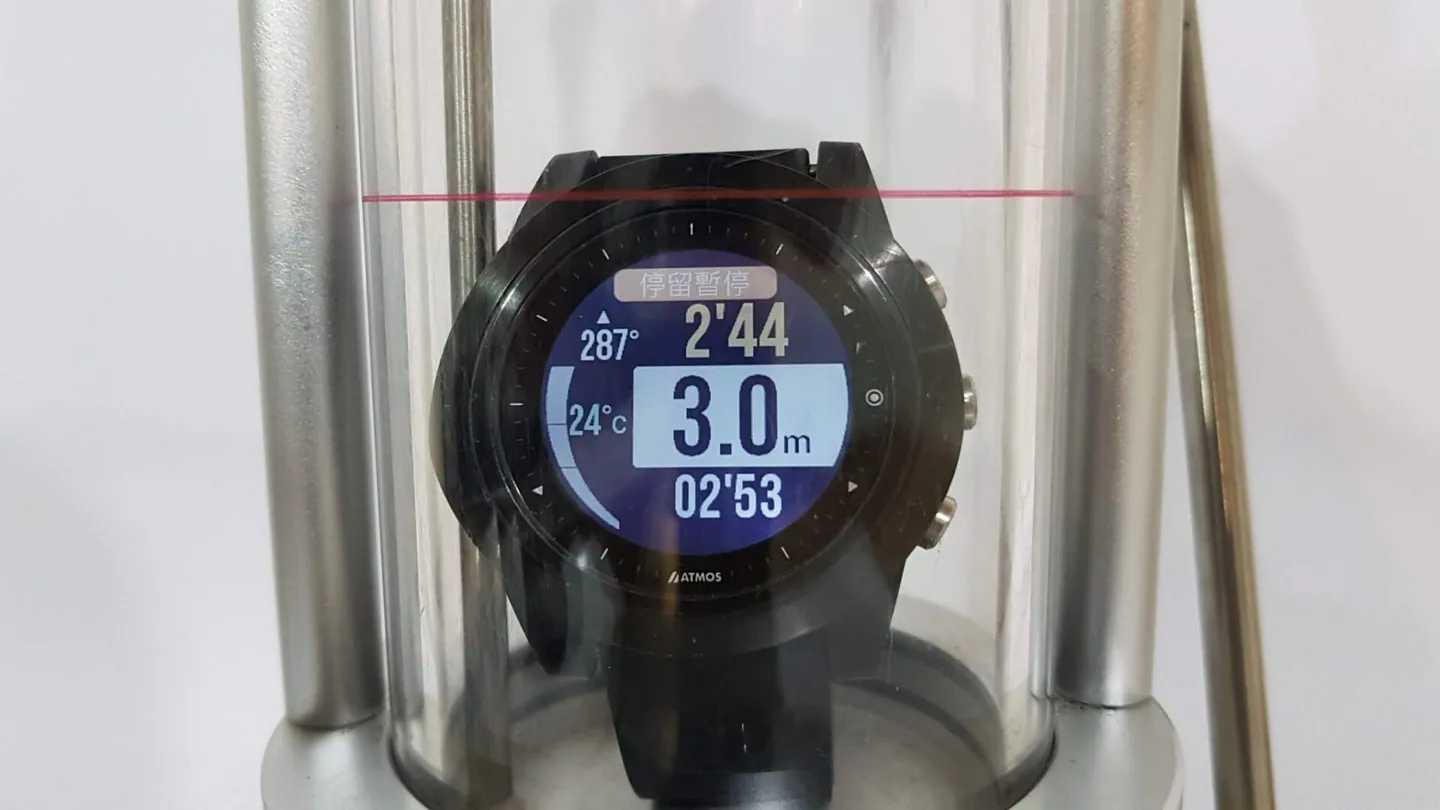
If you go too shallow or too deep, the watch alerts you that the safety stop timer has been interrupted.
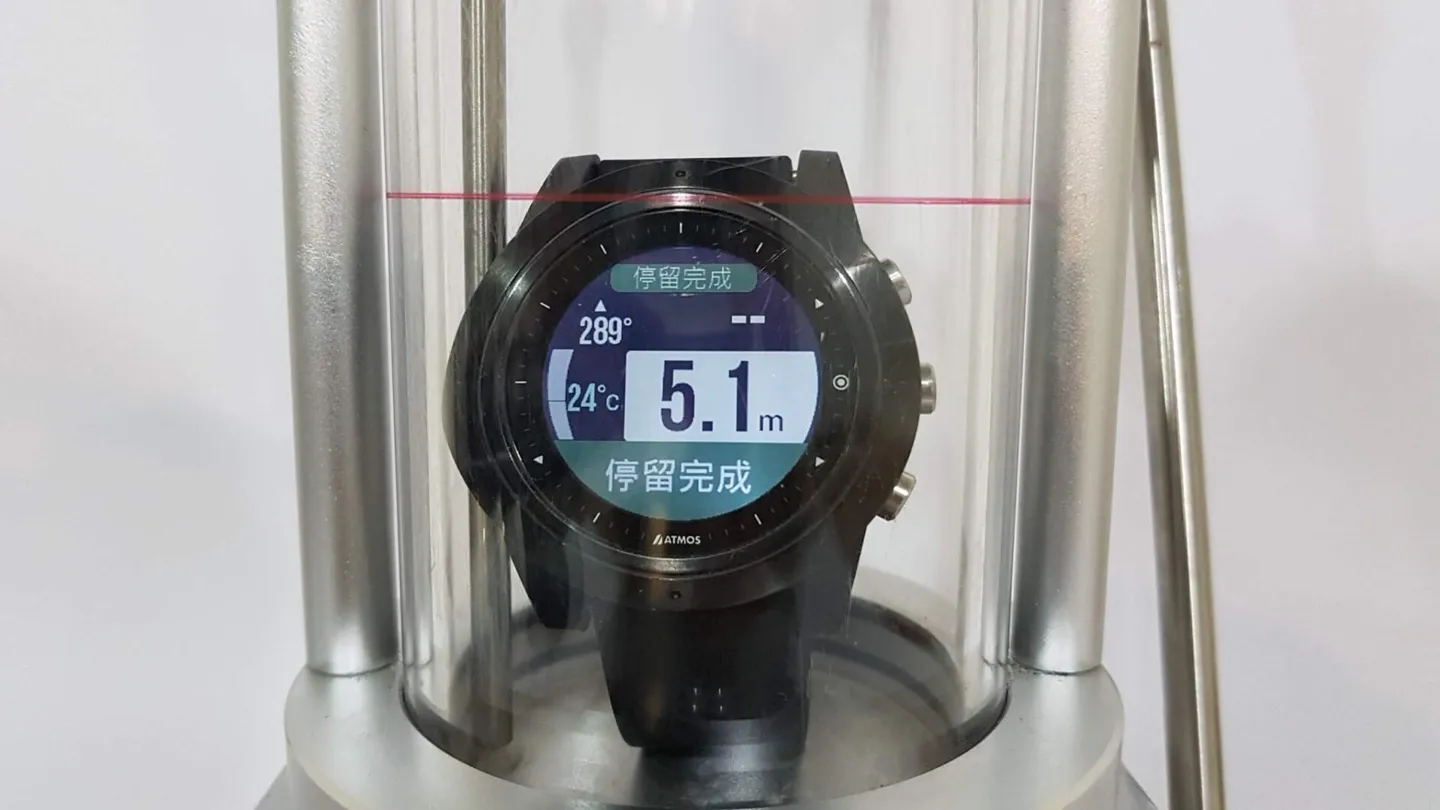
Safety stop complete — now ascend slowly to the surface.
Decompression Stop:
If you accidentally enter decompression, don't panic — just follow the ATMOS MISSION ONE's guidance to complete your decompression stops. Based on your dive profile, the watch will advise you to stop at 12 m, 9 m, and 6 m as needed.
Note: if you choose to skip a required decompression stop, the ATMOS MISSION ONE trusts each diver's professional judgement and will not lock the computer as some other dive computers do — but that means every diver is responsible for their own safety.
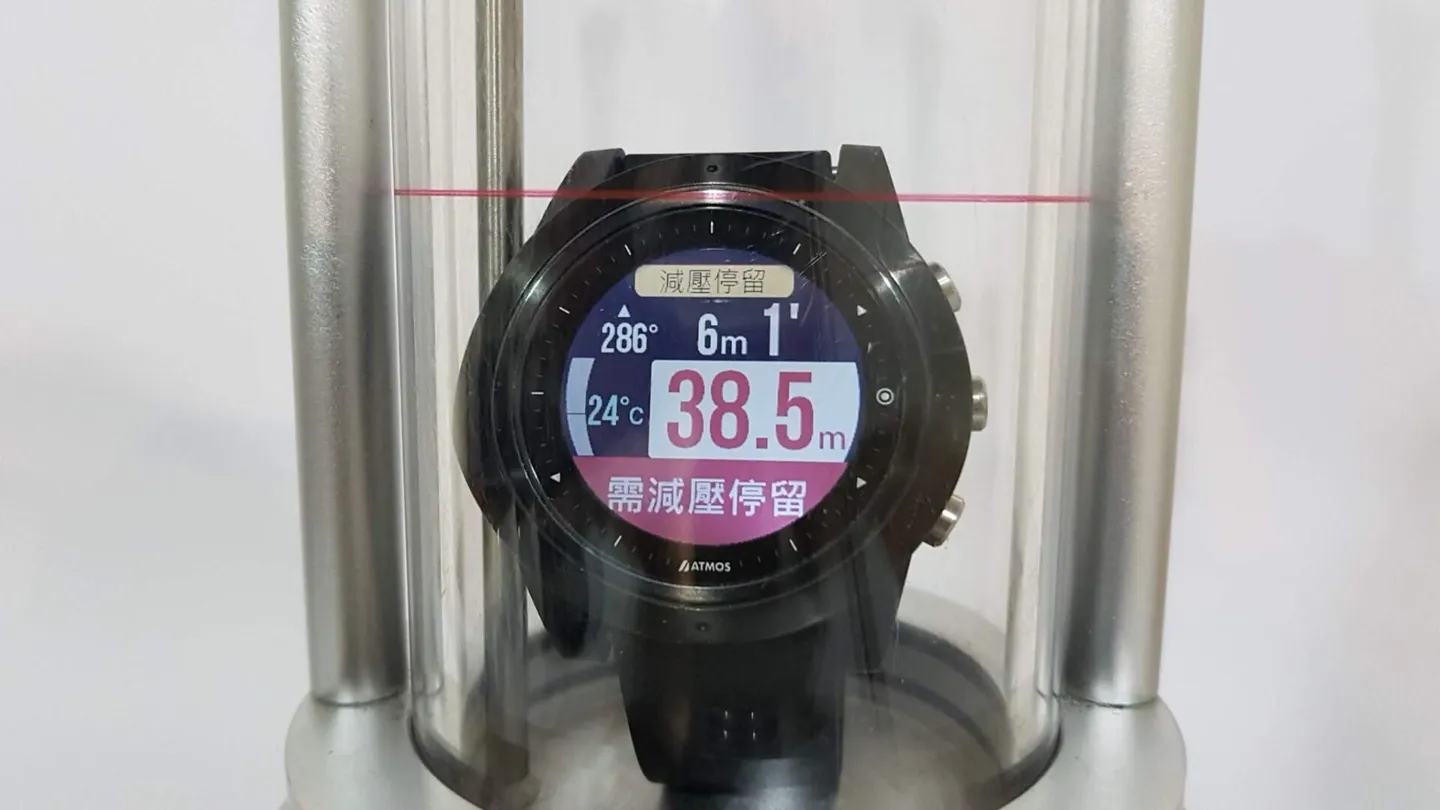
Decompression stop prompt: complete a 1-minute decompression stop at 6 m.
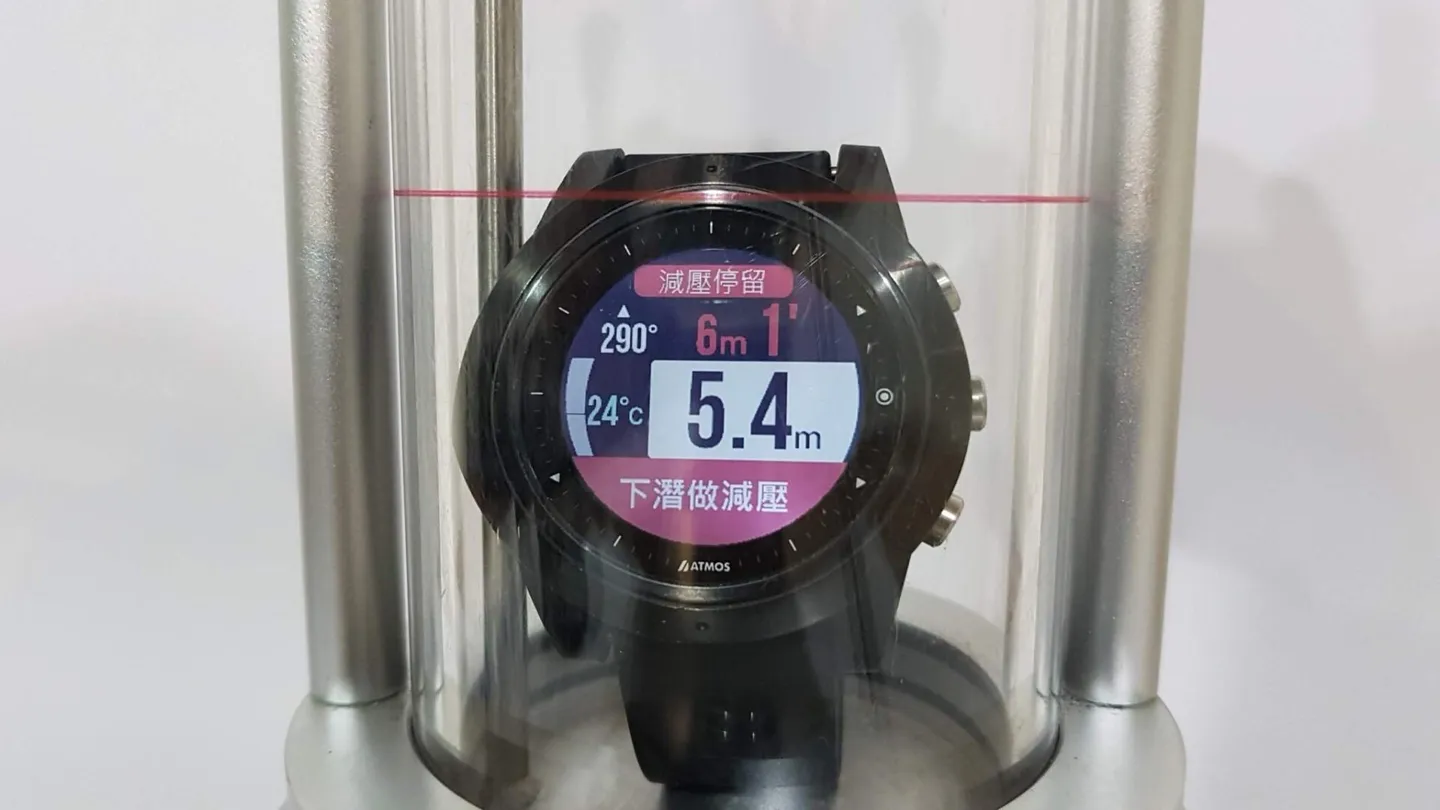
The dive computer instructs you to descend to the specified depth to complete your decompression stop.
Other Common Alerts:
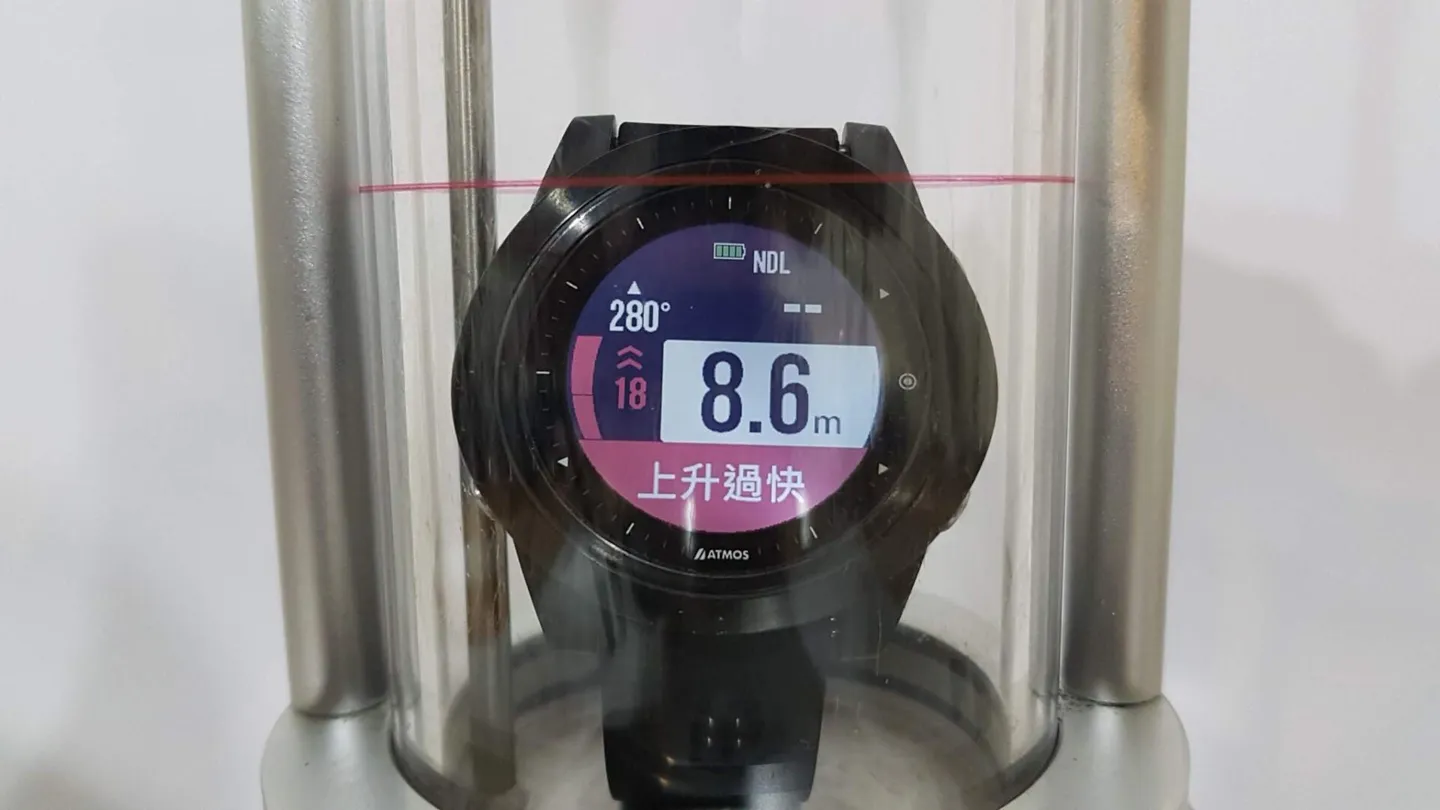
Ascent rate too fast warning.
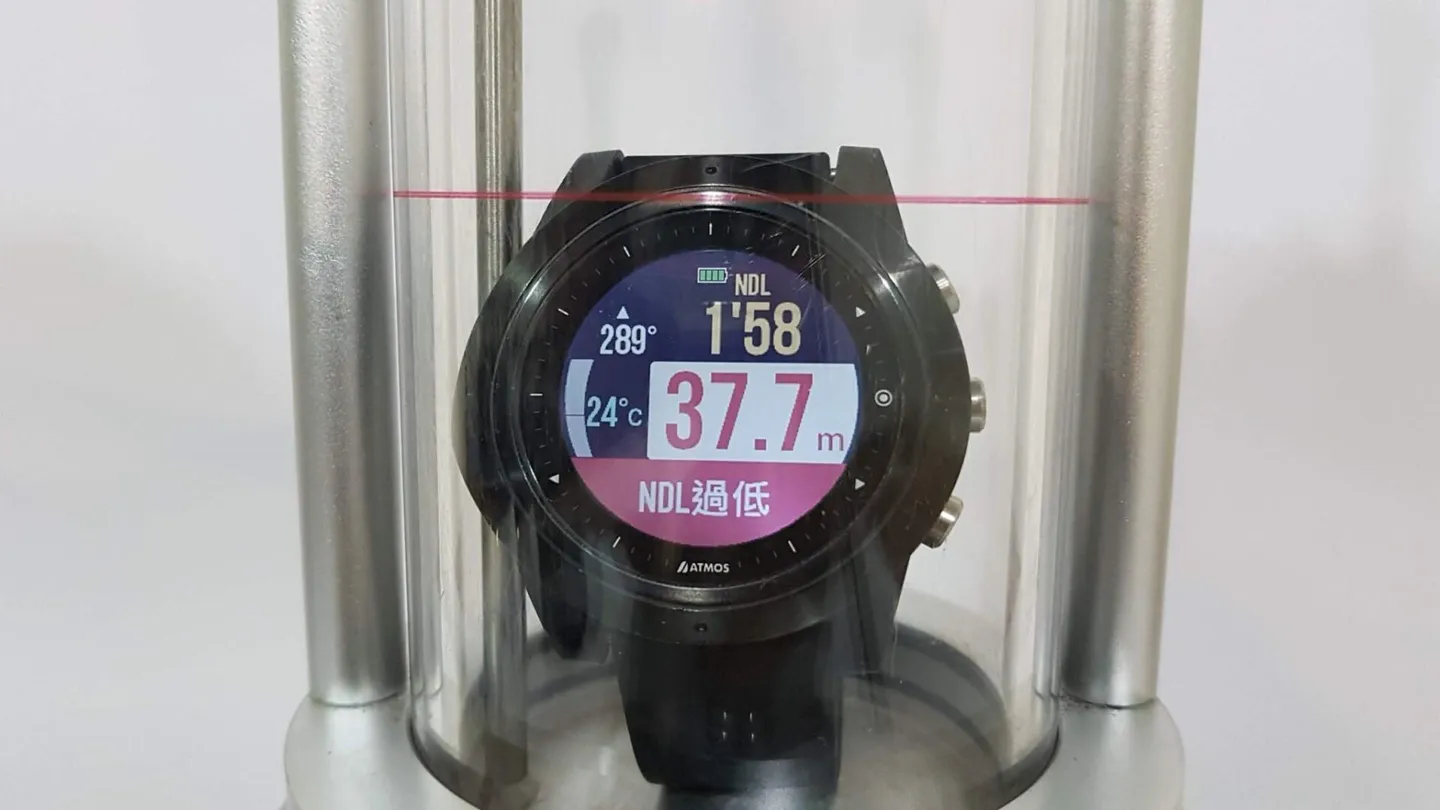
Low NDL warning.
Explore the Ocean with GPS Navigation:
One of the most thoughtful features of the ATMOS MISSION ONE is its GPS-assisted dive site navigation. Say the Editor wants to surface-swim to a secret dive spot before descending — in the past, that meant relying on triangulation from landmarks. With this feature, you can get precise GPS-guided directions right to your entry point. It's an incredibly practical tool for dive guides and boat dives alike!
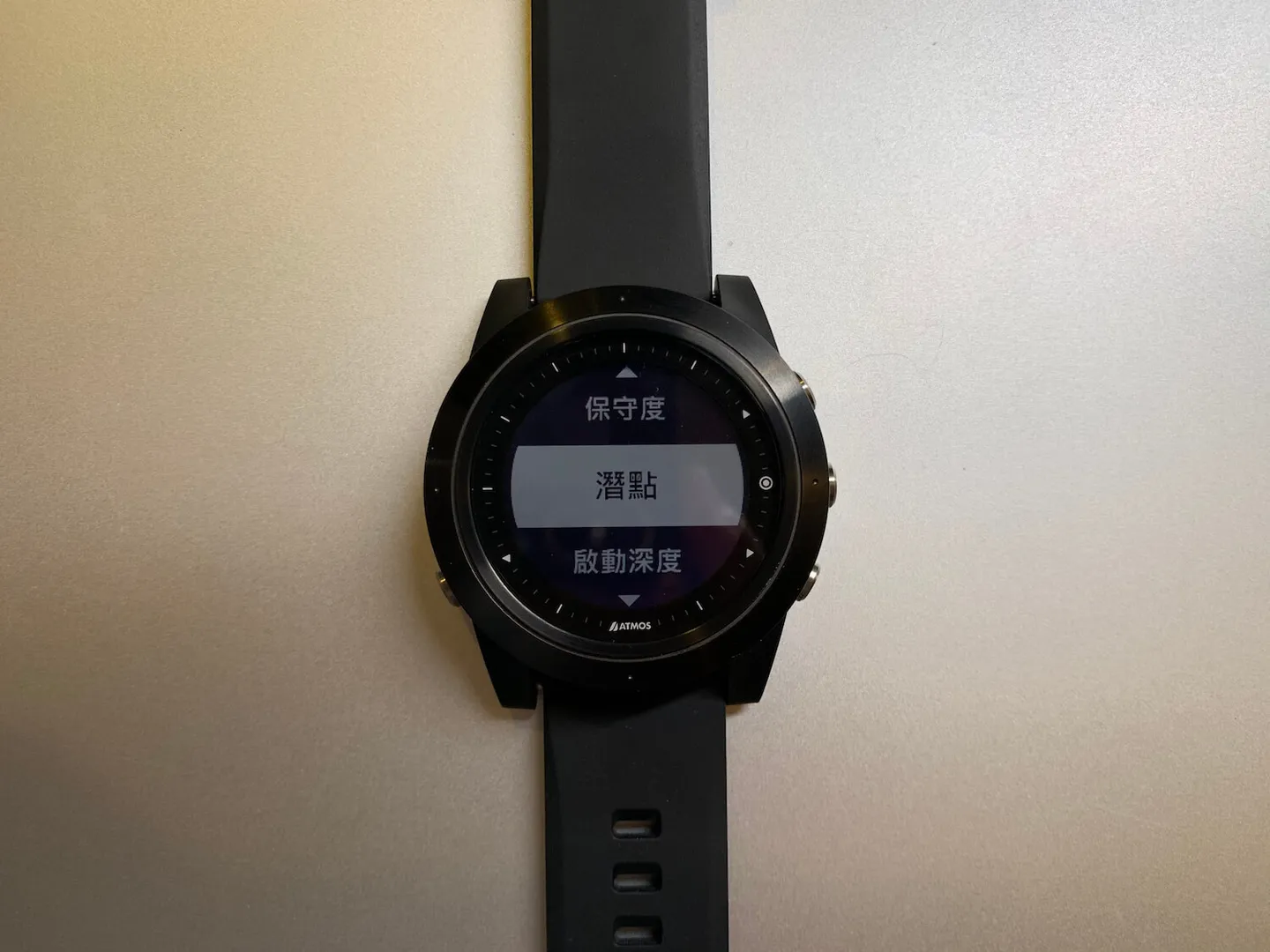
Dive site information is built right into the watch.
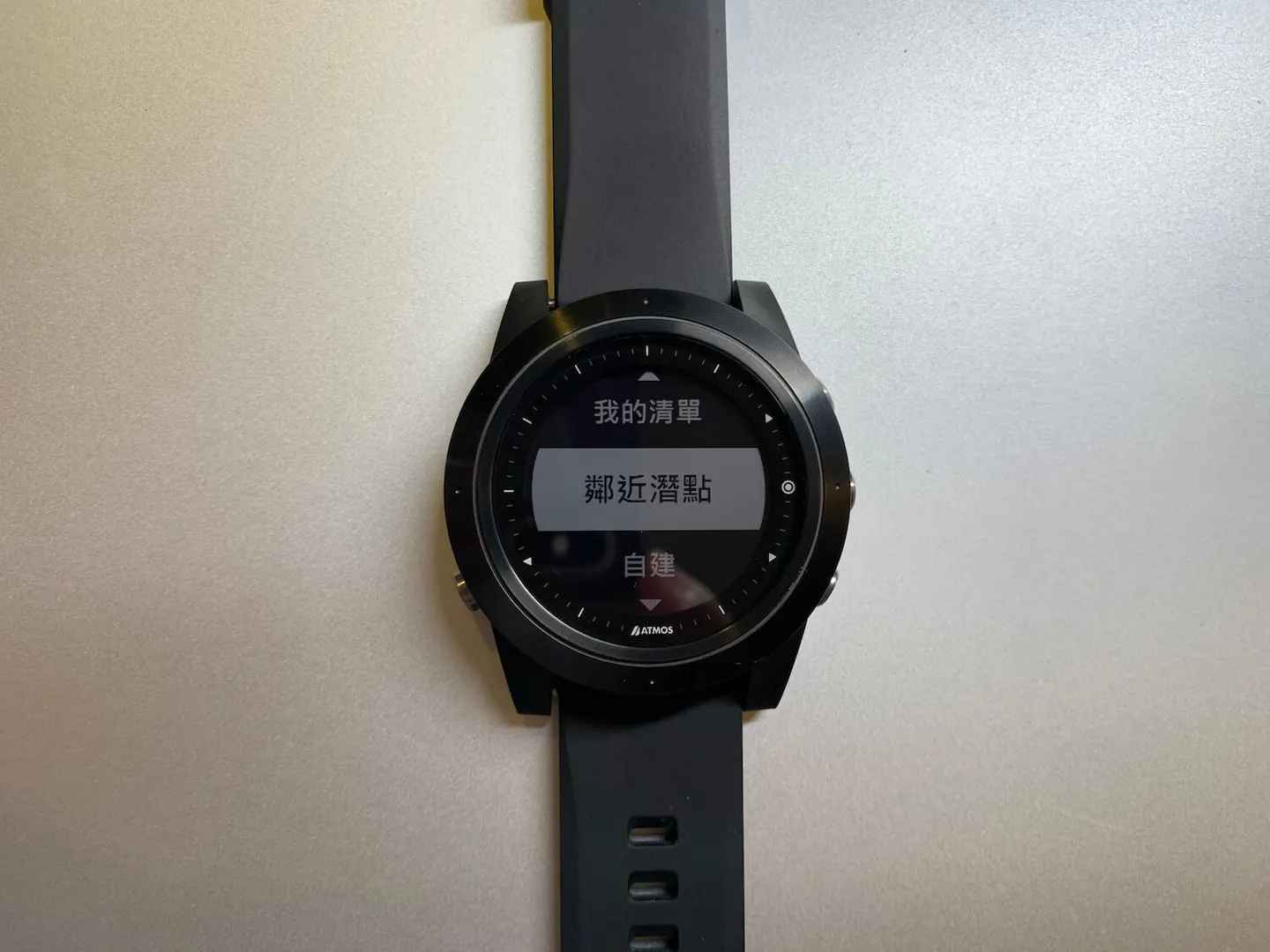
Use your location to search for nearby dive sites.
When you first get the watch and try to get a GPS fix, it may take a little while — and make sure you're outdoors! Don't make the same mistake the Editor did, standing inside waiting forever for a signal.
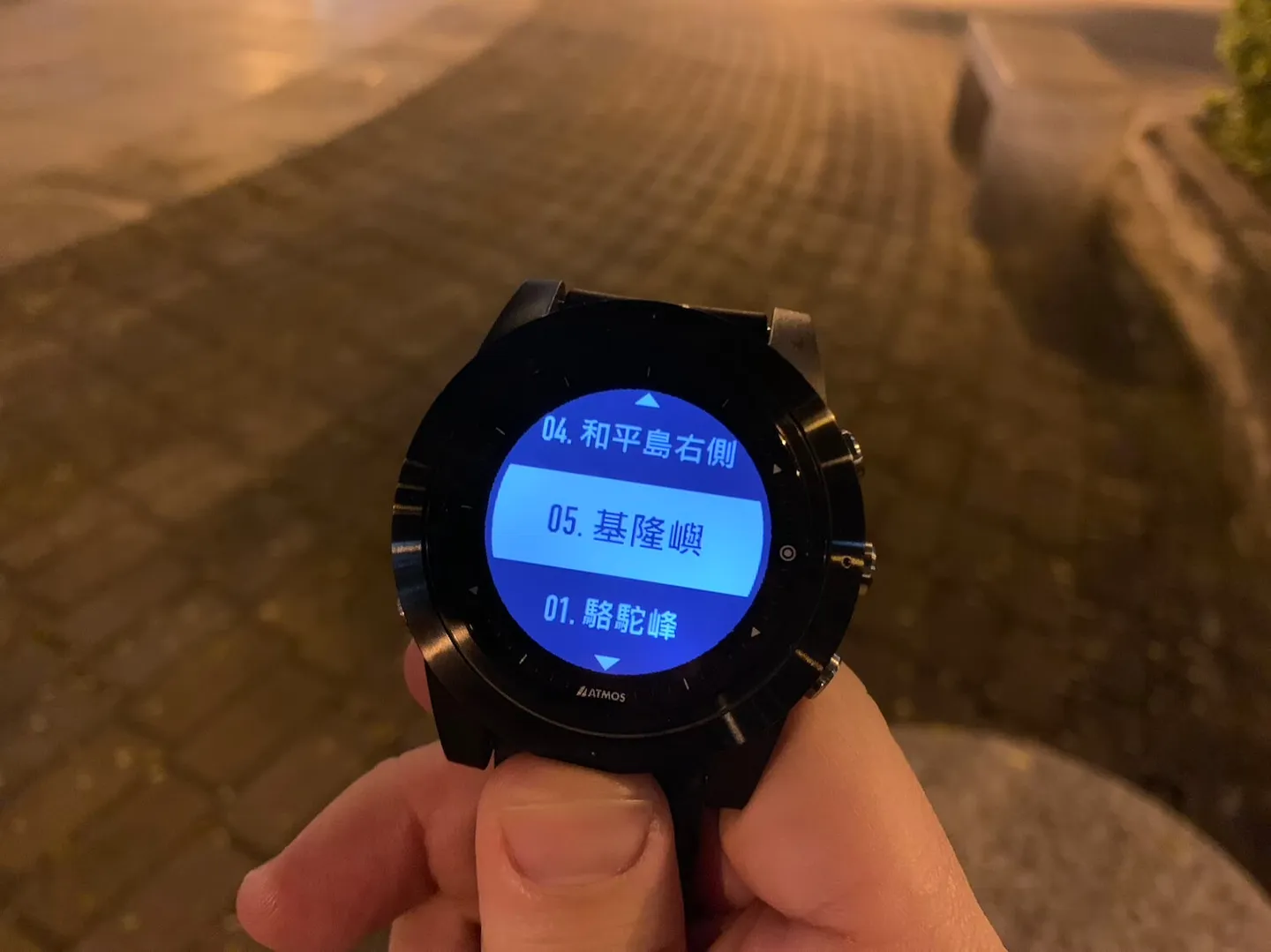
Once a fix is acquired, officially listed dive sites in the area are displayed.
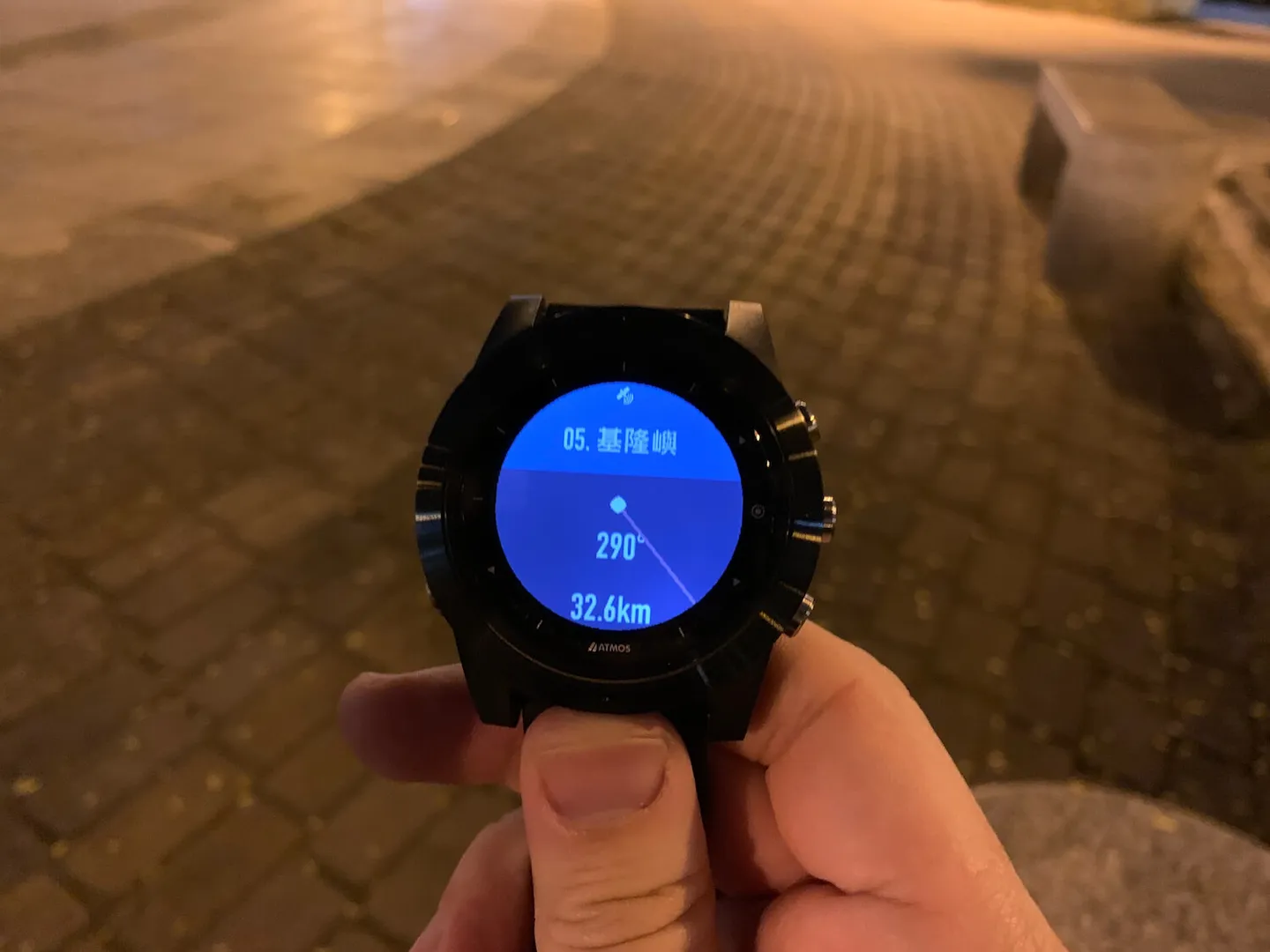
After selecting a site, the watch displays the straight-line distance and bearing to that location.
Beyond the built-in official sites, you can also use the "Add New" function to create your own private dive spots. This is a fantastic feature for divers who love exploring new sites — a more systematic and scientific way to document your adventures!
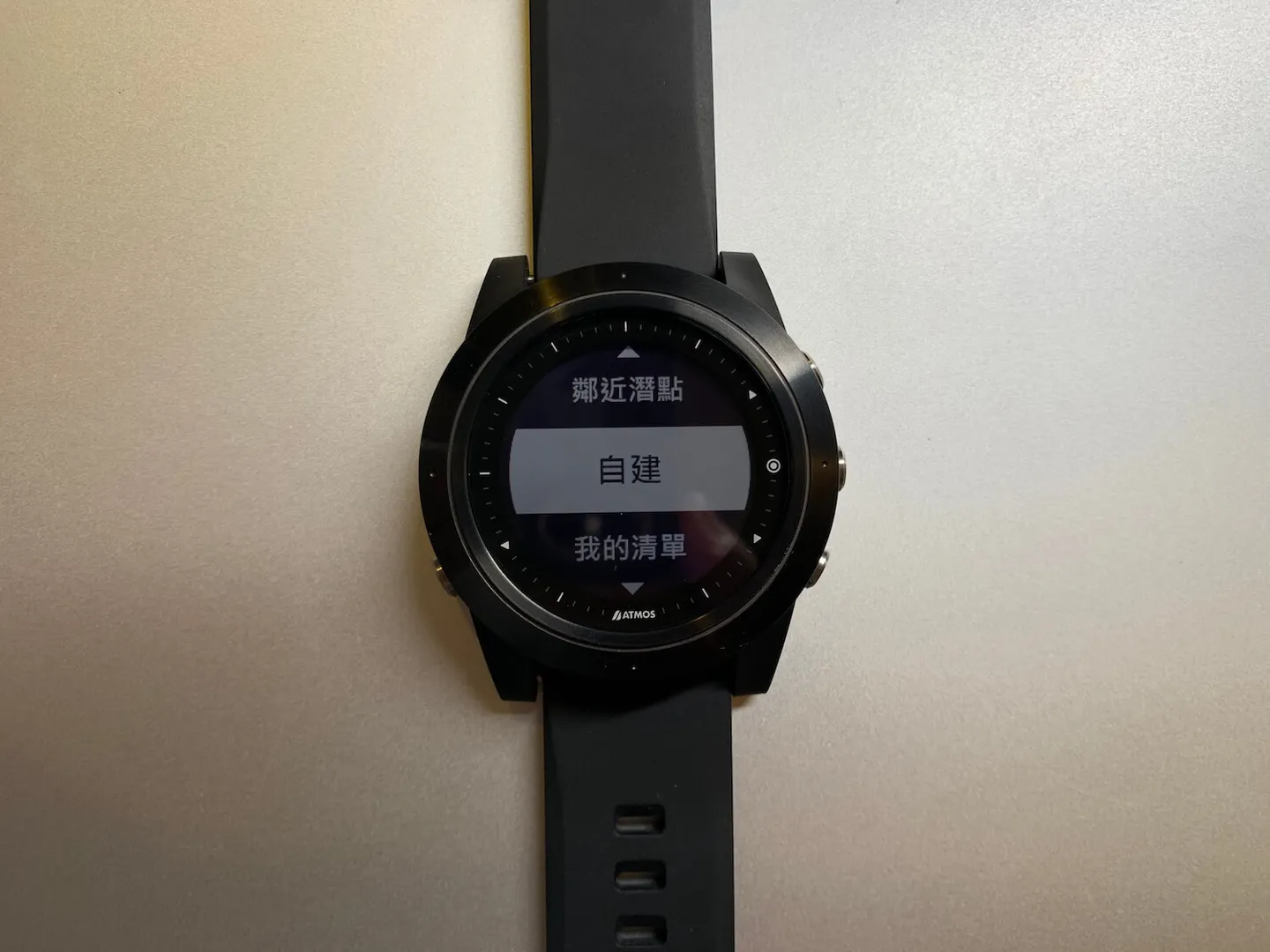
The custom dive site feature — where every adventure begins.
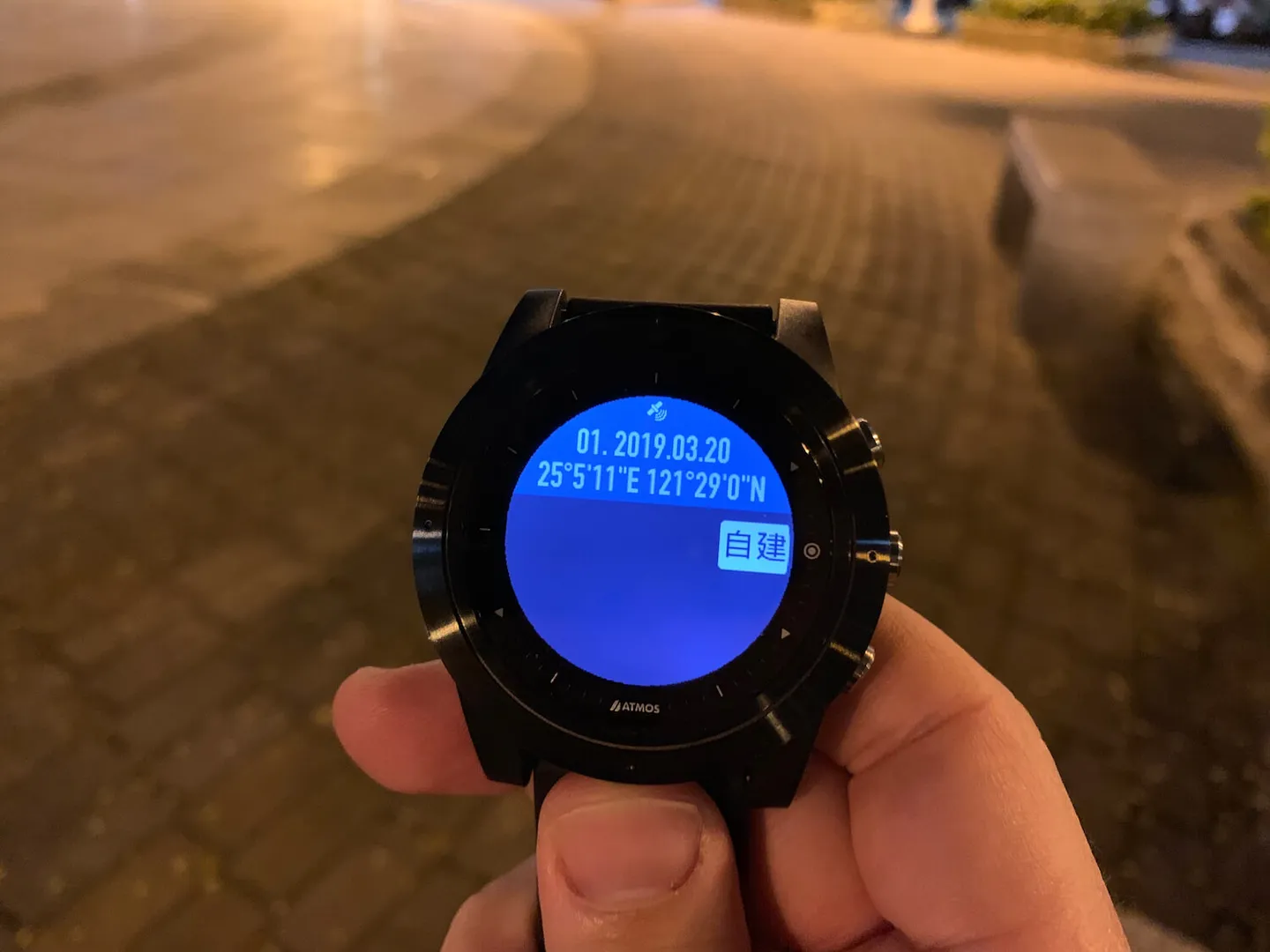
Use GPS to record the coordinates of your dive entry point.
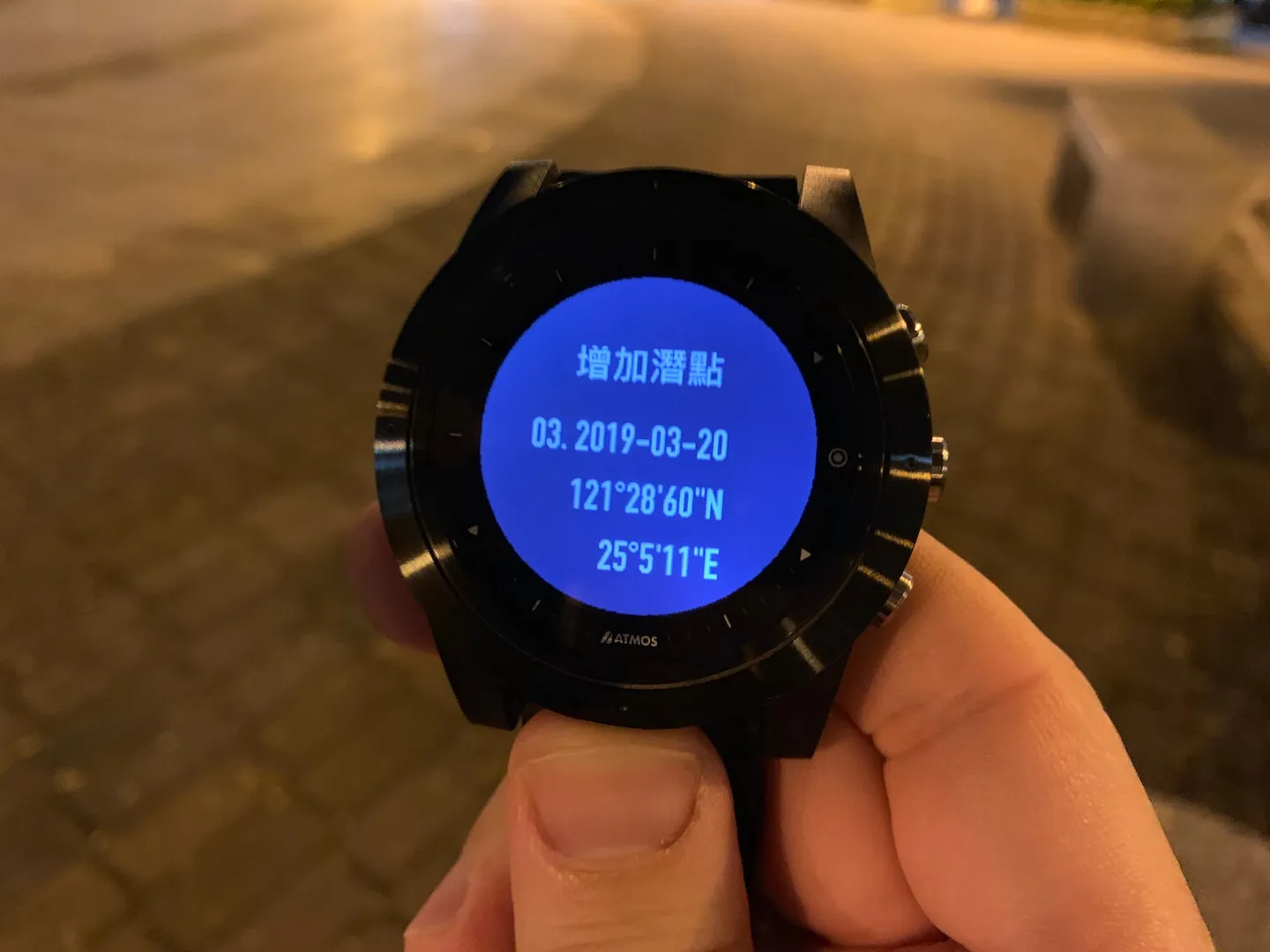
Press "Add" to save the site to your personal dive site collection.
The Ultimate Dive Shop Tool: ATMOS MISSION ONE
For rental dive computers at a dive shop, the essentials are durability, readability, and easy servicing support. But there's one more standout feature worth highlighting: the residual nitrogen reset function. This allows dive shops to clear nitrogen data between rentals, so each new customer can use the dive computer to accurately manage their residual nitrogen and keep their diving risks properly in check.
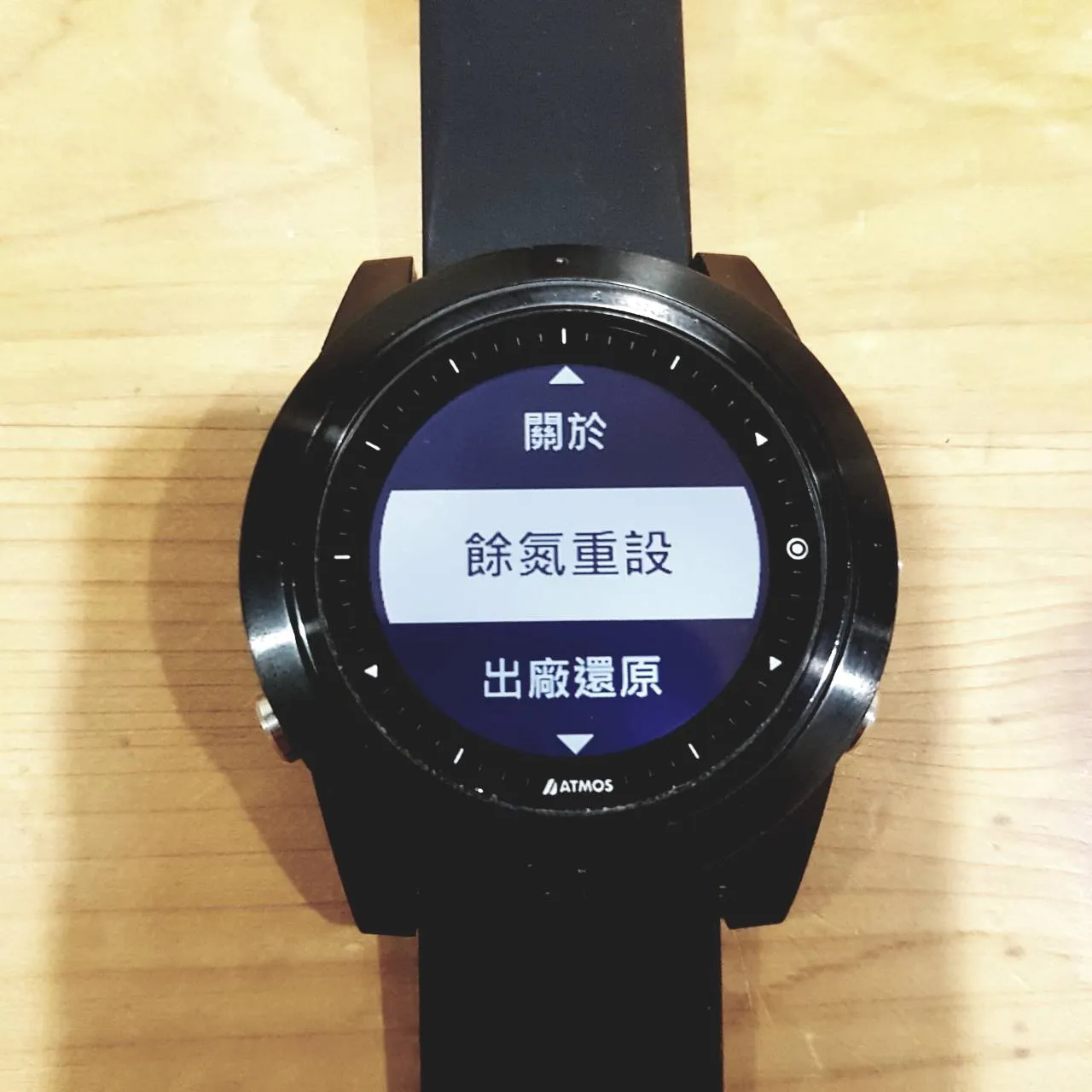
Residual nitrogen can be reset from within the settings menu.
If the watch is accidentally switched to gauge mode, it will lock out scuba diving mode for 24 hours as a safety precaution. In that case, the residual nitrogen reset in the settings menu can also be used to unlock it — the Editor knows this from personal experience, having once accidentally entered gauge mode and been unable to use dive mode normally.
After everything covered above, you probably agree with the Editor that the ATMOS MISSION ONE is an exceptionally practical and great-value dive computer. In 2019, it will officially go on sale in multiple countries — if you're tempted, reach out to your local dive shop for more information!
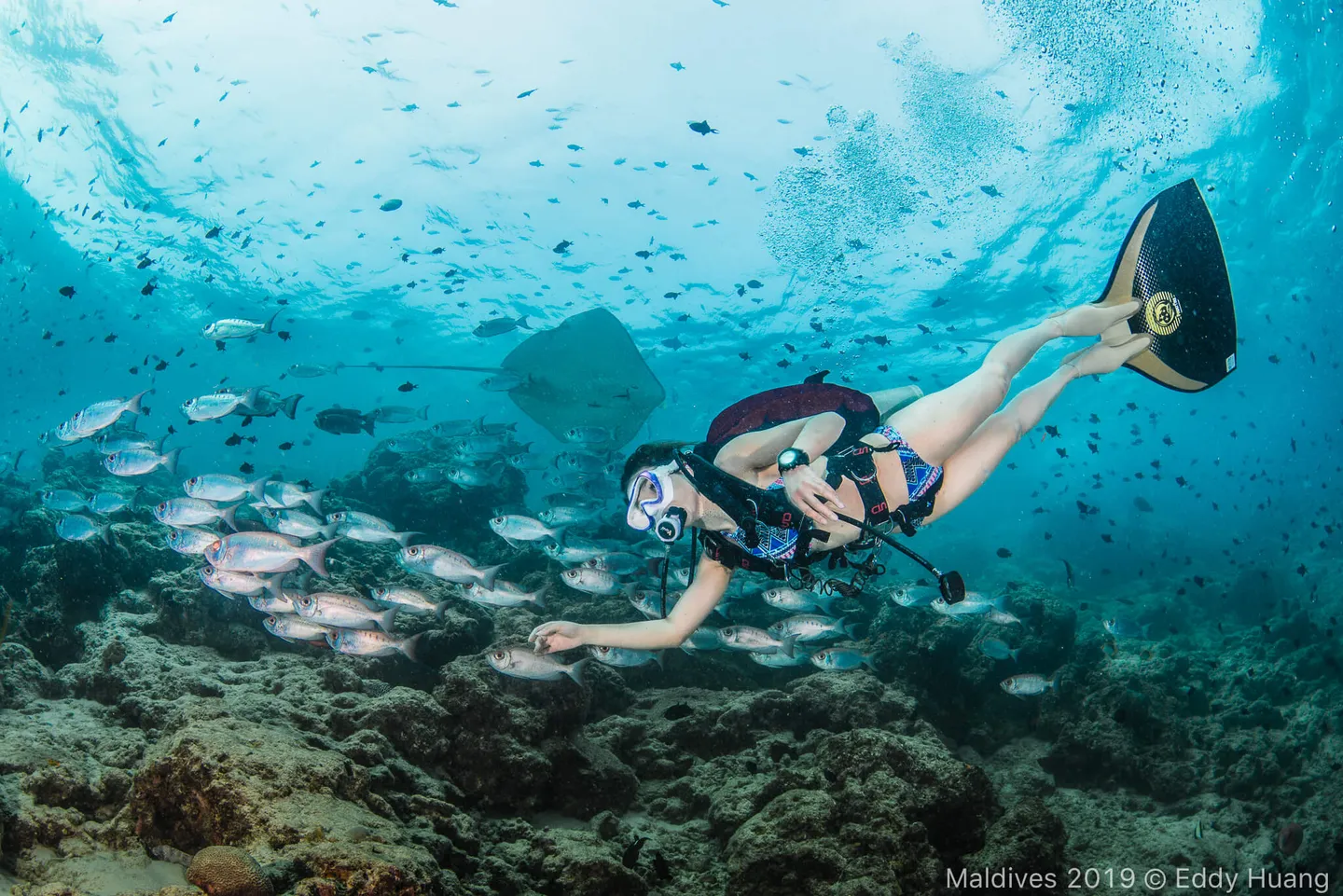
Let's take the ATMOS MISSION ONE and explore even more beautiful oceans together.
Further Reading: