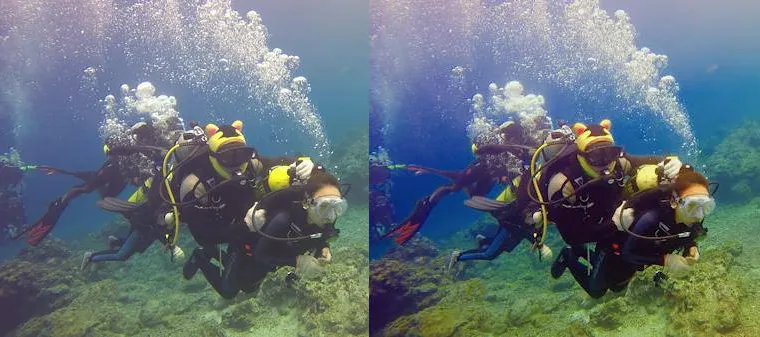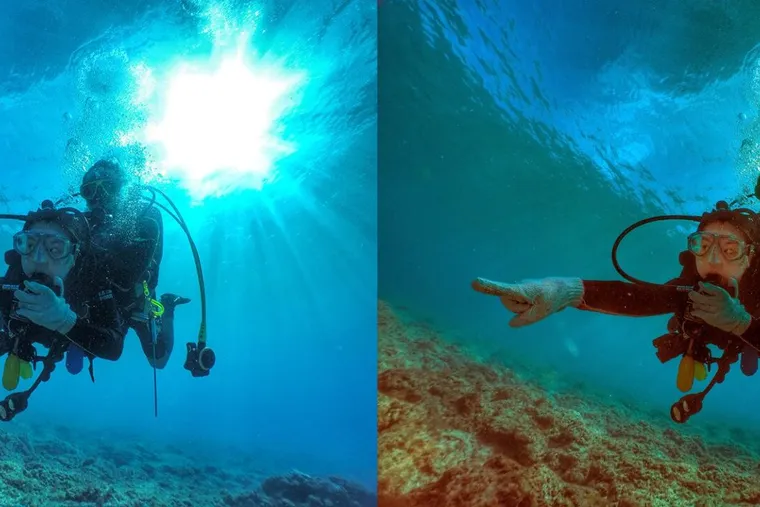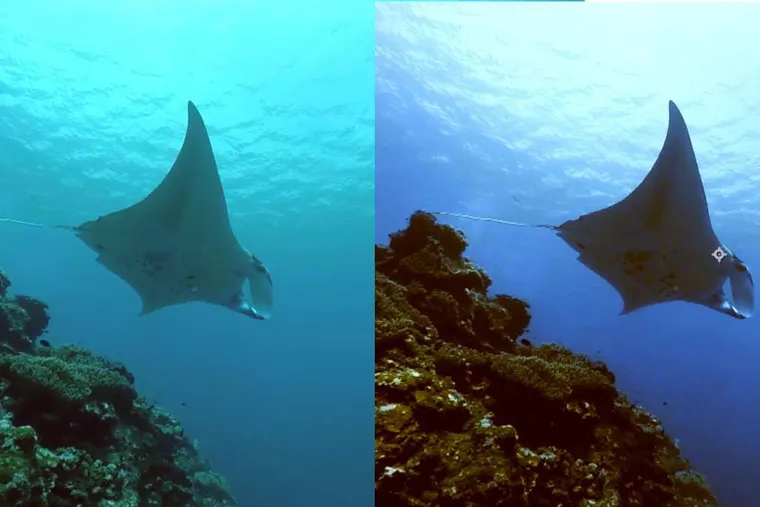


the Editor says: GoPro's compact size and extensive range of accessories have made it the go-to choice for every outdoor adventure lover. "One Pole, Everywhere — GoPro Action Photography" is a professional GoPro photography book packed with unique tips and tricks. Let's get ready to keep recording the adventures in our lives with a GoPro!
Shooting with a GoPro and a selfie stick frees you from the heavy burden — both financial and physical — of carrying bulky gear. I've long since made it a habit to bring only my GoPro when I head out to the mountains or the sea, and I handle all my photo editing on the road using the Snapseed app.
Quick GoPro Color Grading Tips
First, download the handy Snapseed app:

Apple version: Download here
Android version: Download here
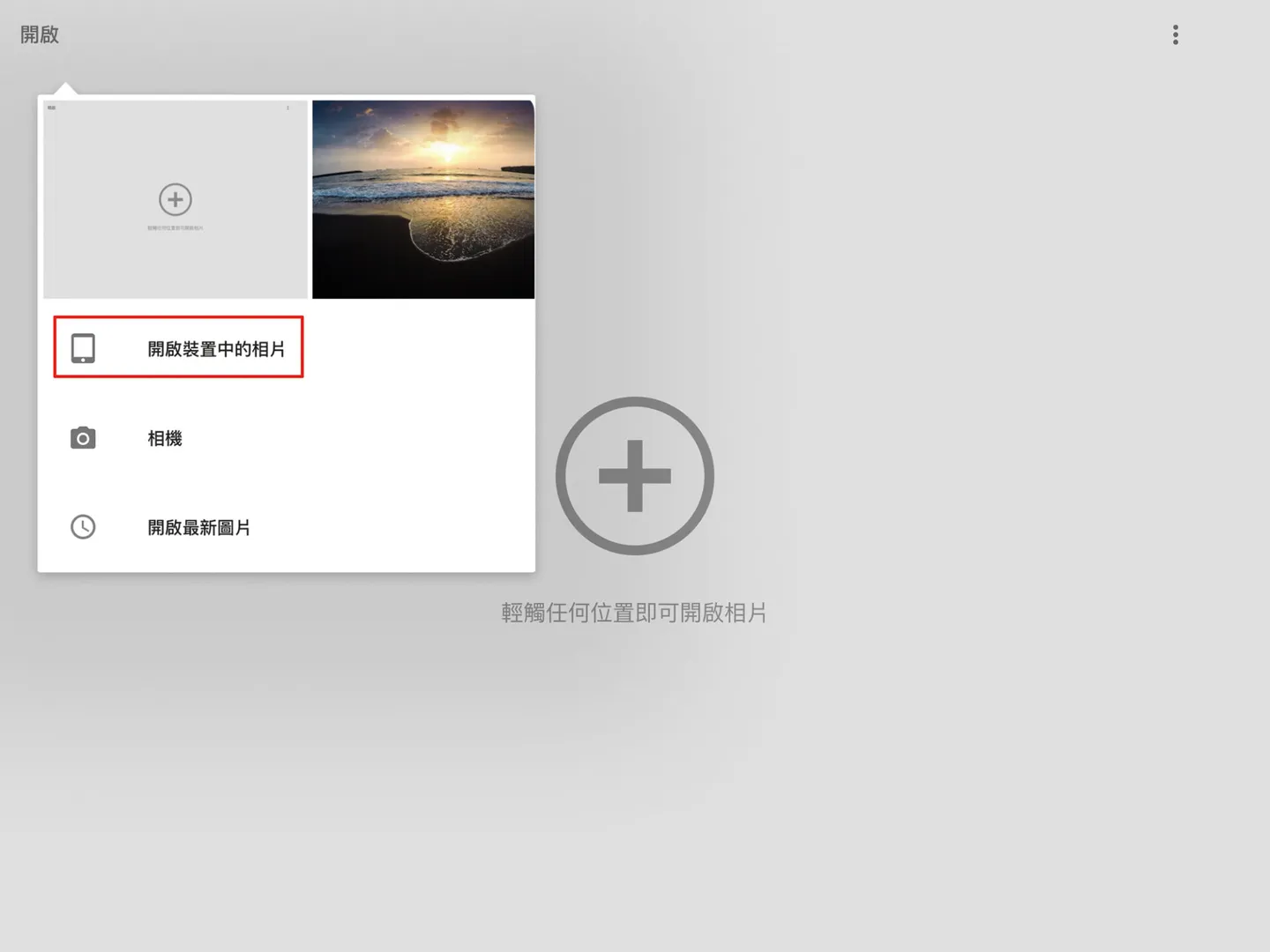
- Open the Snapseed app and tap to open a photo from your device.
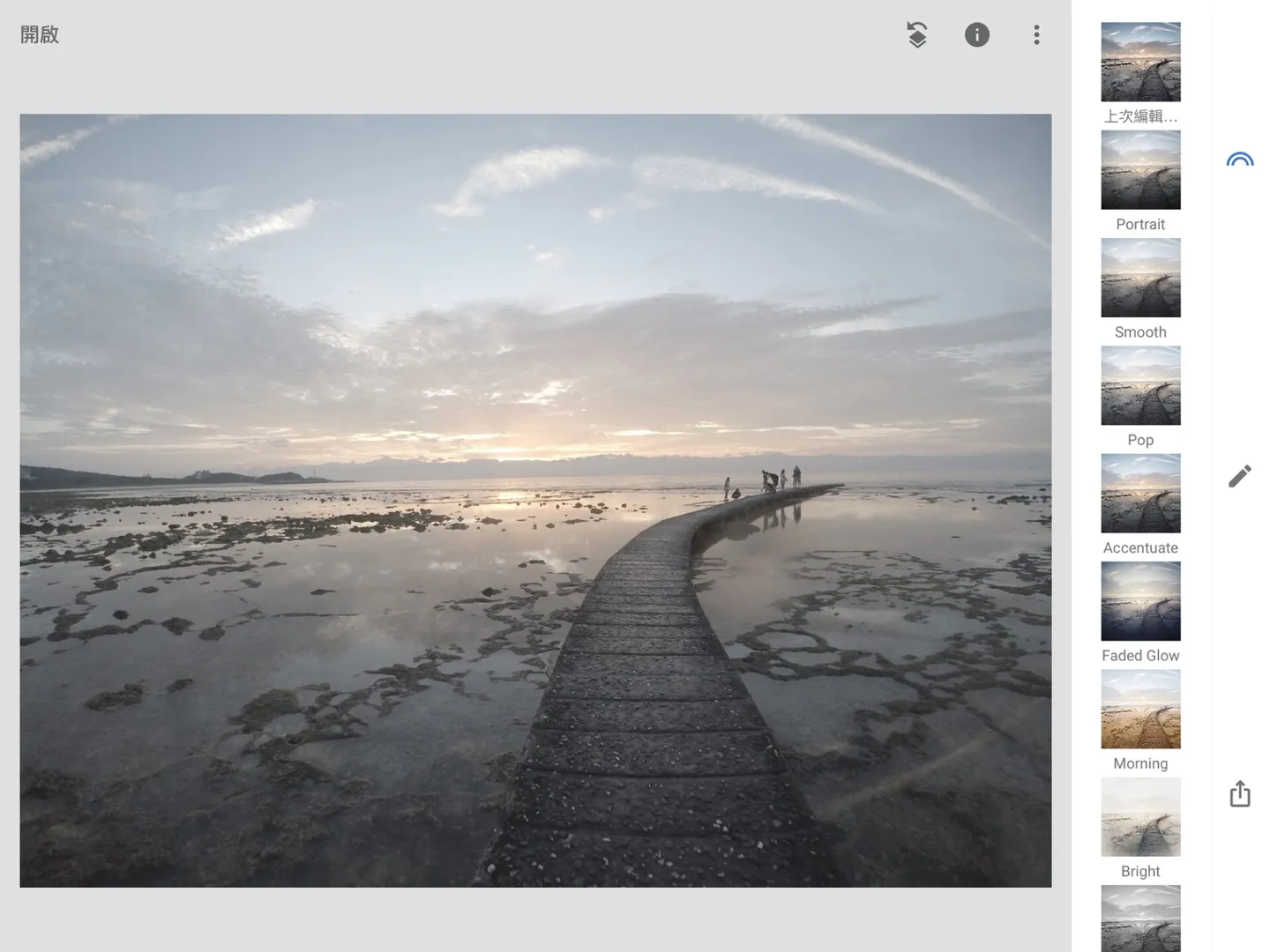
- The photo will appear on your screen. This shot was taken using the Protune setting, which gives the image a flat, muted look. Divers will definitely recognize that this was taken at Green Island — it was actually the very first photo I ever shot with a GoPro.
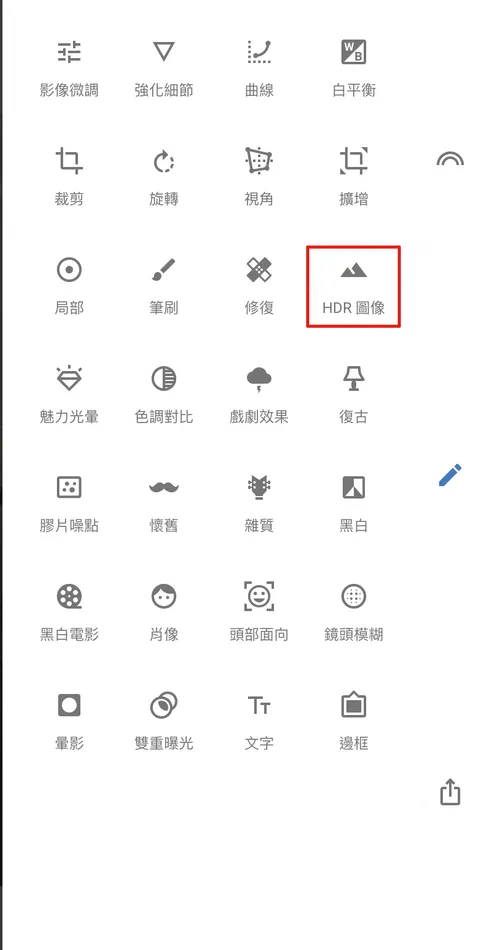
- Select the HDR Scape filter. I personally love this filter — it quickly boosts image detail and saturation.
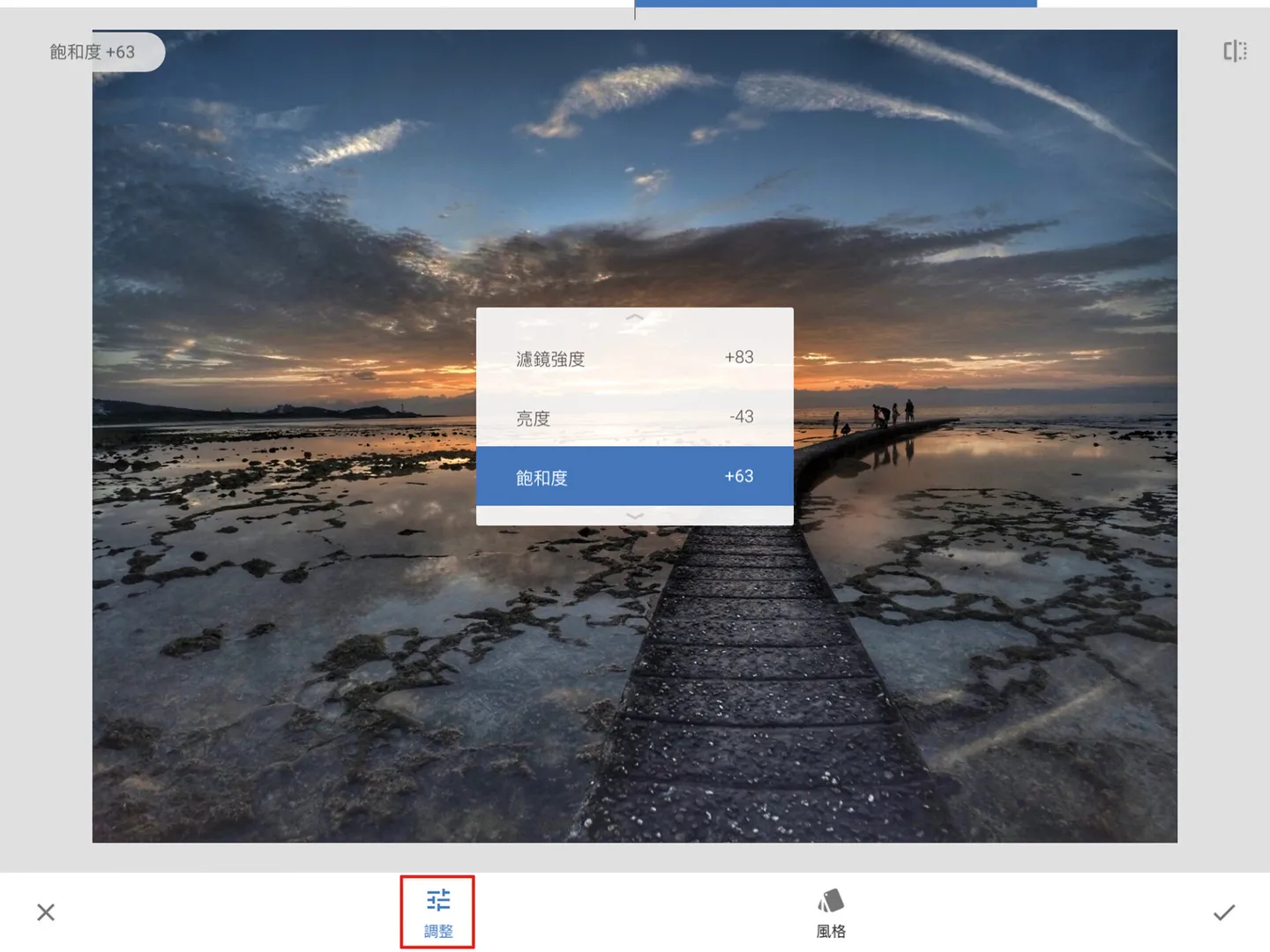
- Press and hold on the screen to bring up the parameter dialog, or use the adjustment controls at the bottom. Adjust the filter strength, brightness, and saturation to suit your needs. After tweaking, you'll notice the image tones have become much richer.
- Tap on "Details" (fine-tune image).
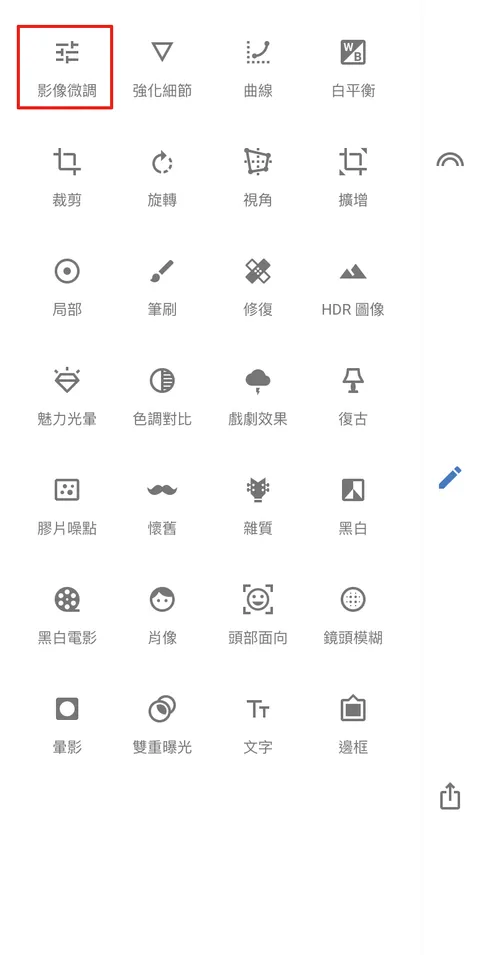
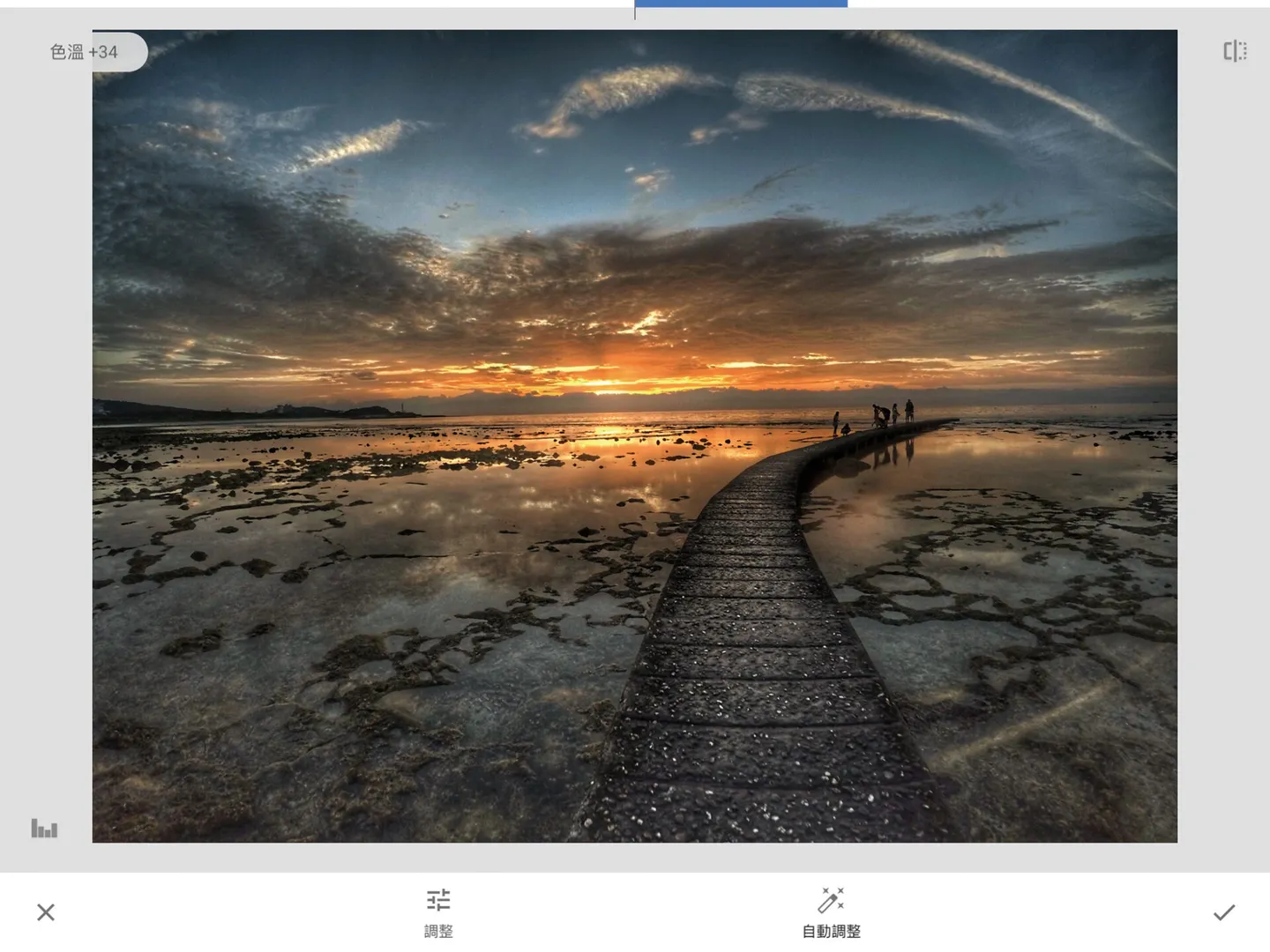
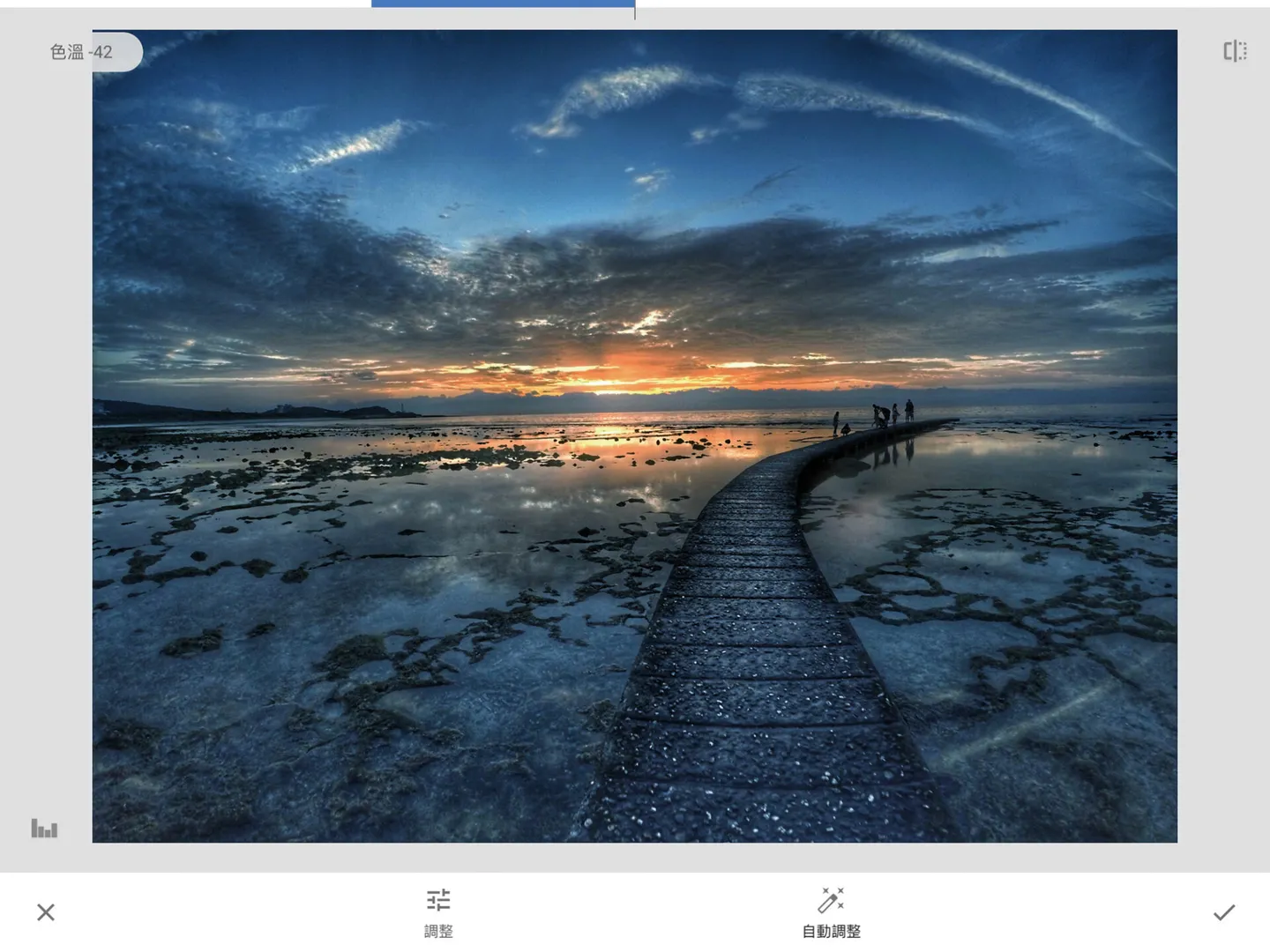
- Try adjusting the color temperature parameter to shift the tone cooler or warmer.
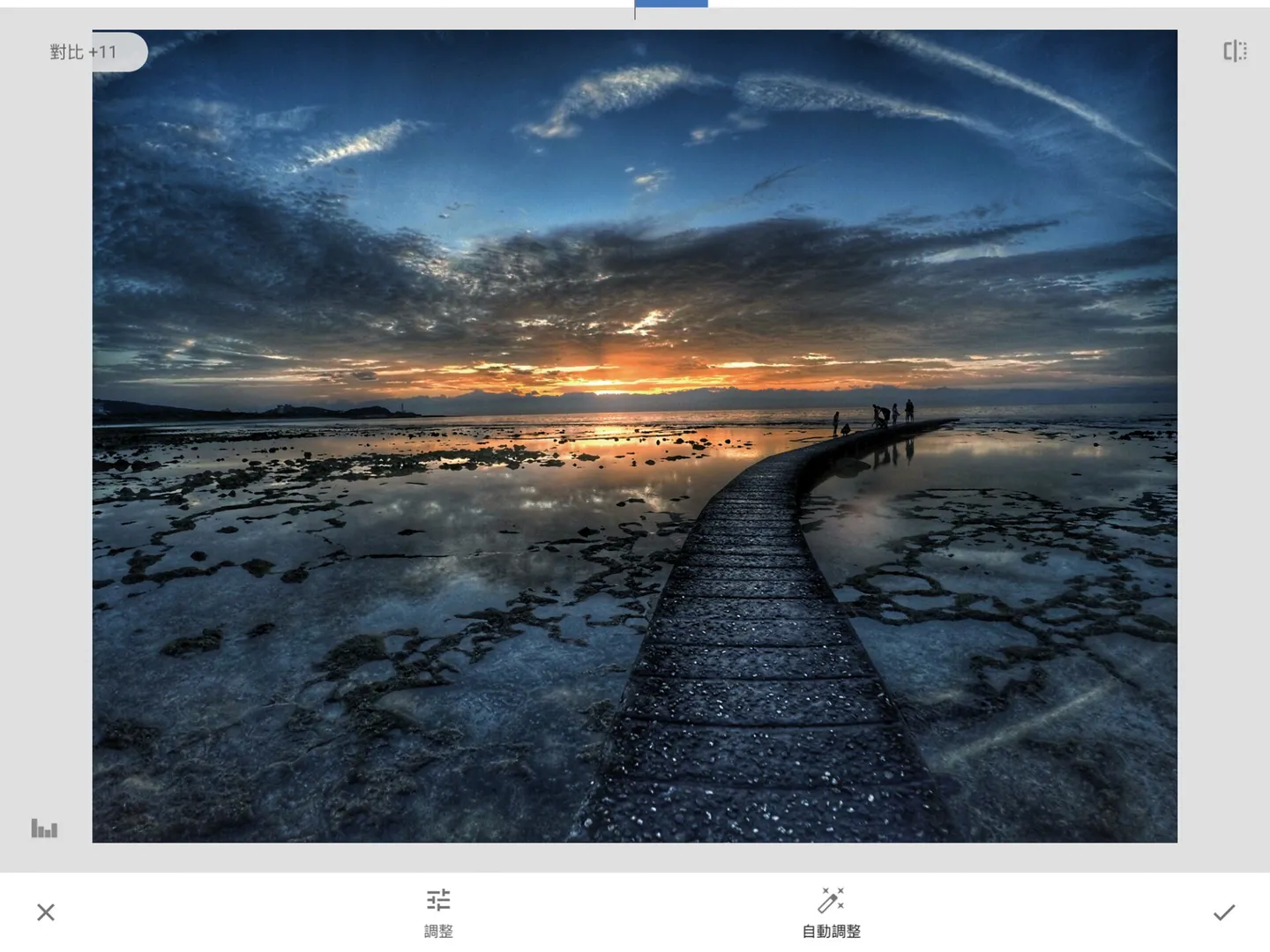
- Try adjusting the shadows and contrast parameters to enhance the overall light-and-dark contrast of the image.
-
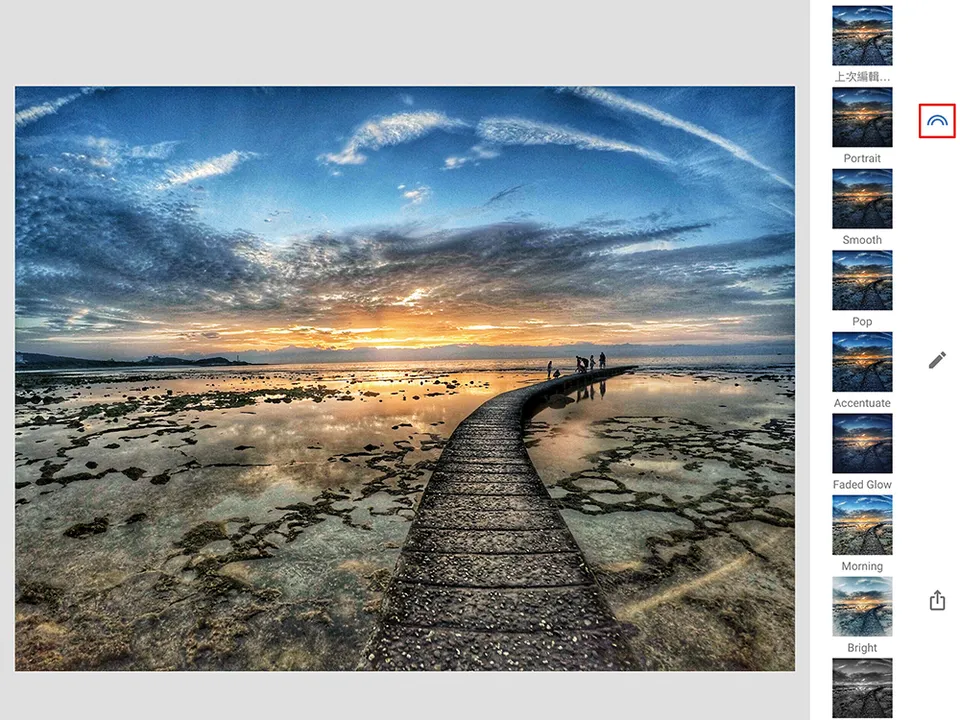
Snapseed offers a selection of built-in presets that you can apply directly for a desired effect — for example, choosing "Morning." If you've shot multiple photos under the same lighting conditions, you can select "Last Edit..." to quickly apply the same filter settings to different photos.
-
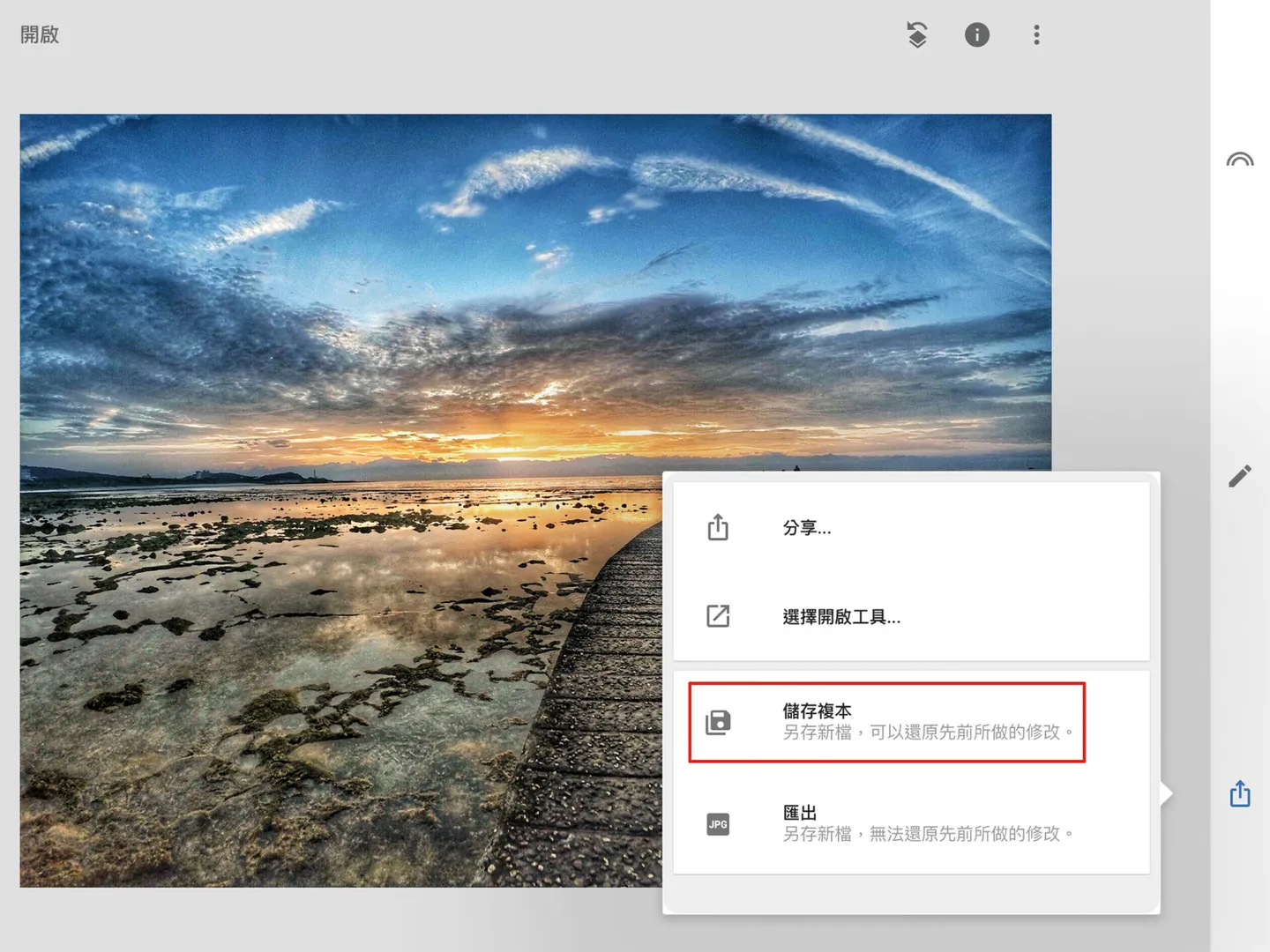
Once you're happy with the result, tap "Save a Copy." This setting preserves all your adjusted parameters and also allows you to revert to the original at any time.
GoPro's lightweight, compact design makes it ideal for divers to bring underwater for activity documentation, and it's equally at home in all kinds of extreme sports. If you're interested in GoPro — or already a GoPro enthusiast — feel free to pick up "One Pole, Everywhere — GoPro Action Photography" at your local bookstore and discover even more creative ways to use your GoPro! I also regularly post photos and videos shot with my GoPro on the "One Pole, Everywhere" Facebook fan page, so feel free to check out my other GoPro work there.
Related link: One Pole, Everywhere — GoPro Action Photography
GoPro Travel Photography: Quick Color Grading Tips You Can Do Yourself