Contents(3)
Today, the Editor was suddenly blinded by a photo shared by a friend on Facebook — "Why does his ATMOS Mission One show an adorable little scuba tank while charging!!" — and since that little tank looked about 87% identical to a hand-drawn tank illustration by Liuliou Creations, the Editor immediately reached out to the manufacturer to find out how to update the firmware. Follow along and bring this cute little tank home with you!

Step 1: Download the Desktop Update Software
Please download the desktop update software that corresponds to your computer. Links below:
-
Firmware Update Software (PC) https://www.atmos.app/…/uploads/2019/05/atmos-mission-one_1…
-
Firmware Update Software (MAC) https://apple.co/2ZoPc2e
Since the Editor uses a Mac, you can simply search ATMOS directly in the App Store.
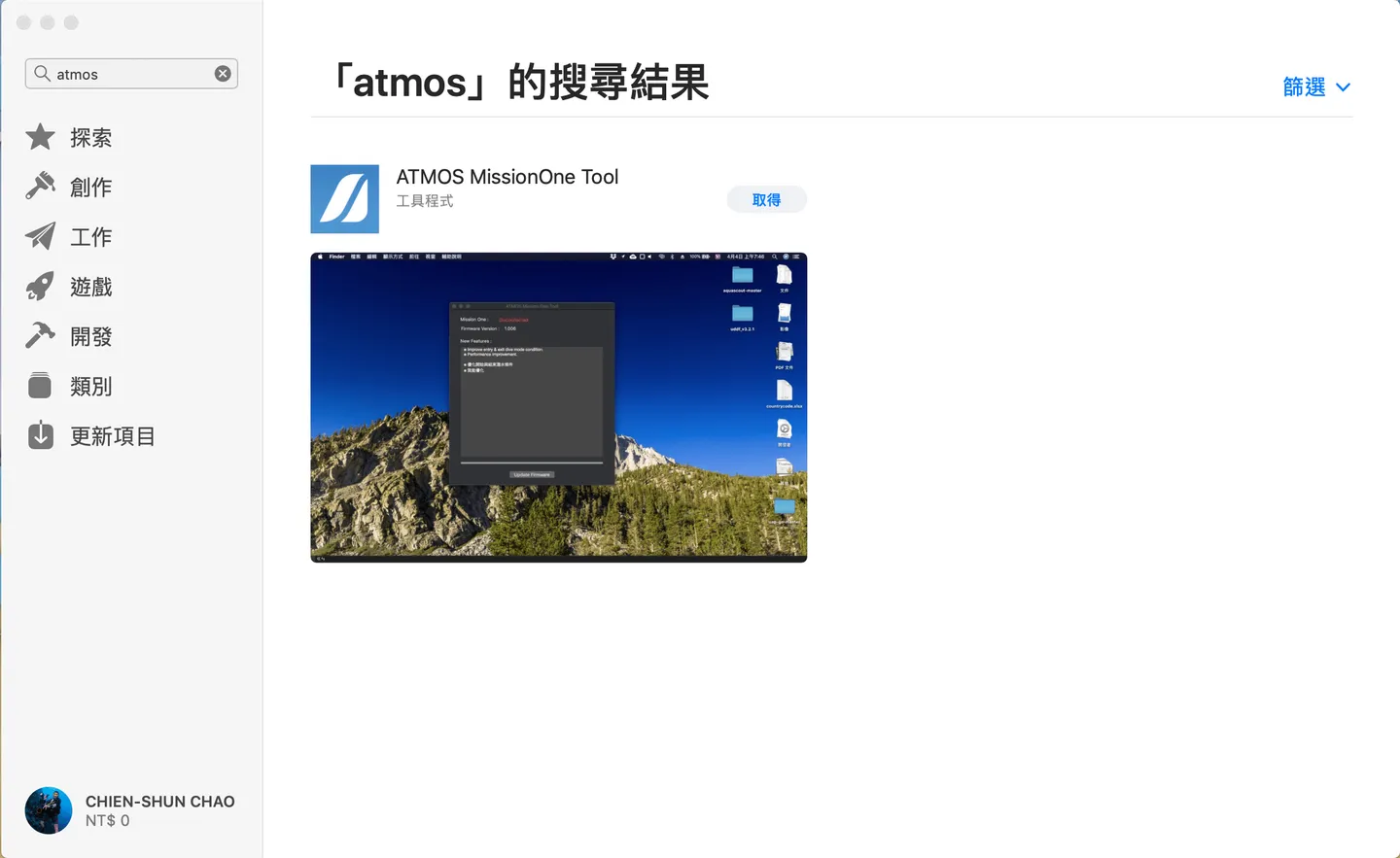
Search and install from the App Store
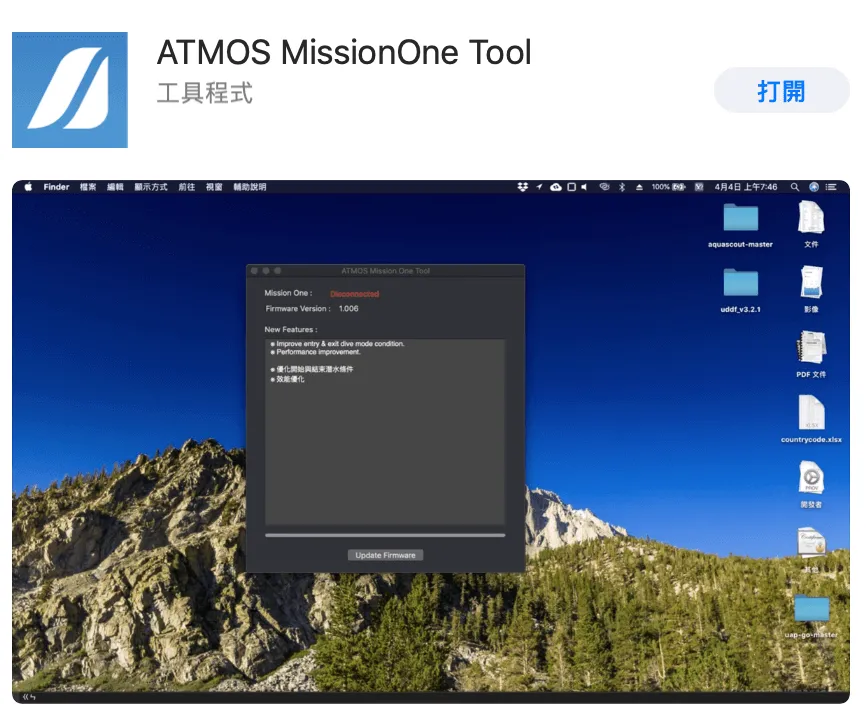
Hit install to get it going, then click Open once the installation is complete
After opening the app, the firmware version and the highlights of this update will appear.
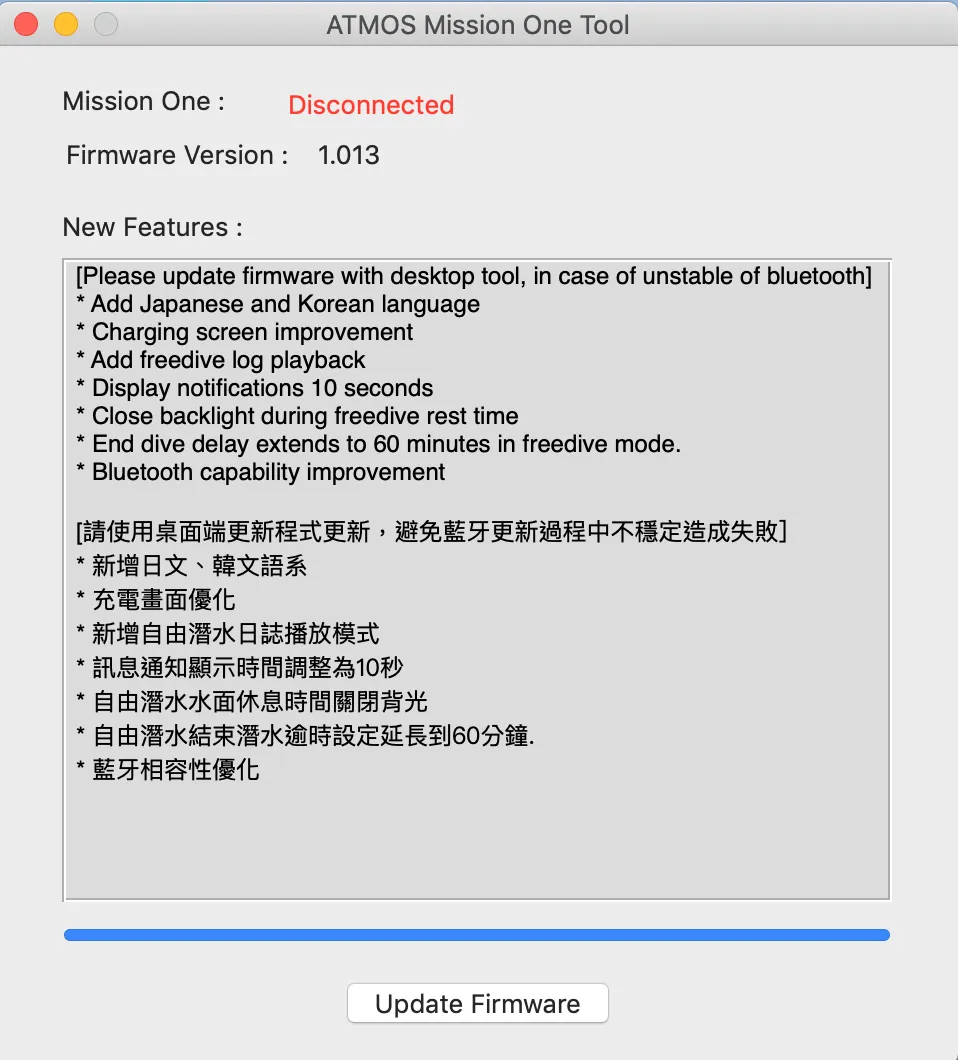
The interface is very straightforward and easy to understand


Step 2: Connect Your ATMOS Mission One to Your Computer
If the watch is not connected, the app will display a red "Disconnected" status. At this point, take out the charging cable included in the box and connect it to your computer via the USB port.
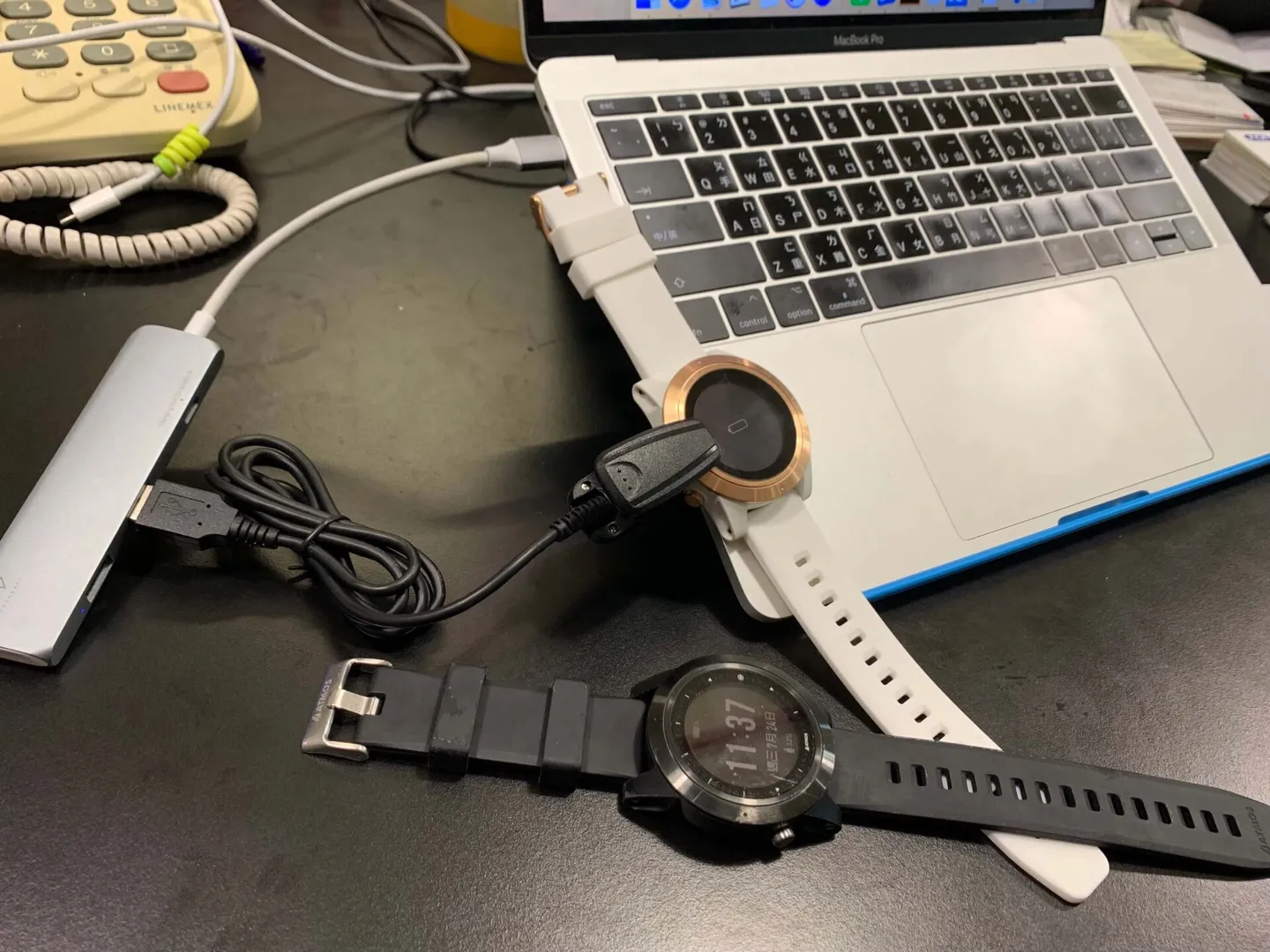
The Editor's desk is an absolute mess (sweating)
Once connected, the status will change from "Disconnected" to "Connected." From hands-on experience, if the connection still doesn't work after plugging in, simply release the clamp and reconnect a few times.
Next, click "Update firmware" at the bottom — the update should take about 3 minutes to complete!
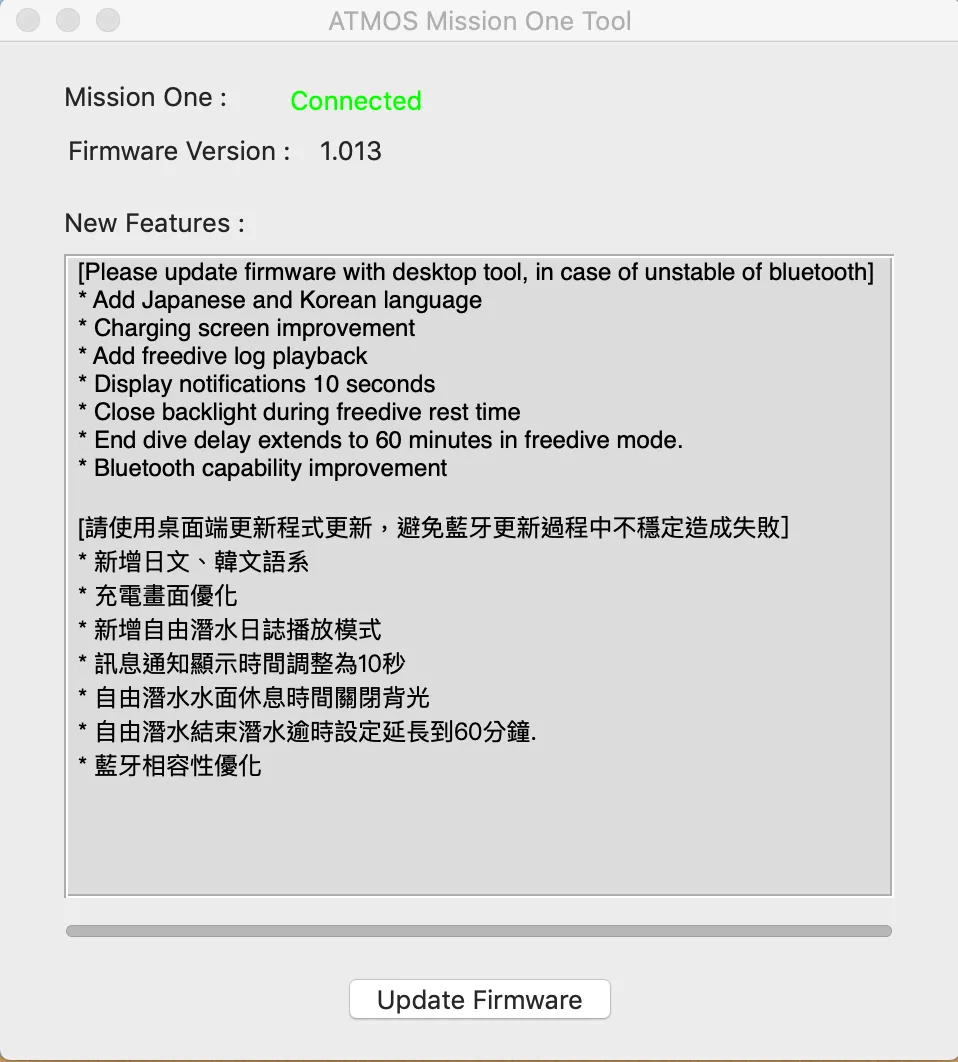
A green "Connected" status appears once successfully connected
Step 3: Show Off Your New Interface to Your Friends (Hey!!)
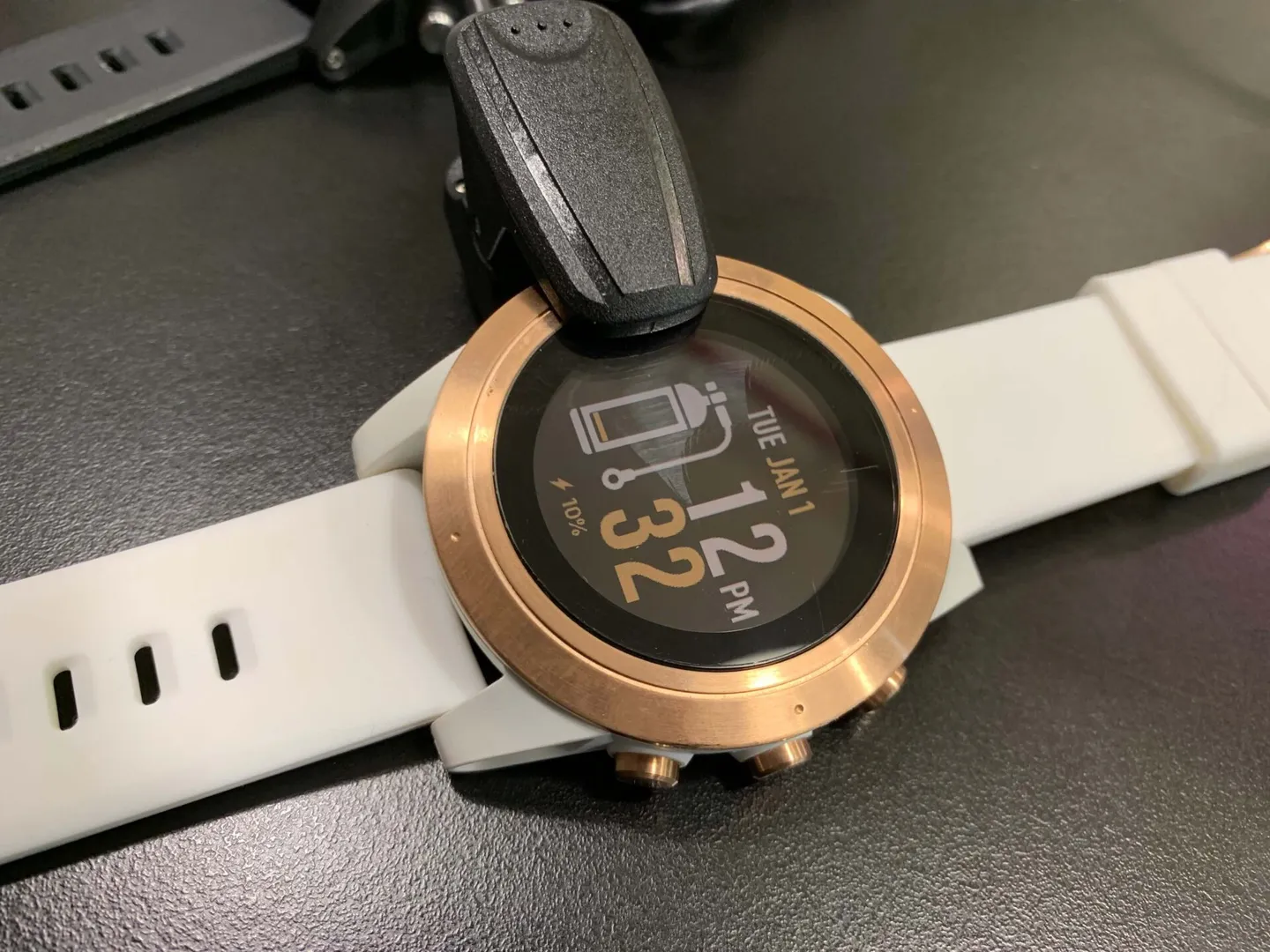
That little scuba tank is so adorable~~
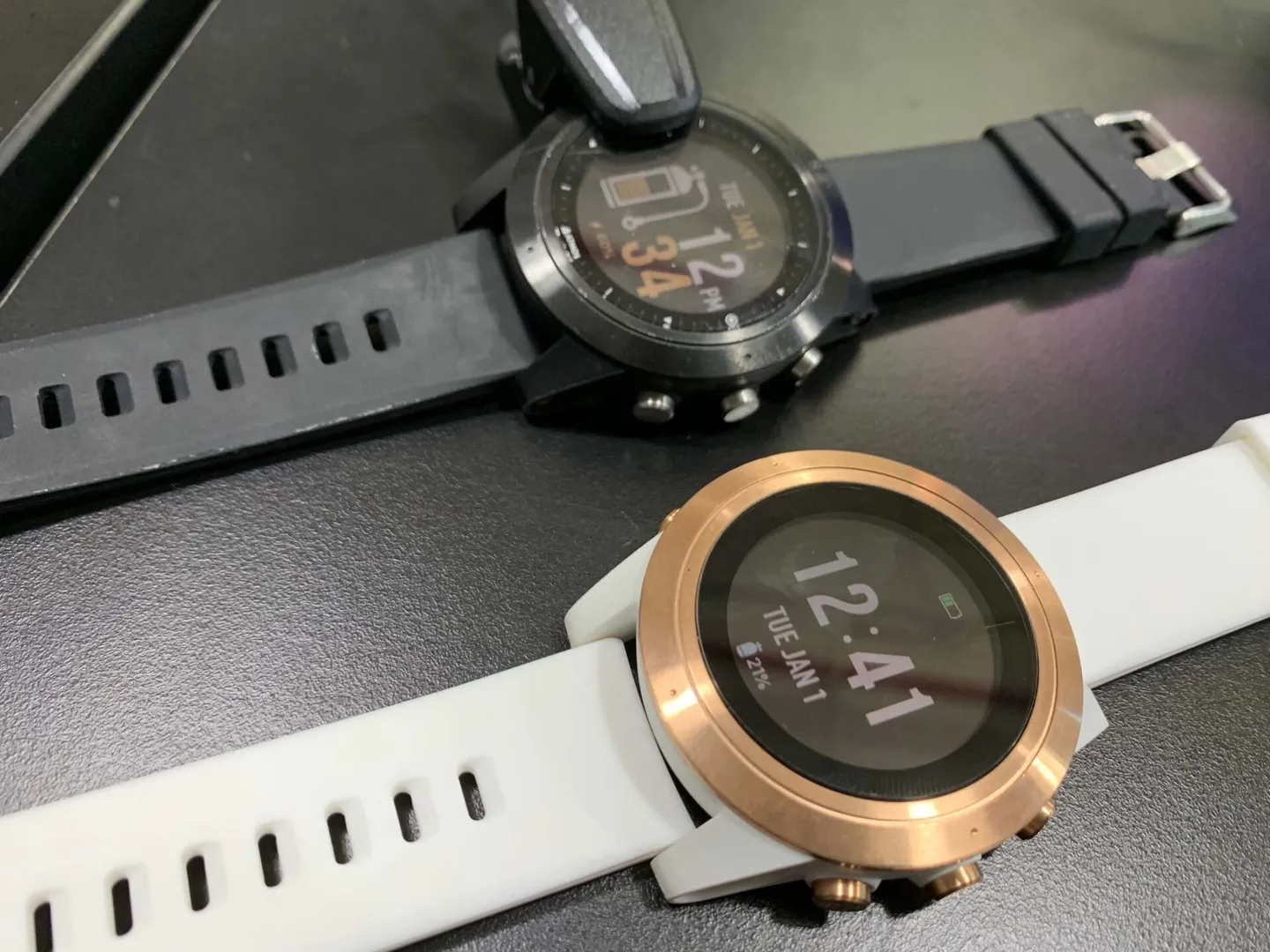
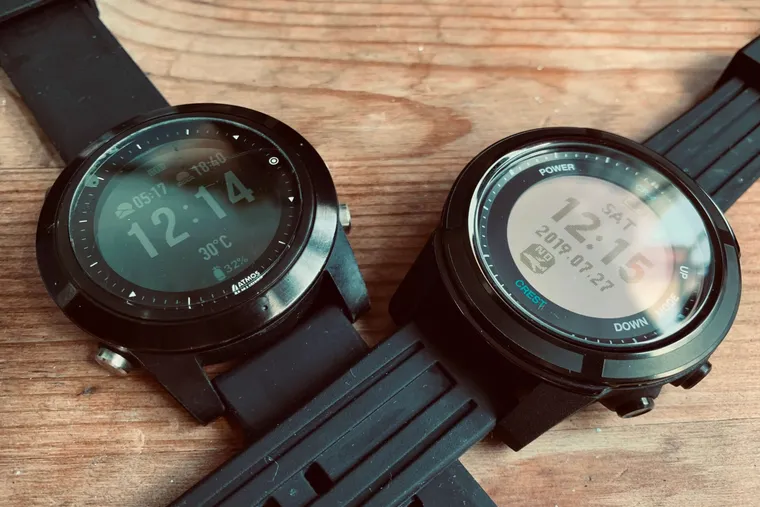
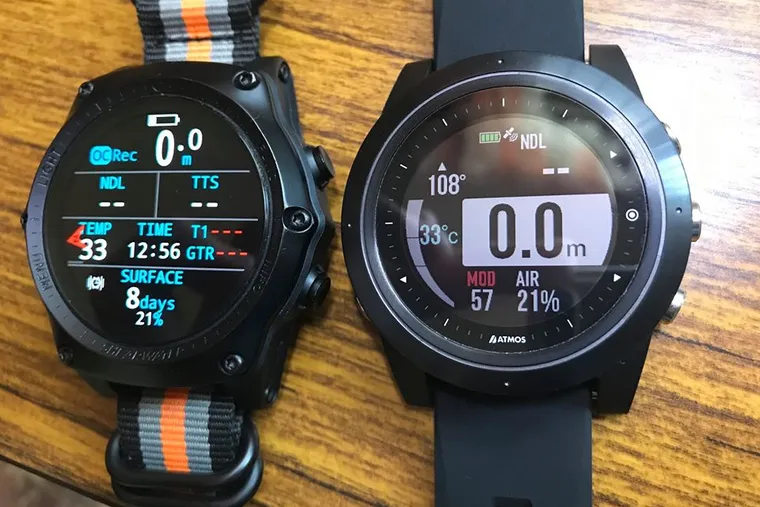
The dynamic duo in black and white~

Head to the beach — all-white gear is simply stunning~

The world-weary diver makes another cameo appearance
And that's a wrap! We can't wait to see what other amazing features the ATMOS Mission One will bring in the future — stay tuned!
Related links: